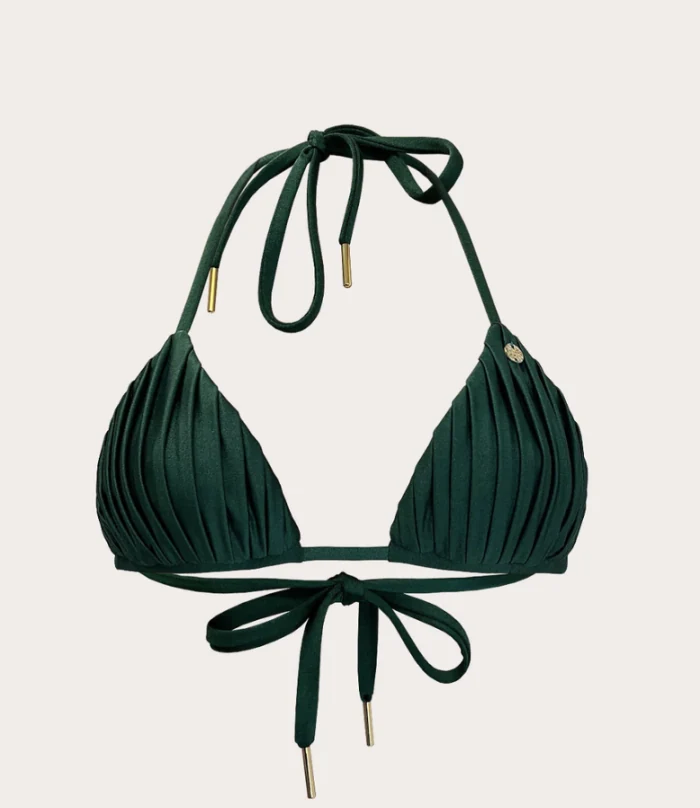
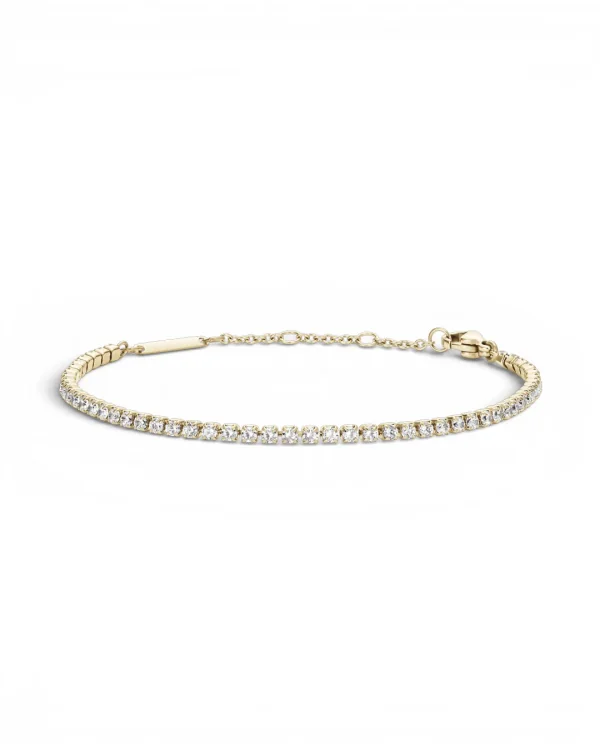
Your WordPress store keeps its products, its categories and its images. Cheeppy reads them, lets you create from a real product, and sends the finished image to that product — approved once from your own WordPress admin, no plugin to install.
Your store URL. Cheeppy checks that the WooCommerce API answers, then WordPress asks you to approve access — in your admin, on your site.
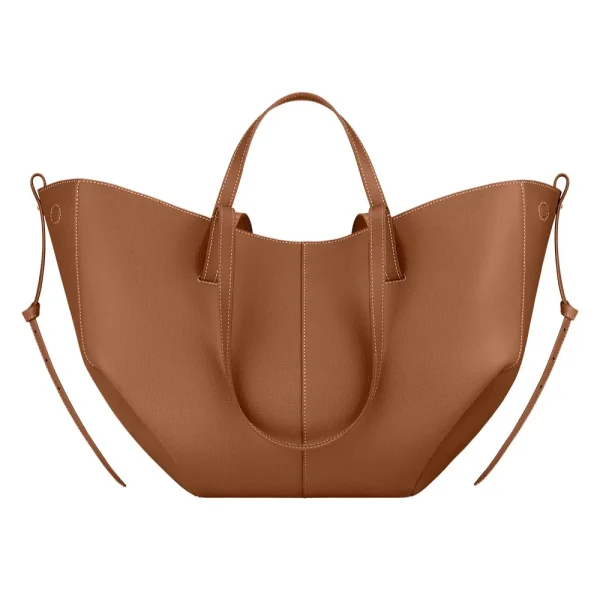
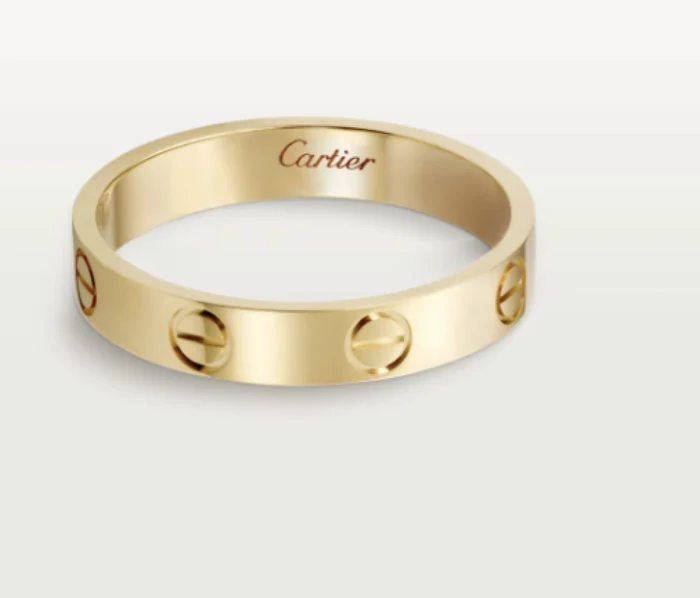
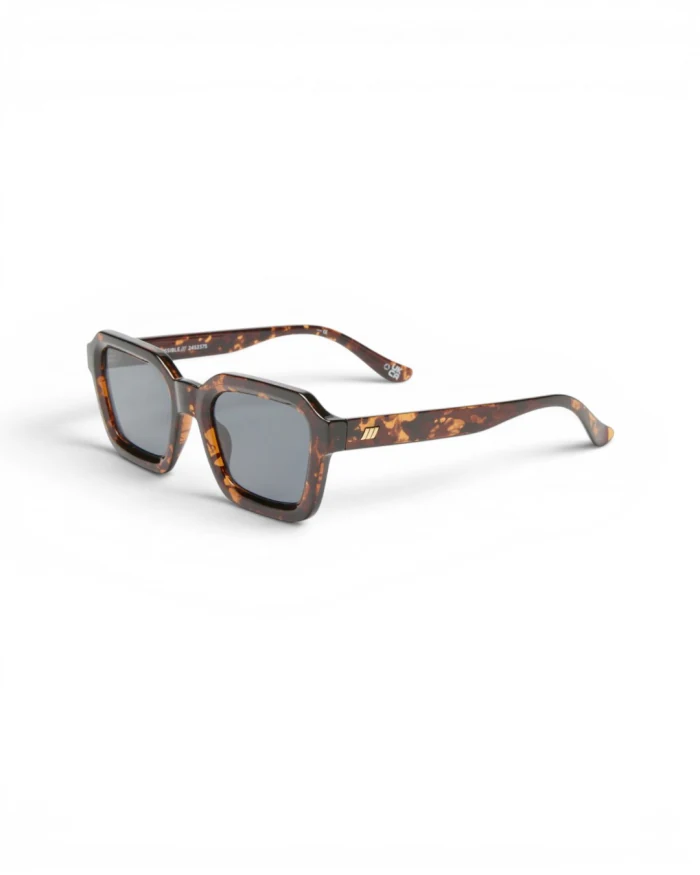
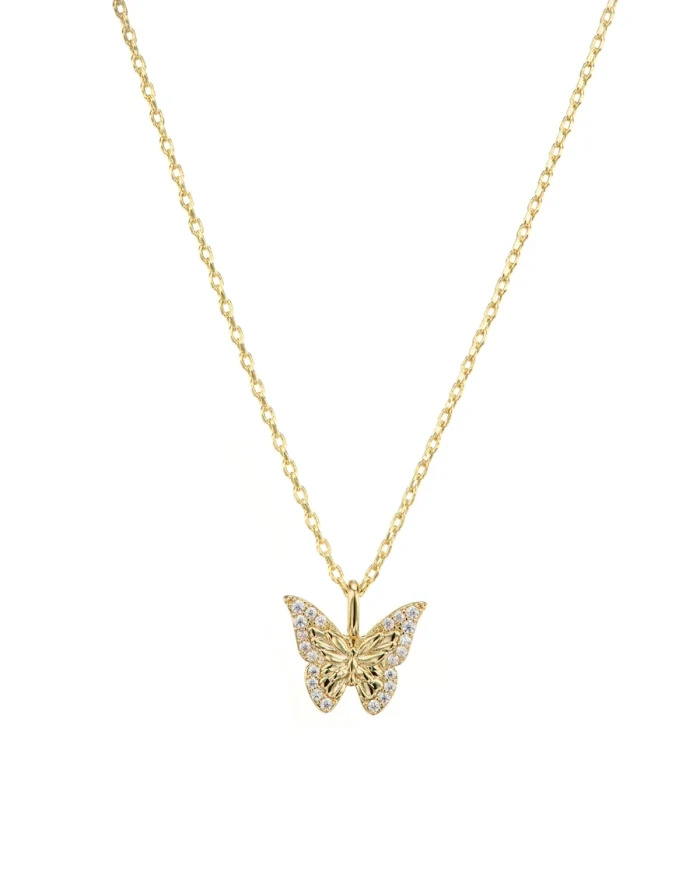
Your WooCommerce products, imported
BAG-052
JWL-221
EYE-006
JWL-118
SWM-014
JWL-088
Cheeppy
Import
Products, images, categories, price and stock — up to 5,000 products per store. Press Sync whenever the catalog changes.
Cheeppy
Create
Filter by category, pick the product and one of its photos, choose a Recipe, generate.
On the product
WooCommerce
Send back
The image is added to the product’s images. Choose its spot; by default it goes first — the main image.
Connection
Approved on your site, not pasted into ours.
01
Your store URL
Integrations → WooCommerce → the address of your store, in HTTPS. Cheeppy first checks that the WooCommerce REST API is reachable there.
02
WordPress asks you
You land on your own WordPress admin, where WooCommerce asks whether Cheeppy may read and write products. Approve.
03
Back in Cheeppy
WooCommerce hands Cheeppy its API key; the store is connected and the first import runs. No plugin, no key to copy by hand.
Inside Cheeppy
Categories as the way in.
01
The Store library
Your products with their WooCommerce categories as filters, search, and status. Pick a product, then the photo to use as the source.
02
The product page in Cheeppy
Its images in WooCommerce’s order, the ones Cheeppy added, reorder them, and a link to the product in your WordPress admin.
Facts
What the connection does — and does not.
Import
Sync runs when you ask for it; up to 5,000 products per store.
Send back
One image per action.
The first image is the main image
WooCommerce shows a product’s first image as its main photo. A pushed image goes first unless you pick another spot in the placement step — so choose the spot if you want to keep your current main photo.
HTTPS only
The connection is refused over plain HTTP: it would expose your store’s API credentials.
On demand, not on a schedule
The import runs when you connect, when you press Sync and after each push. WooCommerce does not notify Cheeppy of changes.
Plans
Any plan connects a store and works from the catalog. Sending images back is part of the paid plans.
Not part of the connection
Cheeppy does not write alt text, does not read or write SEO fields on WooCommerce, does not publish to every product in one go and does not sync continuously.
Enter your store URL in Integrations. Cheeppy checks that the WooCommerce API answers, then sends you to your own WordPress admin, where you approve an API key for Cheeppy. There is no plugin to install and no key to copy by hand.
What gets imported?
Your products with their images, categories, price, stock and status — up to 5,000 per store. Categories become the filter in the Store library. The import runs when you connect and whenever you press Sync.
Where does the image go on the product?
Into the product’s images, one image per action. If you do not choose a spot, it goes first — and WooCommerce shows the first image as the product’s main photo. Pick another position from the placement step to keep your current main photo.
Does my store need HTTPS?
Yes. The connection is refused over plain HTTP, because it would expose your store’s API credentials.