Photoshoot
Shoot it again, from a new angle.
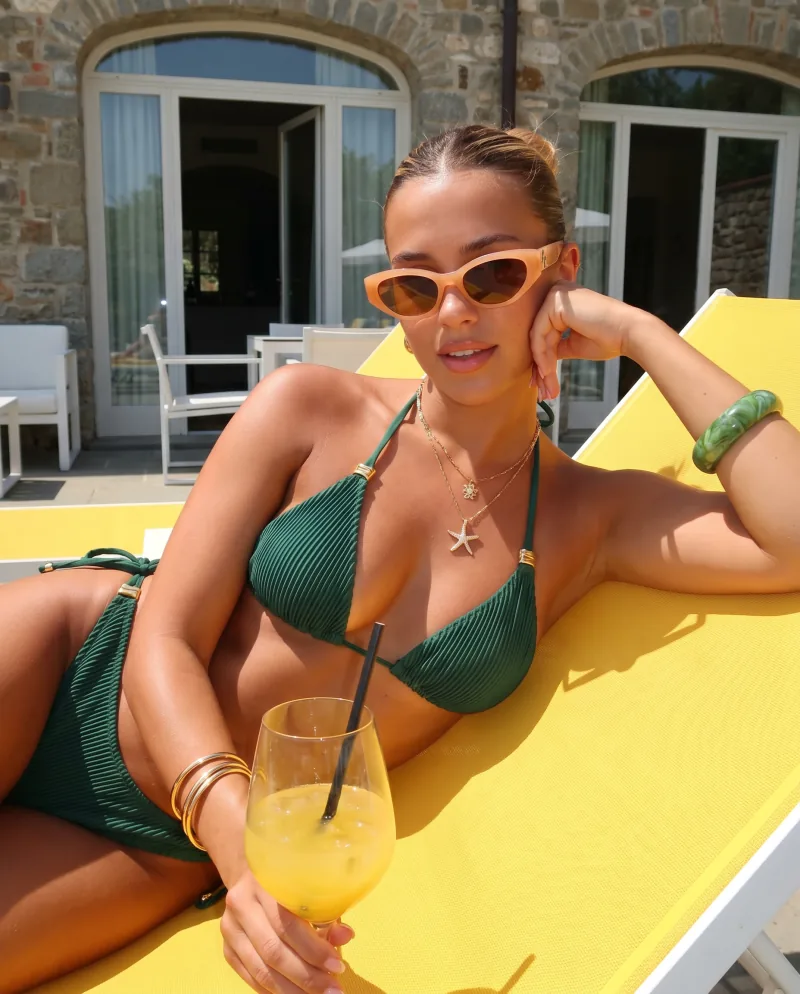
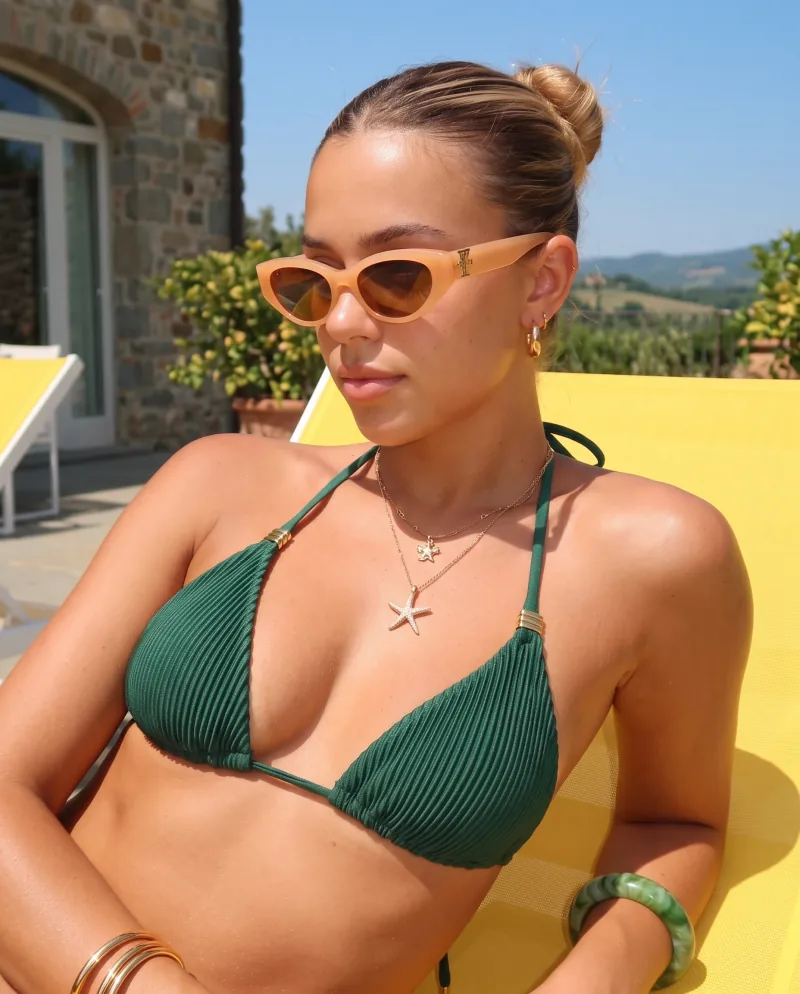
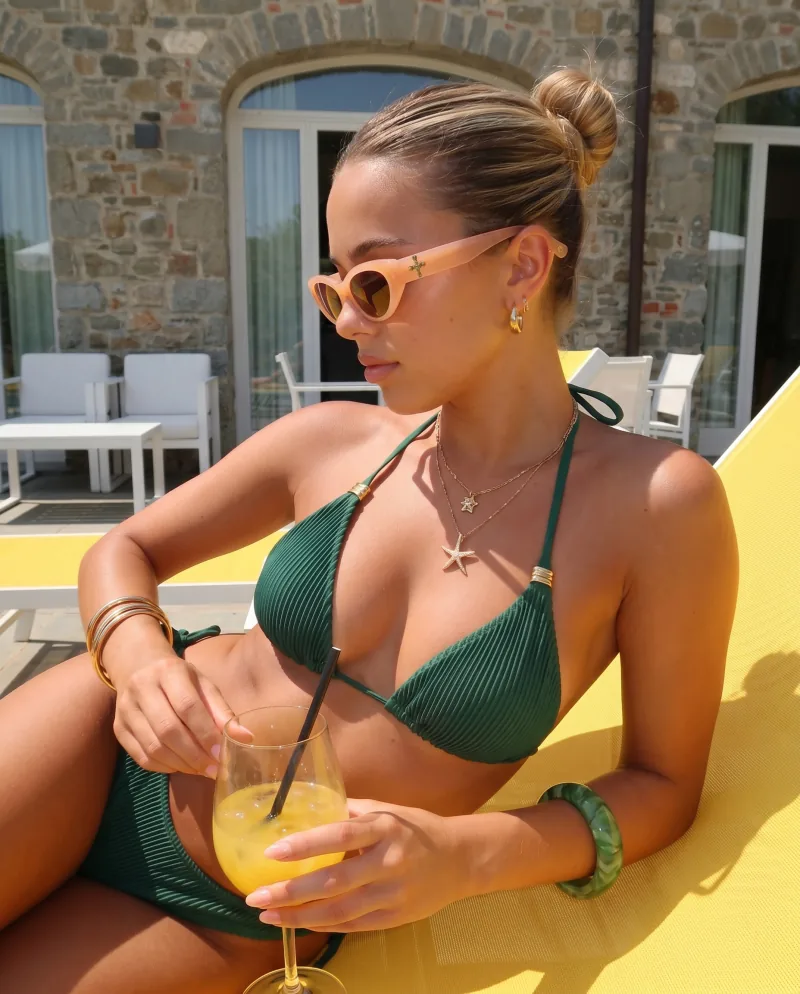
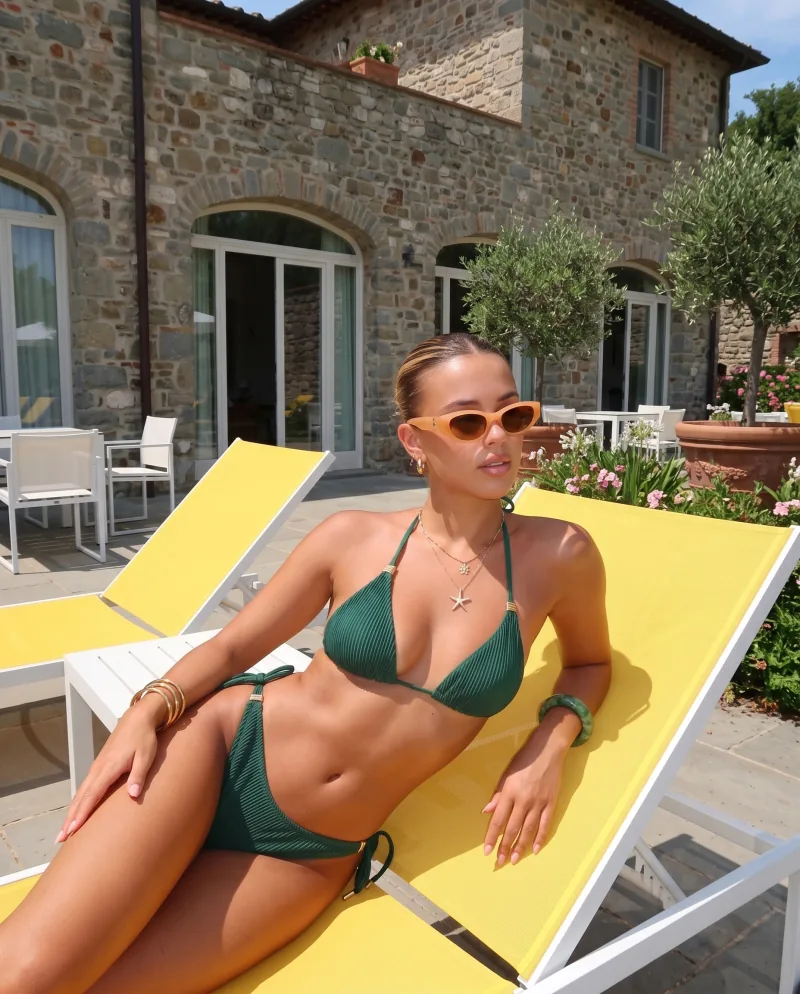
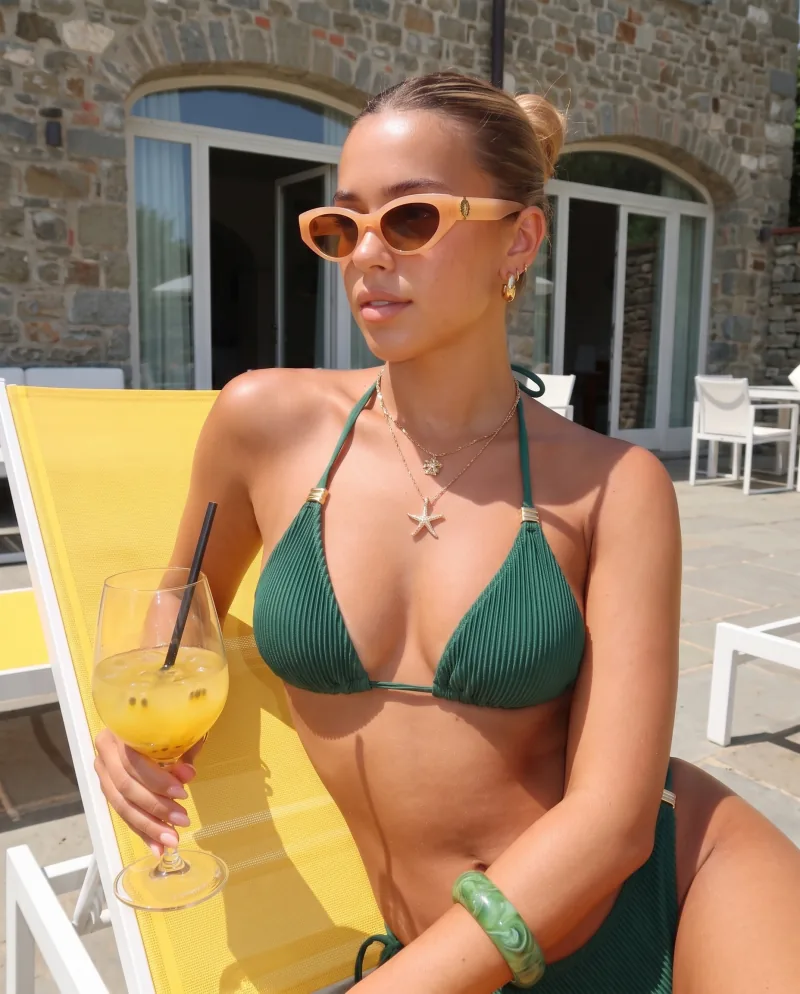
A product page needs more than one view. Photoshoot takes an image you already generated and shoots it again — closer, lower, from the side, macro. Same product, same scene, same light. 12 angles to choose from.
How it works
Move the camera, not the product.
01
Pick the image
Any generated image — a Recipe result, with or without a model. That is the whole set-up: no new photo of the product.
02
Choose the angles
12 to choose from: closer, wider, low, three-quarter, profile, top down, macro and more. Take the ones the listing needs.
03
Get the series
Each angle comes back as its own image, in the same light and scene, so the set reads as one shoot.
Another product
A ring, six ways.
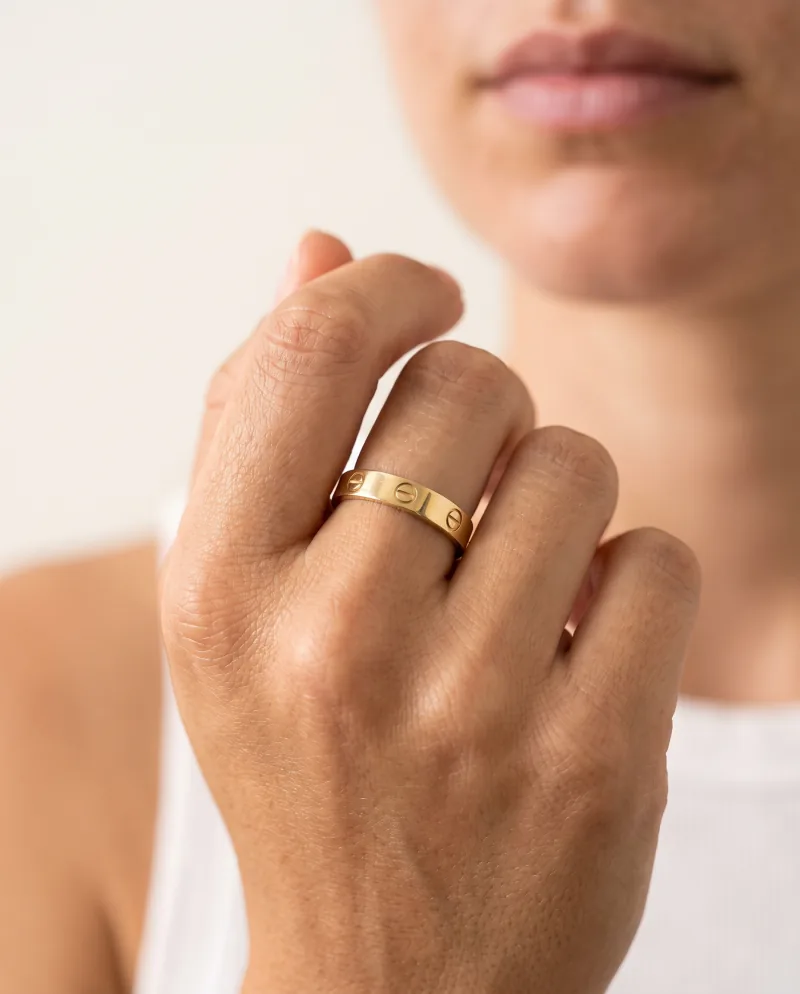
Source 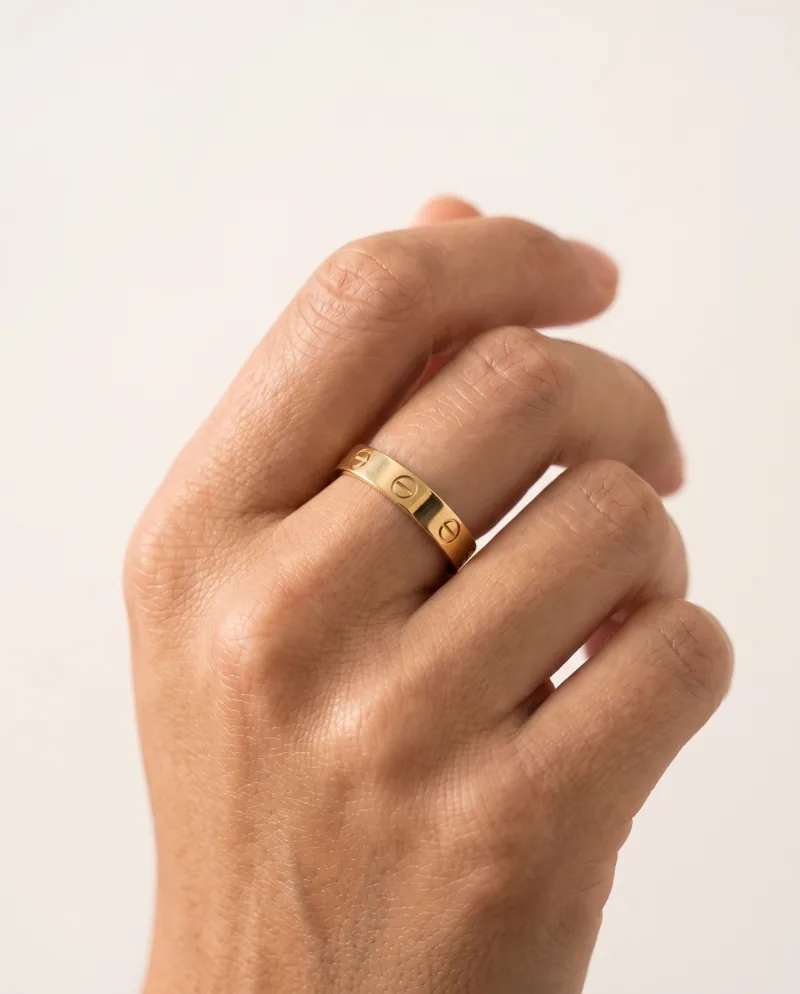
Side 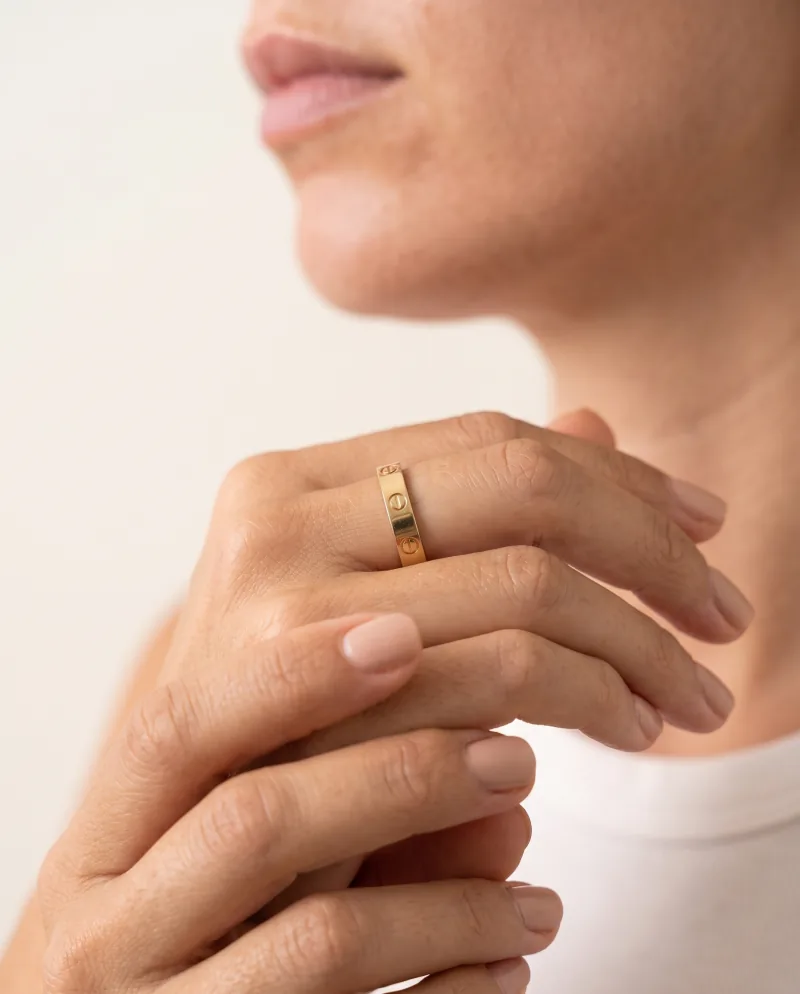
Two hands 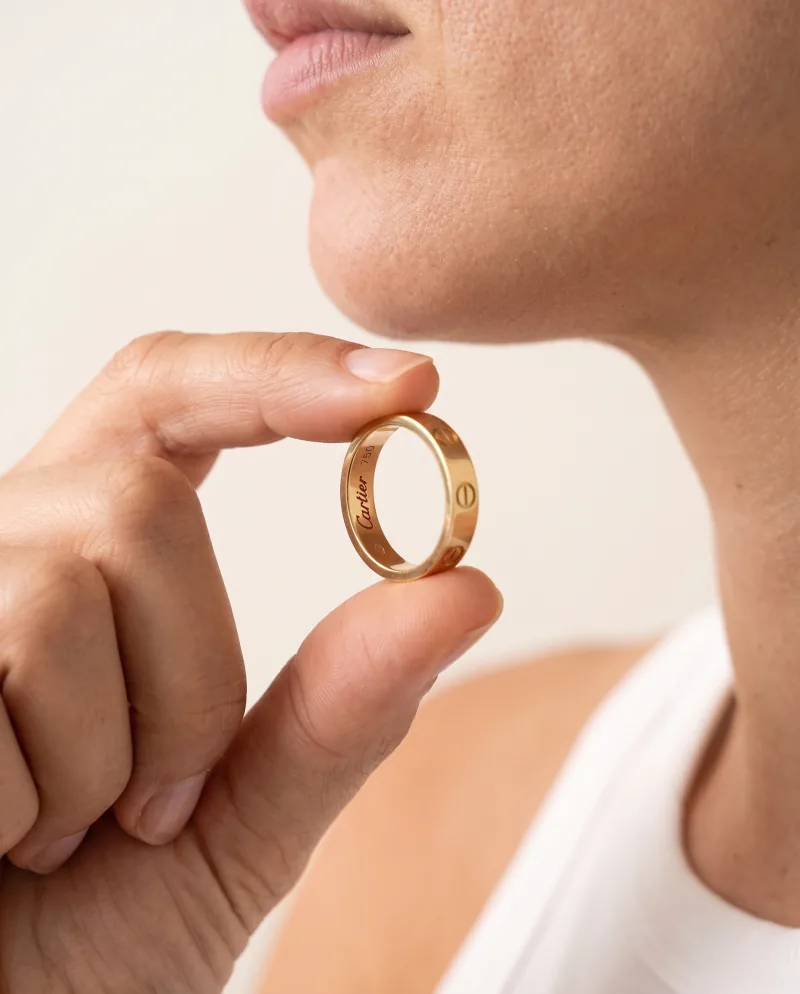
Held 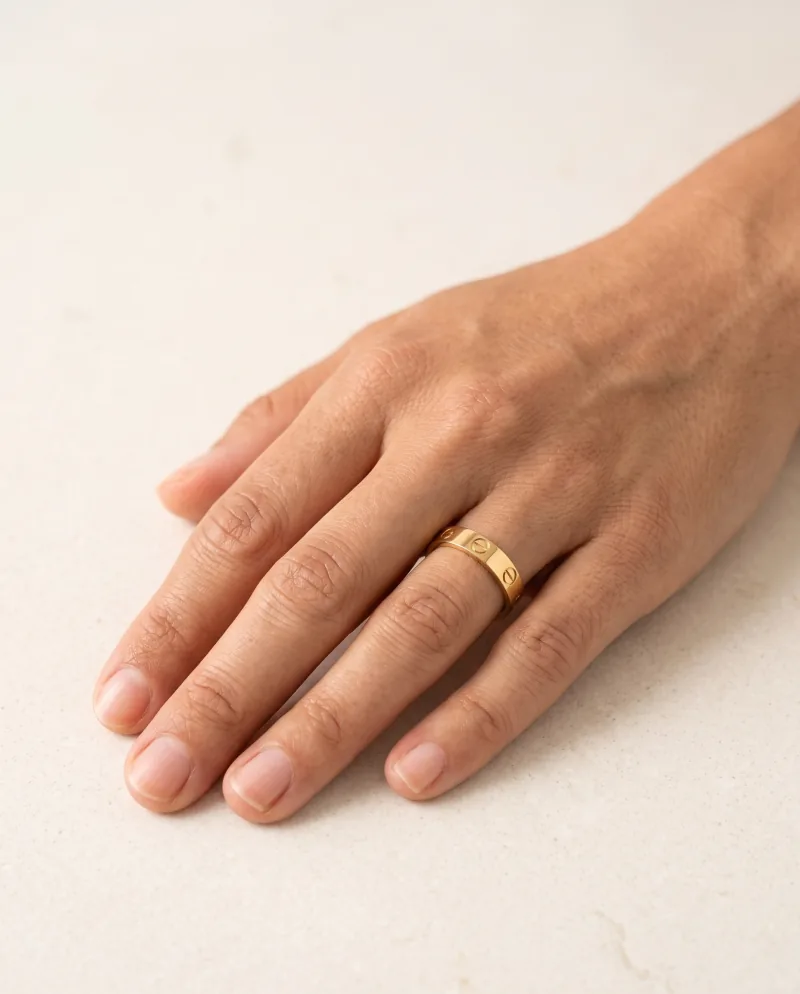
Flat 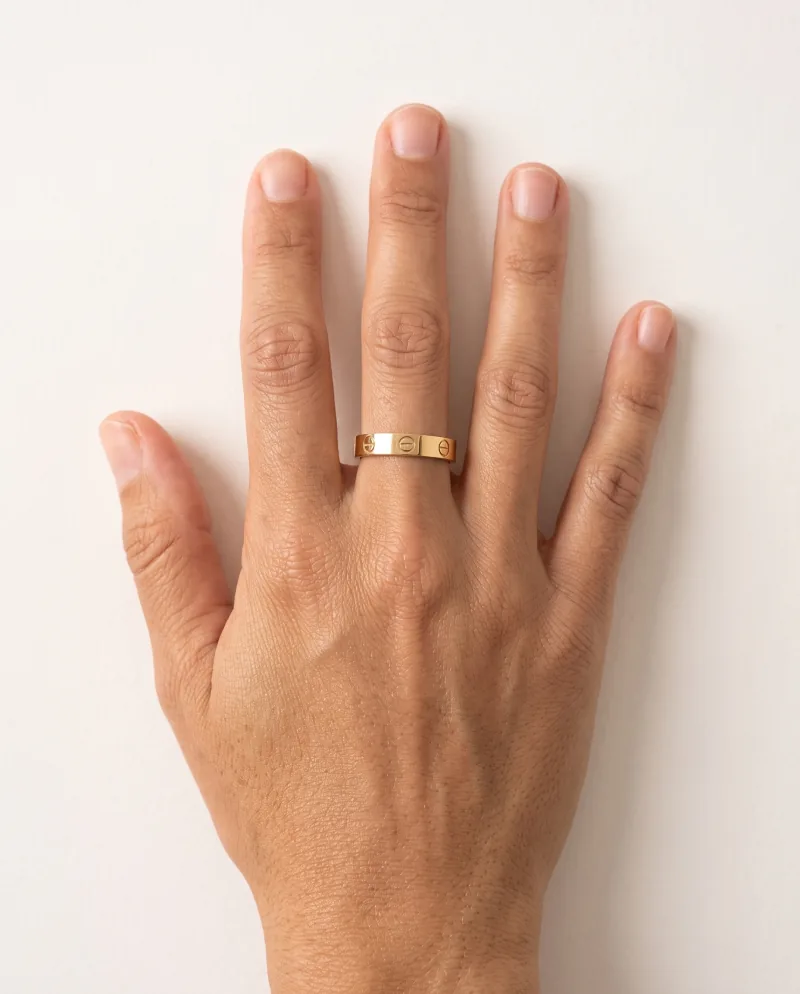
Top down 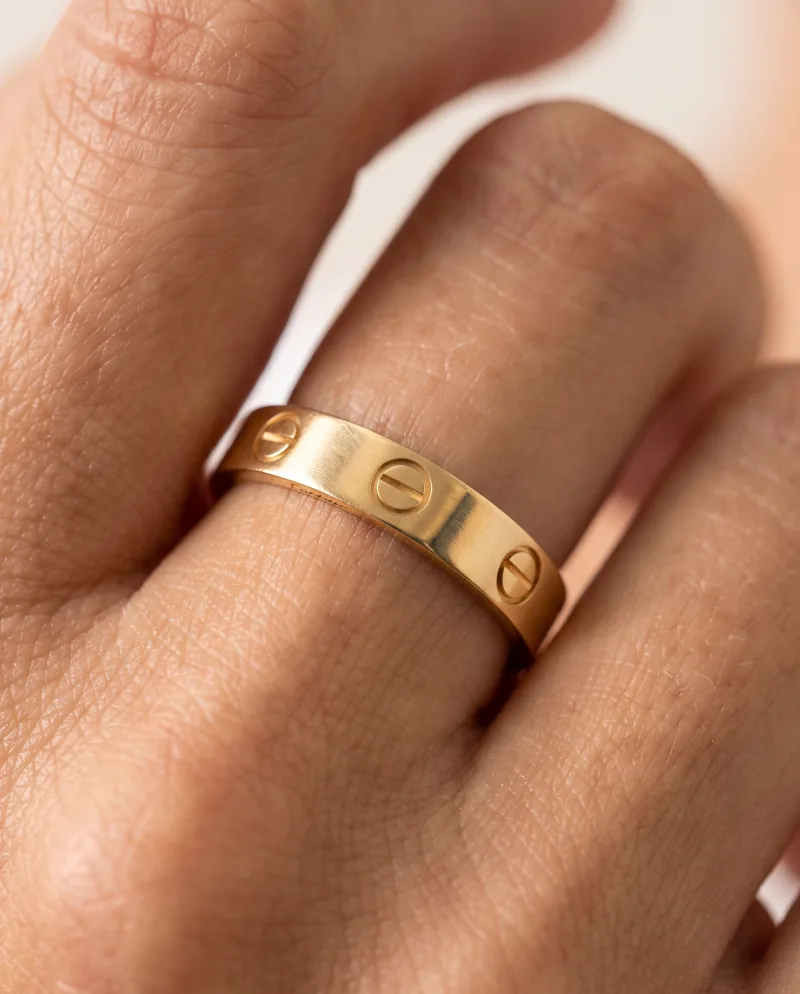
Macro
Facts
What Photoshoot does — and does not.
12
Angles to choose from
Pick several per run. Starter has Closer and Low; paid plans above have the full set.
1
Source image
Everything comes from the image you already have. Nothing to re-shoot, nothing to re-upload.
Same
Model across angles
The person in the source image is the person in every angle. To cast someone else, generate a new image first.
FAQ
Questions
- What angles can I create?
- Twelve angles to choose from — closer, wider, low, three-quarter, profile, top down, macro and more. Pick the ones a product page needs and run them on the image you already have.
- Do I need multiple source photos?
- No. Photoshoot works from a generated image: the product, the scene and the light stay the same, only the camera moves.
- Can I change the model in Photoshoot?
- No. The model comes from the source image. To cast a different model, generate a new image with that model first, then shoot its angles.