Solutions · Social Content
One product, a stream of content.
A feed does not want one great image; it wants the next one, and the one after. From a single product photo, Cheeppy gives you several creative directions, each in the ratios your posts and stories use, plus a short film. You keep posting; the product keeps showing up differently.
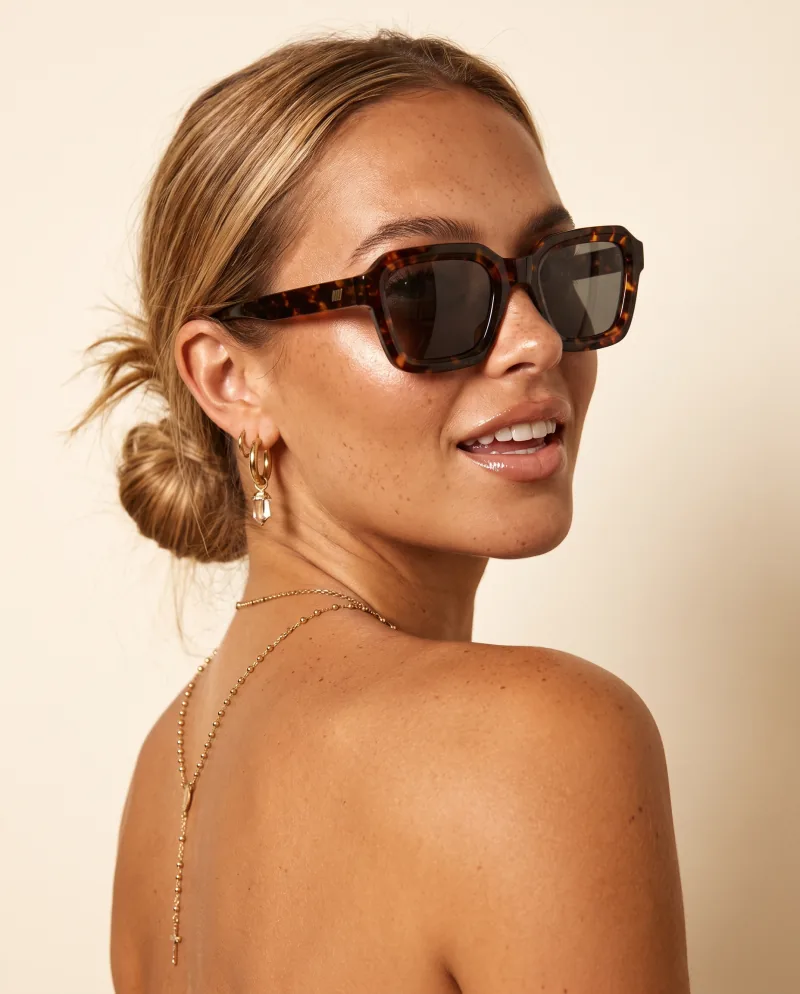
Post · 4:5 01
A portrait post
One direction.
Recipes
Post · 4:5 02
Another direction
Same product, new scene.
Recipes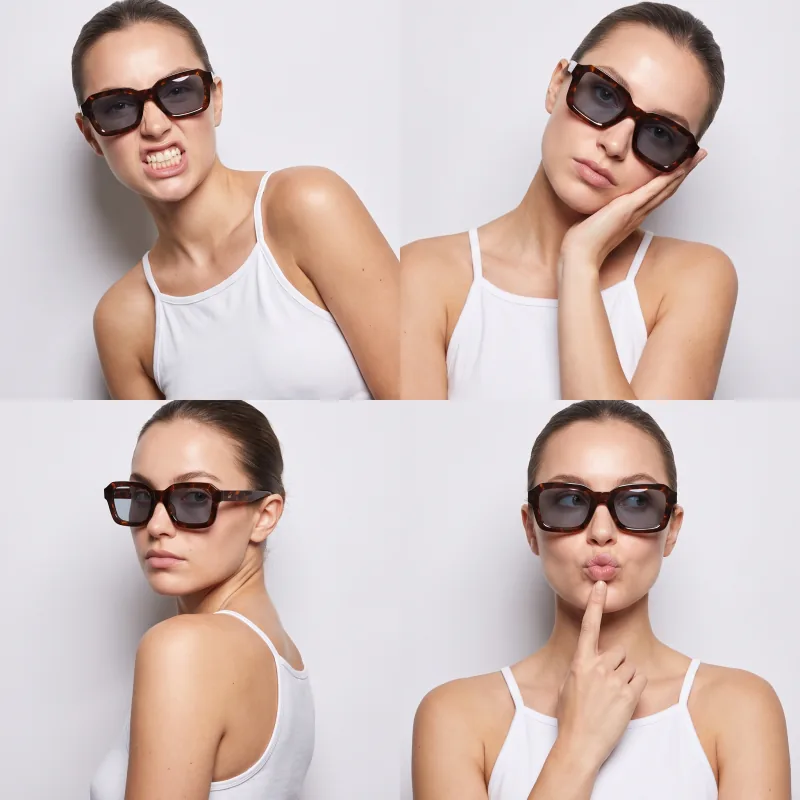
Post · 1:1 03
A square post
For the grid.
Expand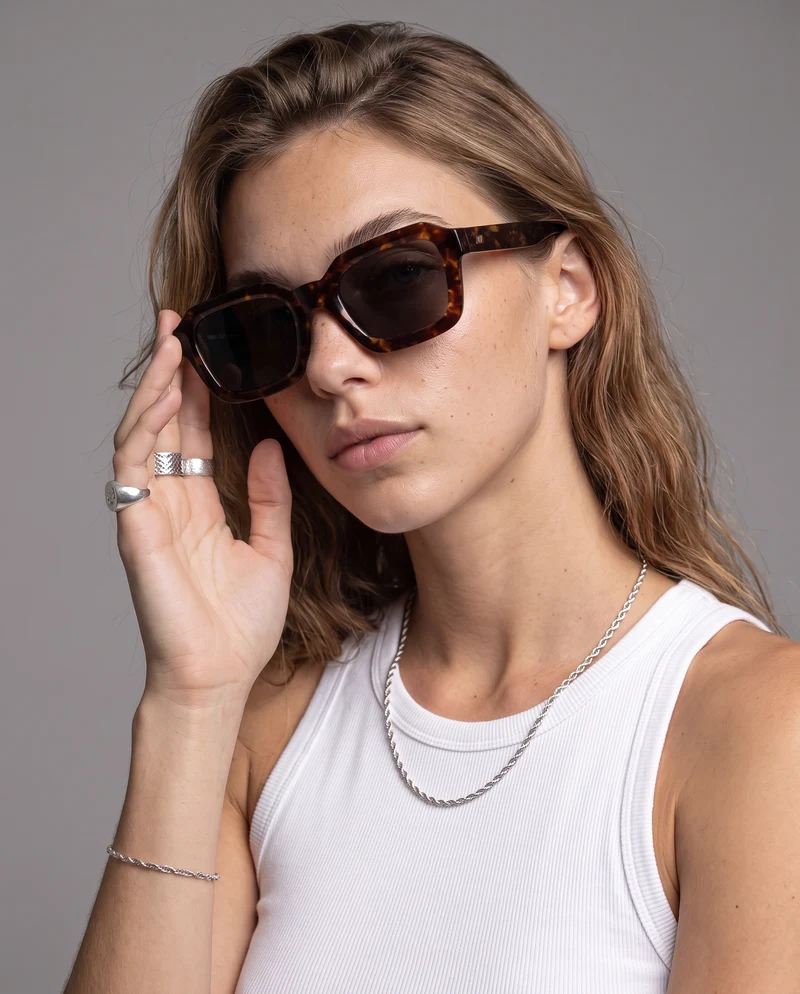
Story · 9:16 04
A story
For stories.
Expand
Post · 4:5 05
Another face
A cast model, on compatible Recipes.
Models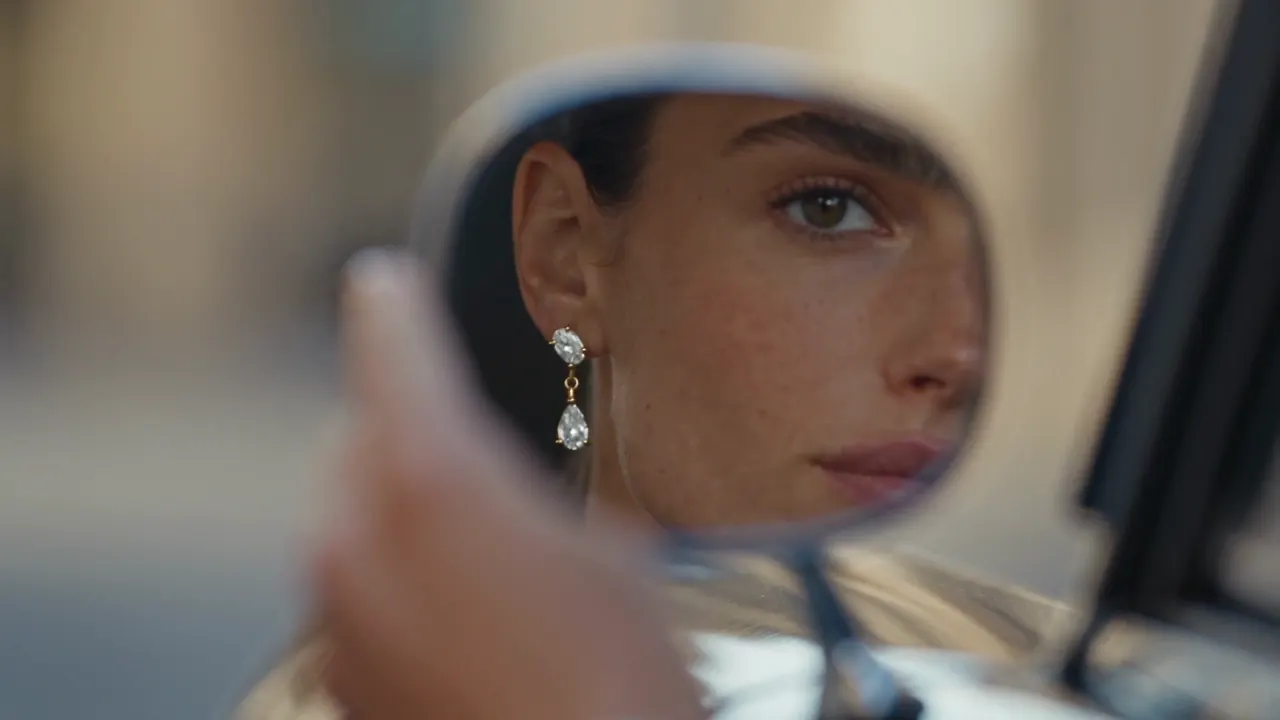
Reel · video 06
A short film
From the product photo.
Video
The workflow
One photo, a week of posts.
01
Start from the product photo
The same source you use for the listing. Sharp, well lit, the product alone.
02
One Recipe per direction
Run the photo through three or four Recipes: a studio, a street, a sky, a portrait. Each is a different post.
03
The ratios your posts use
Expand each keeper to 4:5 for the feed, 1:1 for the grid, 9:16 for stories — the product stays whole.
04
A film for the Reel
From the same product photo and a video Recipe, in 9:16 or 1:1. Silent: add sound where you post.
05
Download, then post
Cheeppy hands you the files. Posting, scheduling and captions happen in the tools you already use.
Formats
The same image, three placements.
A ratio is a placement, not a crop: Expand continues the scene so the product keeps its place.
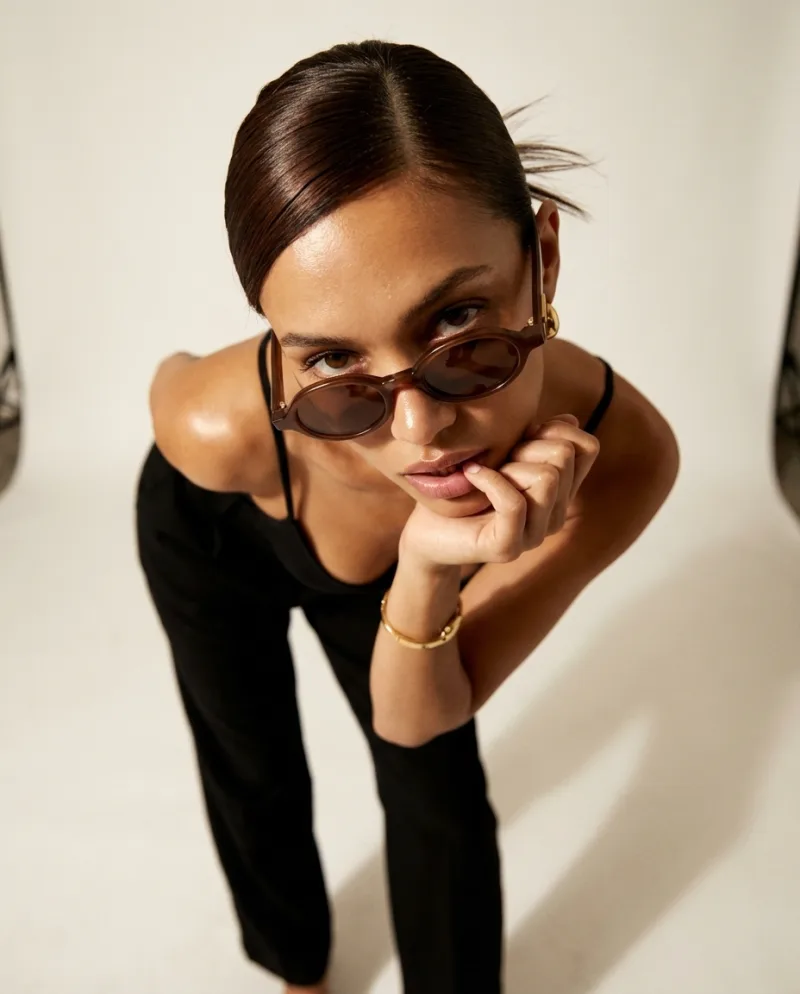
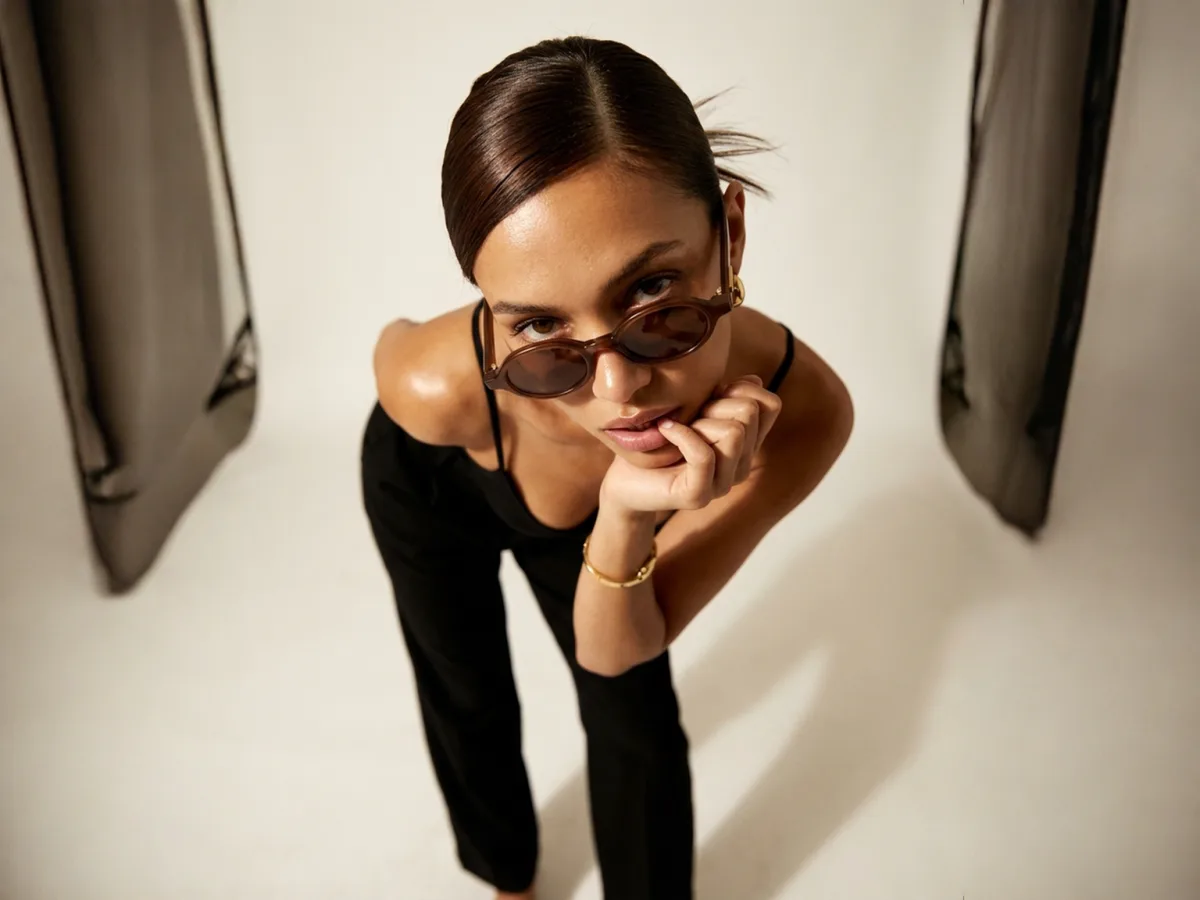
Placements drawn in Cheeppy’s own frames — not a platform interface. The 4:3 image is a real Expand output of the 4:5 original.
Four directions of one frame
Sunlit Profile 
Open Sky Studio Grid City Rooftop
Consistency on a feed comes from repeating two or three directions and, on compatible Recipes, one cast model. Variety comes from the Recipes — hundreds of them, so the same product never posts the same way twice.
FAQ
Questions
- Can I create vertical content for stories and Reels?
- Yes. Expand a finished image to 9:16 without cropping the product out, and choose 9:16 when you make a video.
- Can I turn a product image into a video?
- Yes — a short film from the product photo and a video Recipe, in the format and quality you choose. The Recipe sets the scene, the camera move and the length; films are silent.
- Does Cheeppy post to Instagram or TikTok, or schedule posts?
- No. Cheeppy creates the assets; you download them and post them with the tools you already use. There is no calendar, no scheduler and no caption writer.
- How do I keep the feed consistent?
- Reuse the same cast model on compatible Recipes, or the same backdrop colour, and pick two or three Recipes as your regular directions.