Solutions · Product Launches
A launch needs a set, not an image.
A launch day asks for a hero on the home page, a clean shot on the product page, a lifestyle scene for the announcement, a worn image, a detail for the zoom, a film for the Reel and every ratio in between. One photo of the sample is enough to build that set, before the product is even in stock. Here is the set, one necklace all the way through.
The set
Seven deliverables, one photo.
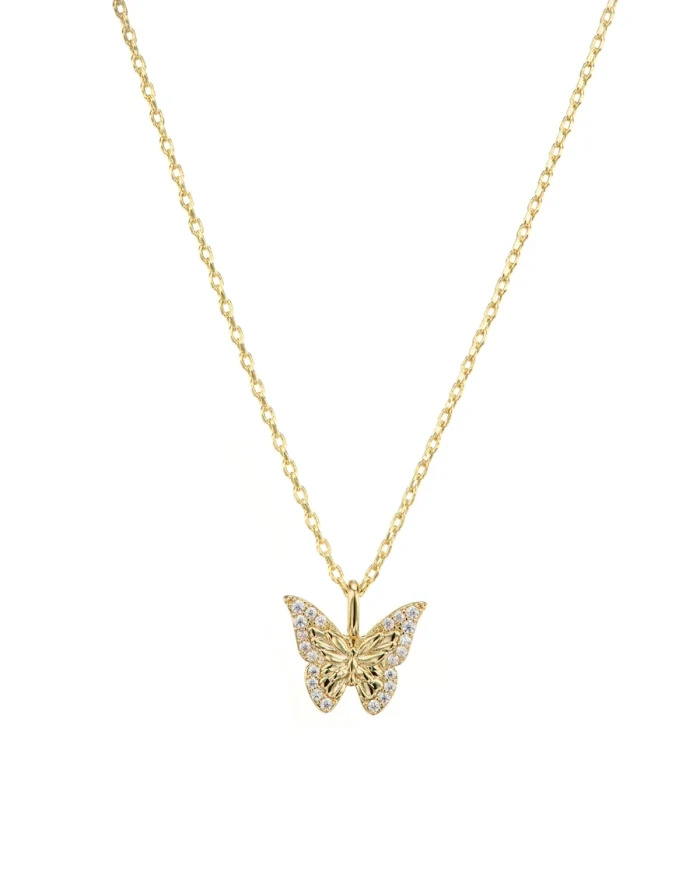
Everything below comes from the necklace photo on the left of the hero — the film excepted, shown from another piece.
01 01
Launch hero
For the home page and the announcement.
Product Images02 02
Product-only
For the product page and the marketplace.
Backgrounds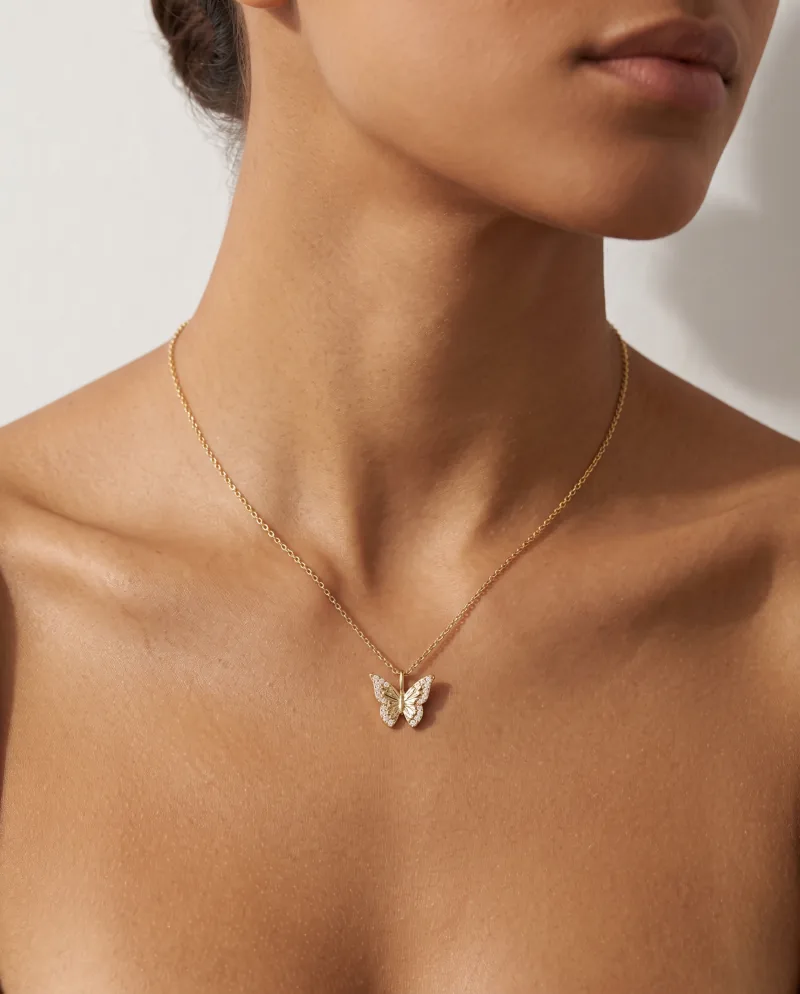
03 03
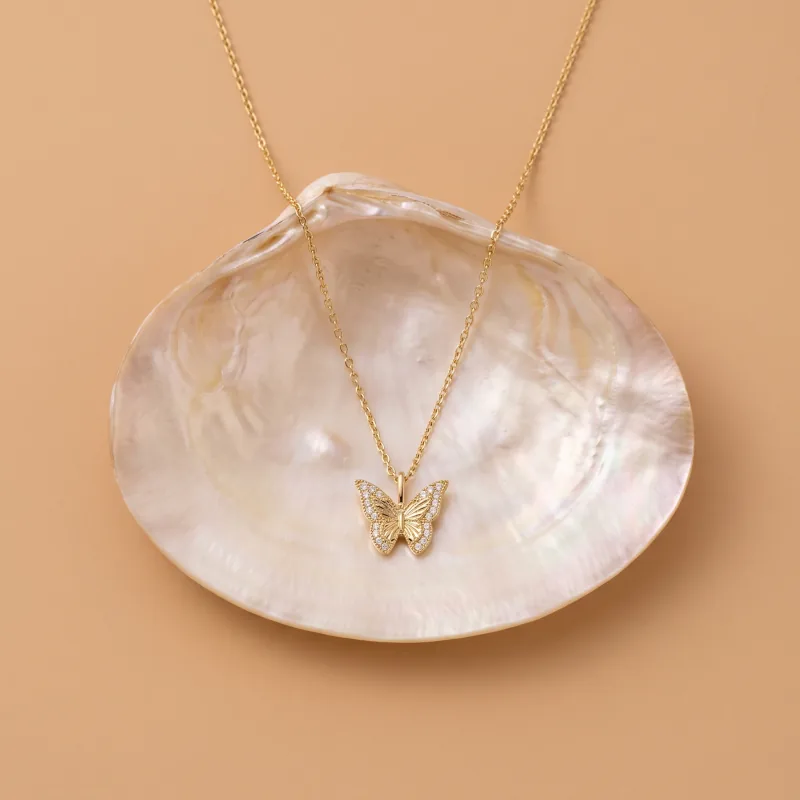
Lifestyle
The product in a life.
Recipes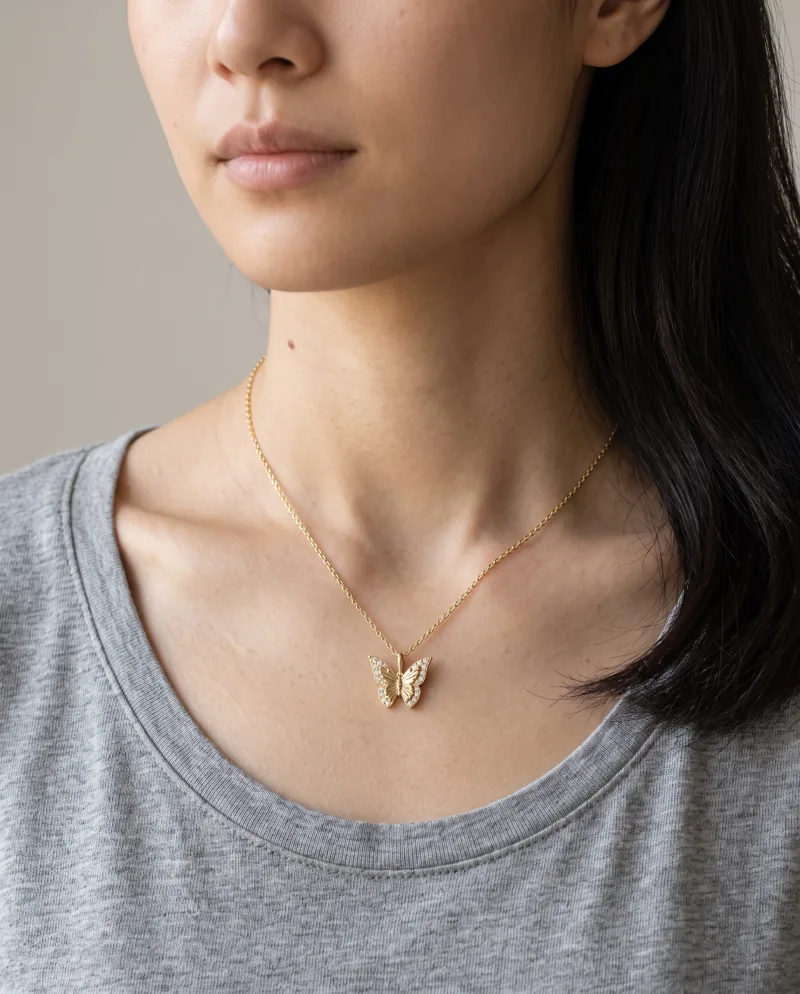
04 04
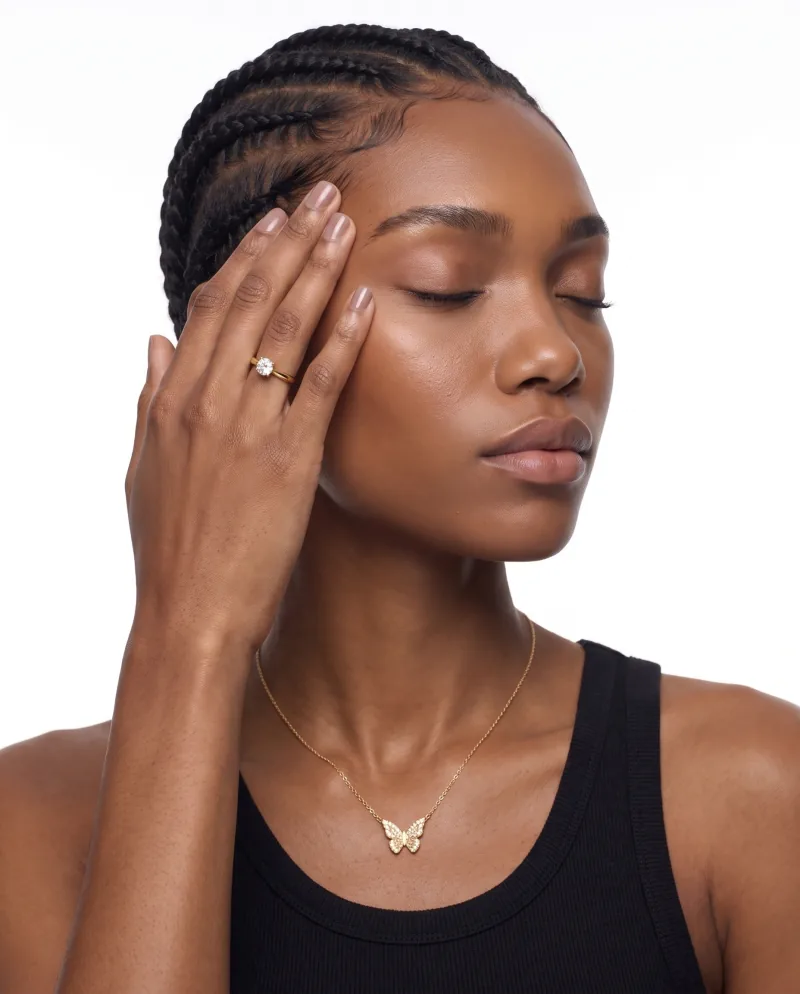
Worn
On a cast model, where the Recipe supports it.
Models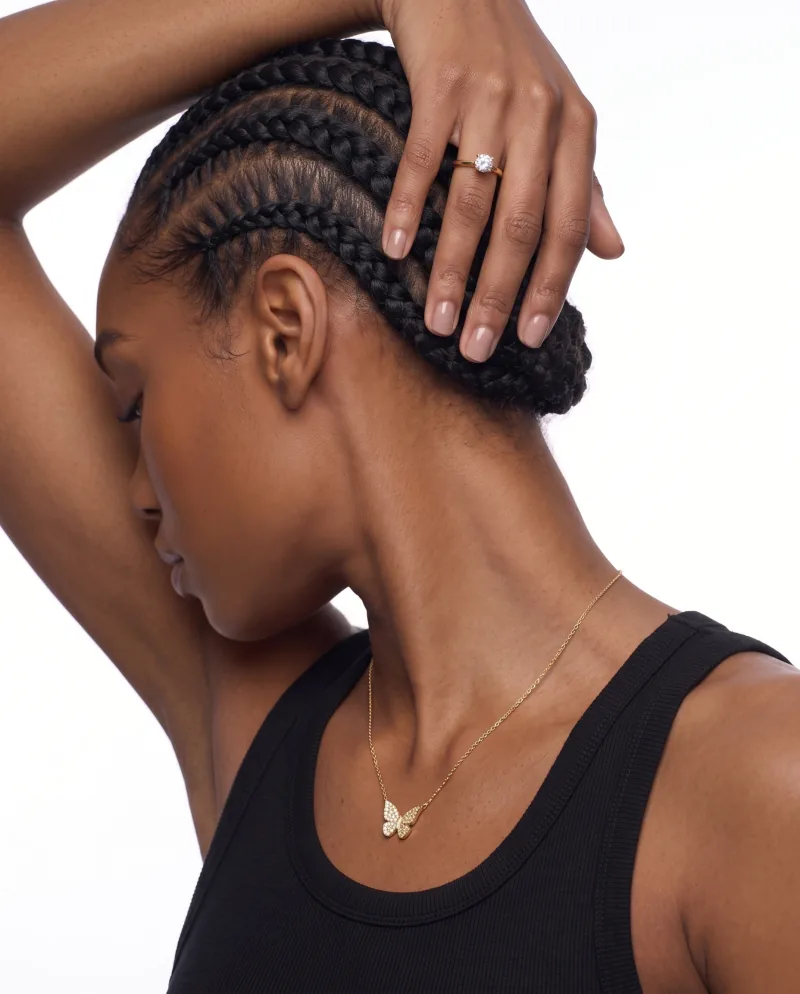
05 05
New angles
The hero, re-shot.
Photoshoot06 06
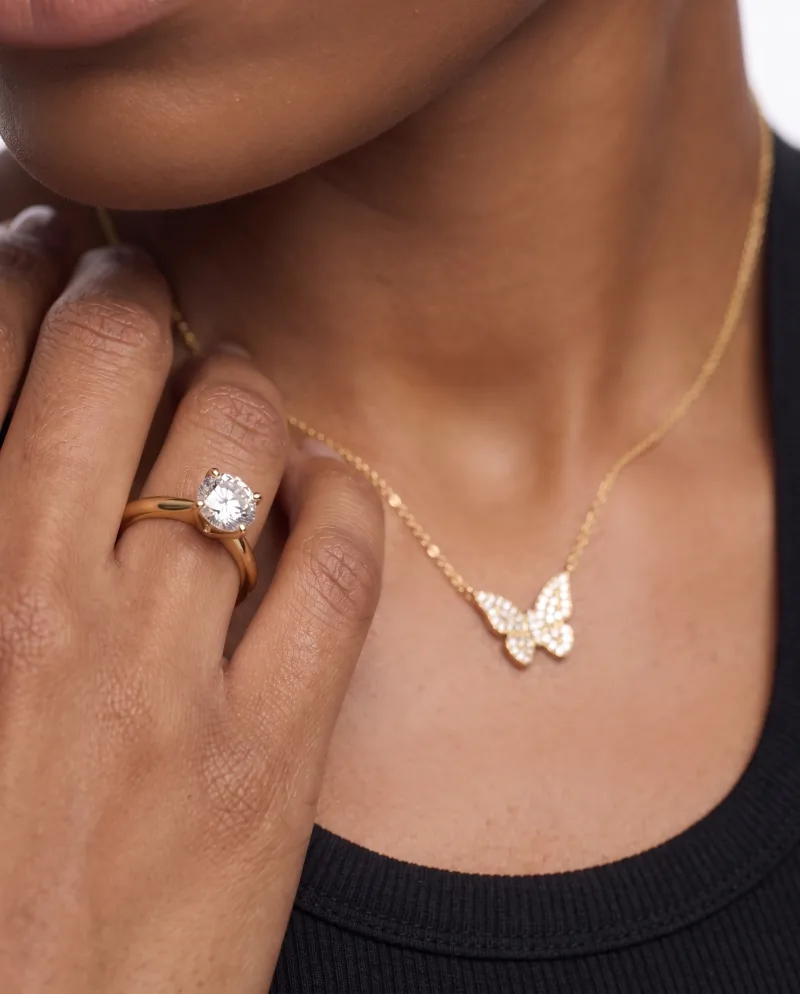
Detail
For the zoom and the close-up post.
Photoshoot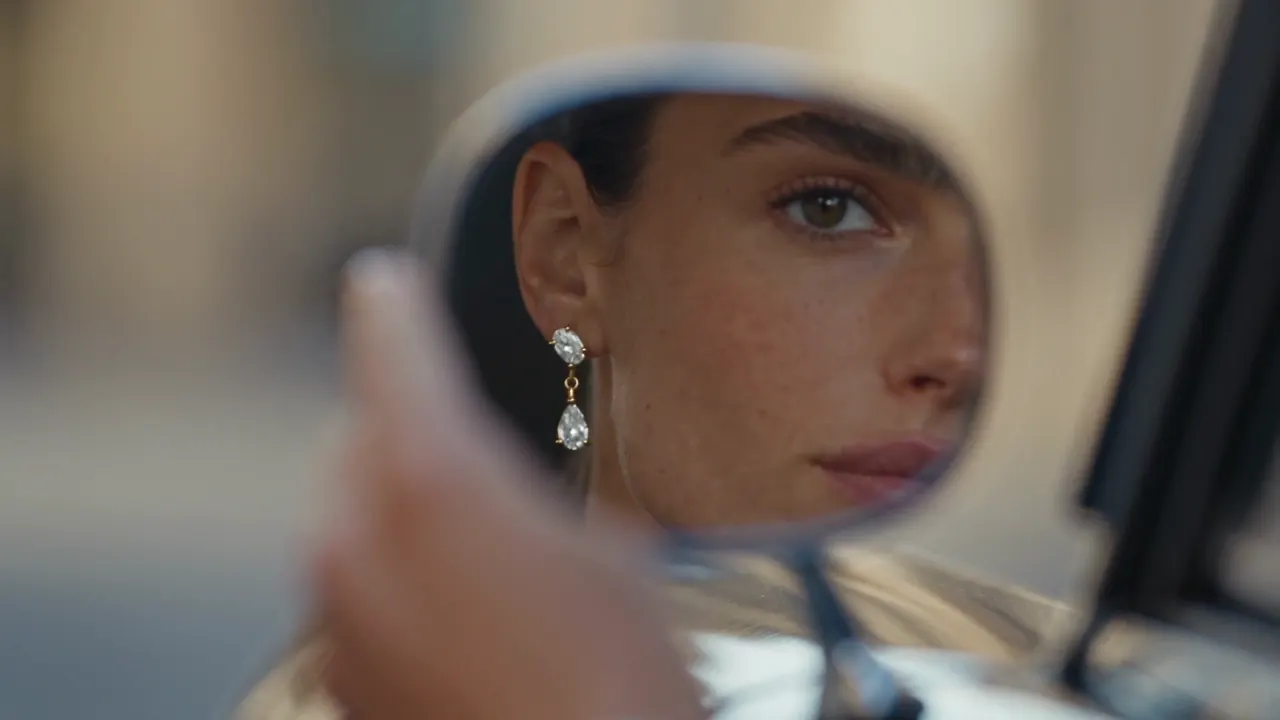
07 · another piece 07
A short film
From the product photo and a video Recipe.
Video4:5 1:1 9:16 08
Every ratio
7 ratios with Expand, product intact.
Expand
The workflow
Build the set in the order the launch needs it.
01
One photo of the sample
Sharp, well lit, the product alone. It does not have to be the final packaging shot — it has to be clear.
02
Hero, product-only, lifestyle
Three Recipes: one built around a person for the hero, a still life on a solid backdrop for the page, a scene for the announcement.
03
Angles and a detail
Photoshoot re-shoots the hero: closer, side, three-quarter. The gallery and the close-up post come from here.
04
The film
From the same product photo and a video Recipe, in the ratio of the Reel or the product page.
05
Every ratio
Expand the keepers to the home banner, the feed, the story. Then send the product-page images to the store, and hand the rest to whoever publishes.
The set is coherent because it comes from one photo and a few repeated choices — the same cast model on the worn images, the same backdrop colour on the clean ones. That is also why it can be ready before the stock is: the sample is enough.
What Cheeppy does not do for a launch
Build the landing page, write the email or the captions, publish the posts, manage the campaign. It produces the visual assets; sending an image to a connected store’s product page is the one direct hand-off.
FAQ
Questions
- What visuals can I create for a launch?
- From one photo: the hero, a product-only shot, a lifestyle scene, a worn or in-hand image on compatible Recipes, new angles and a detail with Photoshoot, a short film, and every ratio with Expand.
- Can I prepare the visuals before the product is in stock?
- Yes — one clear photo of a sample is enough. The set is ready when the product is.
- Does Cheeppy build the landing page or the email?
- No. Cheeppy produces the visual assets; the page, the email, the copy and the publishing are yours. Sending an image to a connected store’s product page is the one direct hand-off.