Solutions · Product Listings
Listing images that are ready to sell.
A product page is not one image. It is a hero that stops the scroll, a clean product-only shot, a lifestyle scene, two or three angles, a detail, in the ratio the channel asks for. From one photo — or from the product in your store — here is how to build the set.
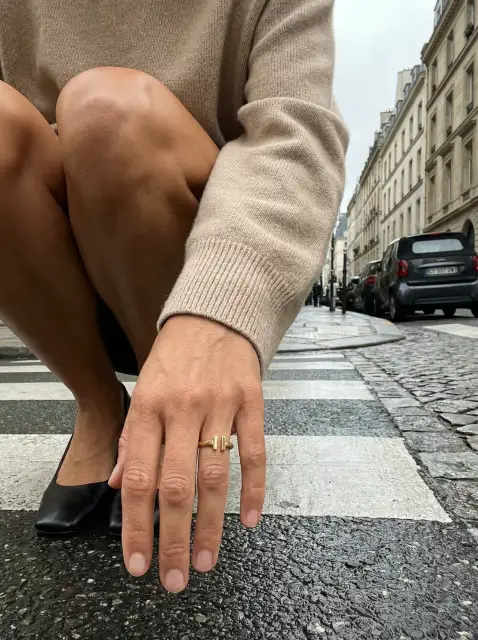
Hero 01
Listing hero
The image that opens the page.
Product Images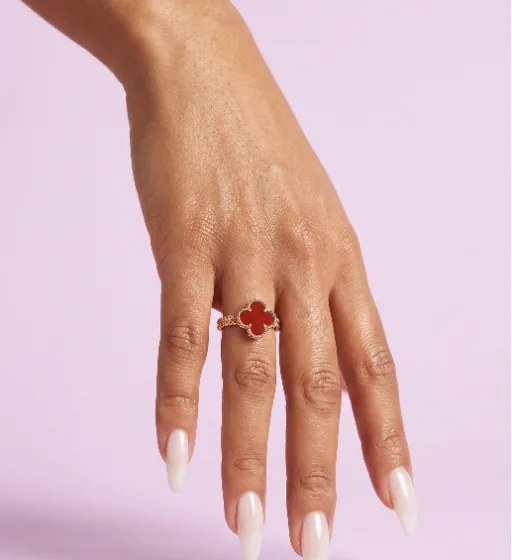
Product-only 02
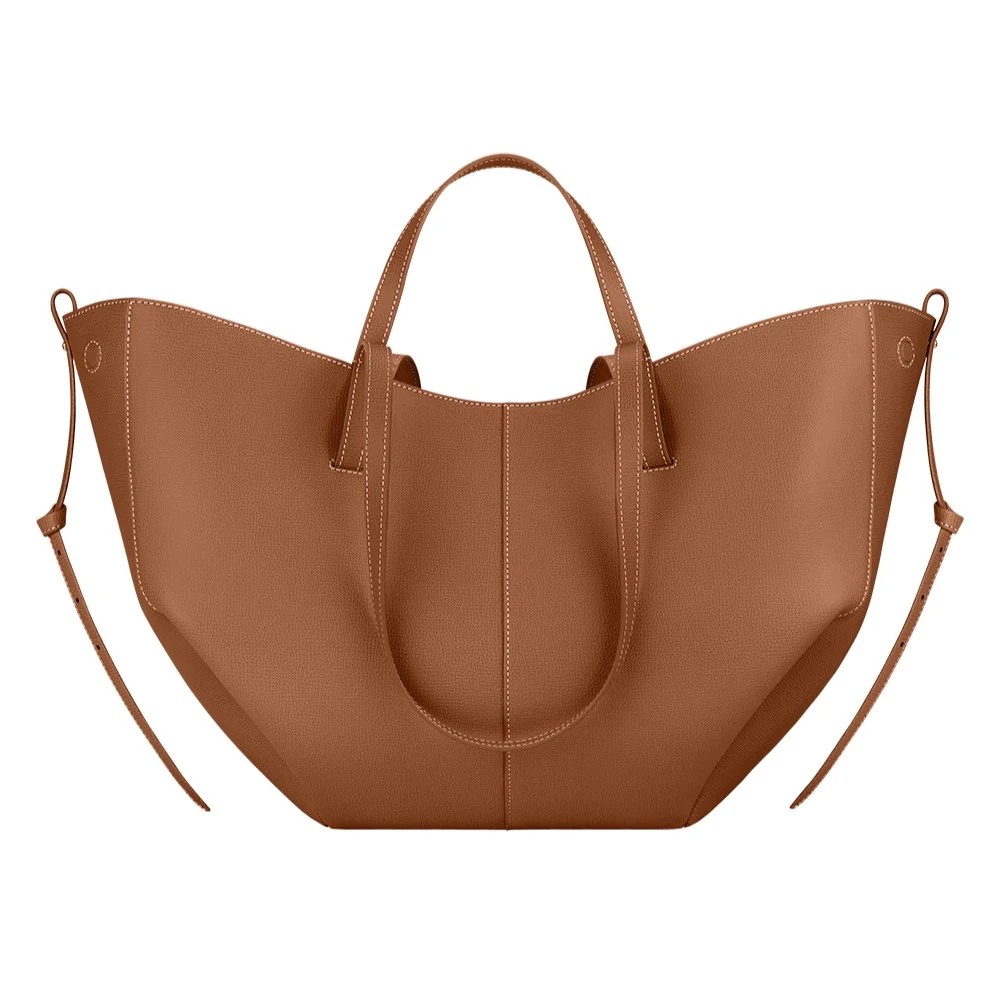
Product-only
A solid backdrop, your colour or white.
Backgrounds
Lifestyle 03
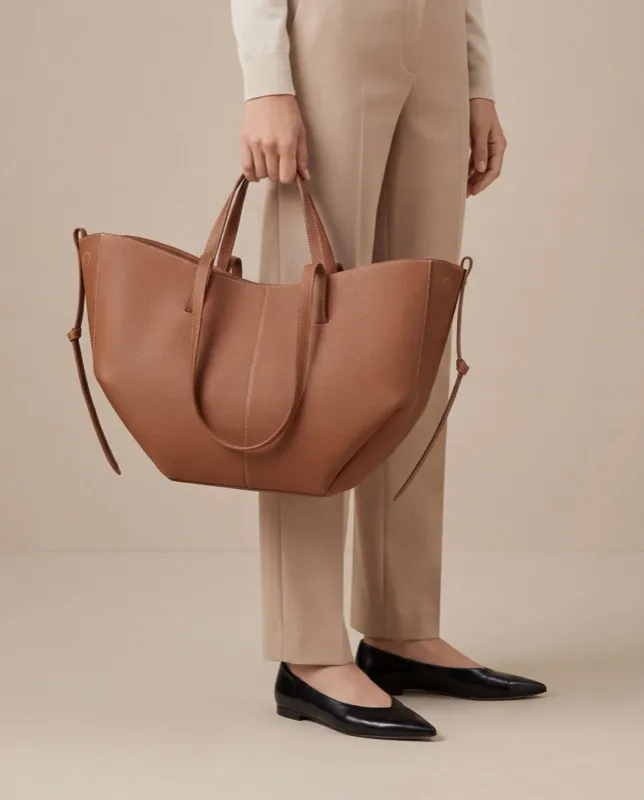
Lifestyle
The product in a life.
Recipes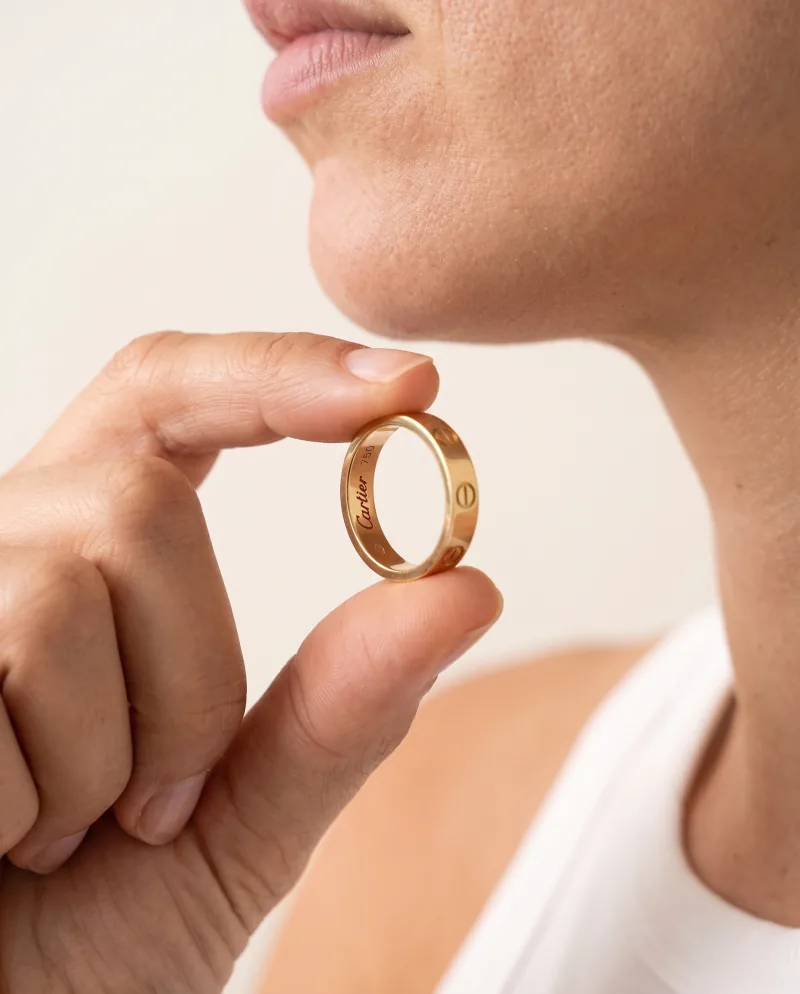
Angle 04
Alternate angle
Same scene, re-shot.
Photoshoot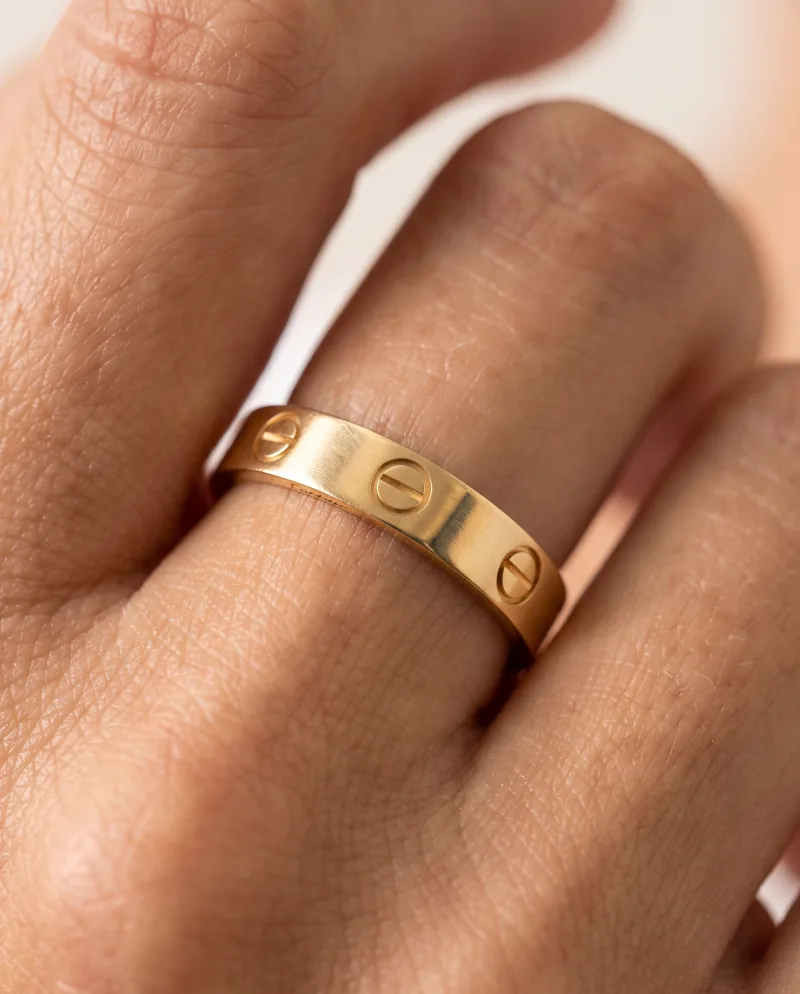
Detail 05
Detail
Closer, for the zoom.
Photoshoot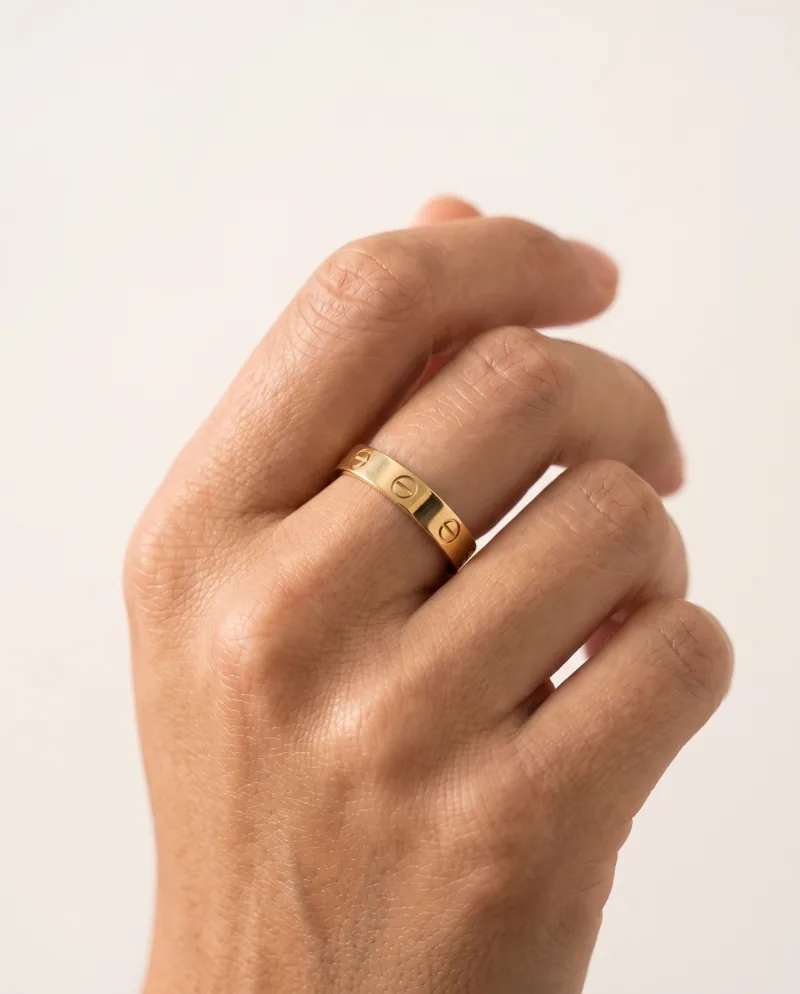
1:1 06
The channel ratio
Square for the marketplace.
Expand
The workflow
The six images a listing needs, back on the page.
01
Start from the listing
Upload the product photo you already use, or pick the product from a connected store — its photo becomes the source.
02
Hero and product-only
A lifestyle Recipe for the hero; a still-life Recipe with a solid backdrop — white for the marketplace — for the clean shot.
03
Angles and a detail
Photoshoot re-shoots the hero: side, held, top-down, macro. Same product, same light, the gallery filled.
04
The ratio each channel wants
Expand a keeper to the ratio the page or the marketplace asks for — 1:1, 4:5, 4:3, 3:4, 16:9, 9:16, 2:3 — without cropping the product.
05
Back to the page
On Shopify, WooCommerce or Wix, send each image to the product’s gallery. Elsewhere, export the file and upload it.
From the store, to the store
Work from the shelf.
Connect the store and the listing is the starting point: pick the product, use its photo as the source, generate, then add the finished image to that product’s gallery — one image per action, nothing replaced. The catalog stays the source of truth; Cheeppy fills its galleries.
Connected stores
Amazon, Etsy, eBay and other marketplaces are not connected: export the image in their ratio and upload it on their side.
Where the images go
FAQ
Questions
- Can I create different angles of the same image?
- Yes. Photoshoot re-shoots a result you like from new angles — closer, three-quarter, wider, low, a detail — with the same product and the same light.
- Can I get a plain white-background image for the marketplace?
- Yes. On compatible Recipes, set the backdrop to one solid colour, white included, then Expand to the 1:1 the marketplace asks for.
- Can I send the images back to my store?
- On Shopify, WooCommerce and Wix, yes — one image per action, added to the product’s gallery. For Amazon, Etsy, eBay and other marketplaces, export the file in their ratio and upload it yourself: there is no direct connection.
- What if the result does not look like my product?
- Send a sharper, better-lit source and generate again; on paid plans, a result that misrepresents the product can be reported for review by a person within seven days, before it is downloaded.