Industries · Accessories
Bags, watches, belts — one workflow.
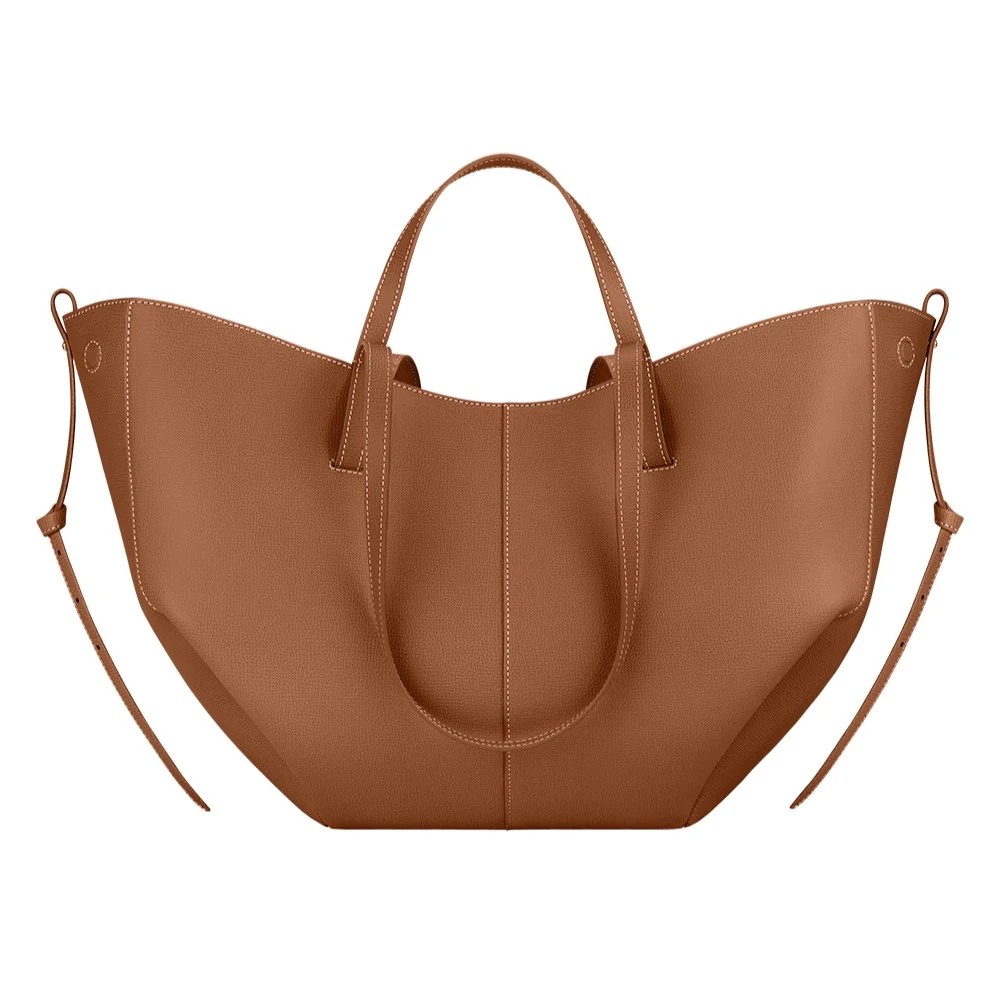
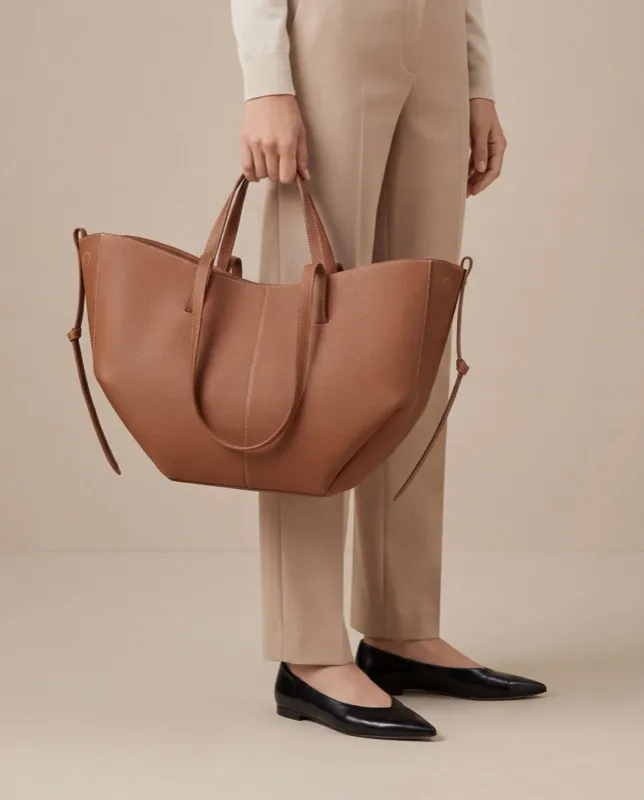
A bag reads differently carried than placed; a watch only makes sense on a wrist at the right size. Cheeppy takes the cut-out from your listing and does both — carried or placed, worn or on its own — with the leather, the metal and the hardware kept from your photo.
The problems
What accessories ask for.
The problem
Carried or placed
What Cheeppy does
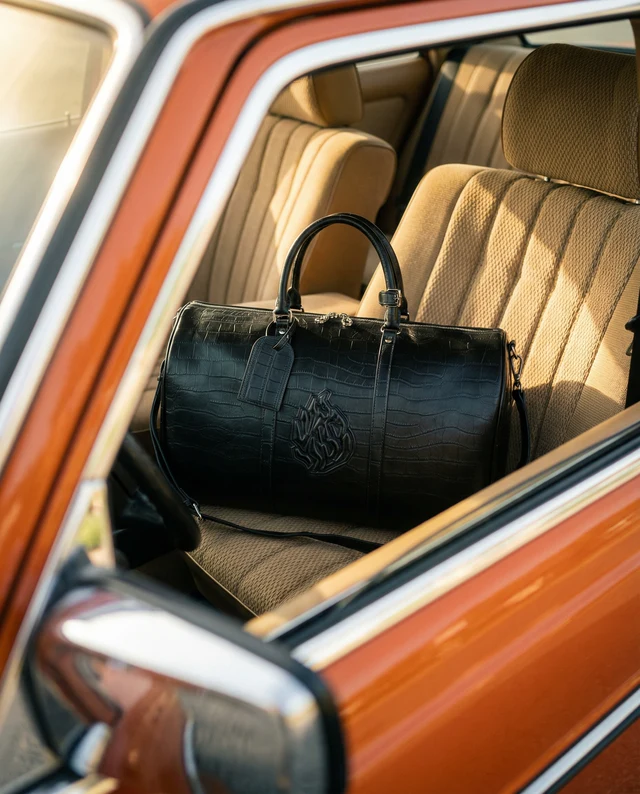
Recipes built around a person carry the bag; still-life Recipes place it — in a studio, on a car seat, on a shelf. Same cut-out.
Browse RecipesThe problem
A watch at the right size
What Cheeppy does
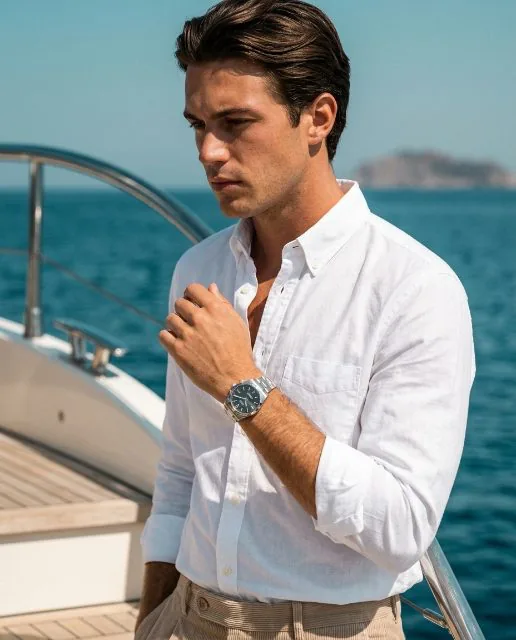
A worn source photo cropped on the wrist gives the true scale. From a packshot, the size is inferred from the scene — check the first result before running the range.
What a good source isThe problem
Leather, metal, hardware
What Cheeppy does
Grain, stitching, buckles and clasps are reproduced from your photo and generated at full size, up to 4K where the plan includes it.
Product ImagesThe problem
One product, several settings
What Cheeppy does
One cut-out runs through as many scenes as you like; a scene you like is re-shot from new angles with Photoshoot.
Photoshoot
Proof
Two bags, one watch.
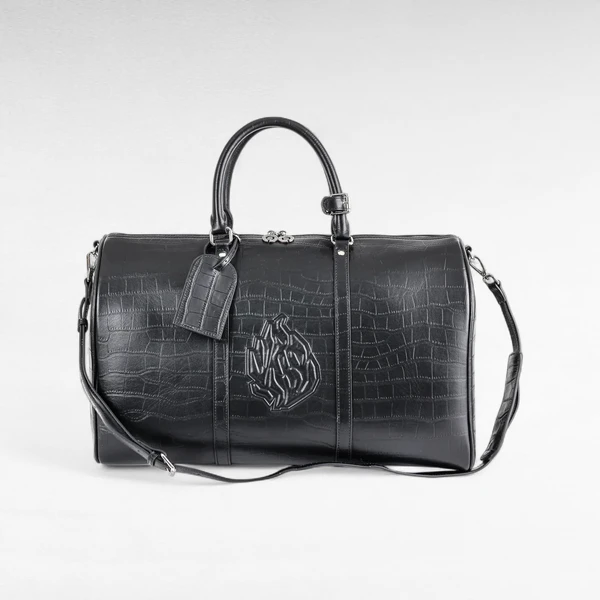
Real generations: a tote carried, a duffle placed, a watch scene re-shot from four angles.
Closer 
Three quarter 
Wider 
Low
The workflow
From the listing to the scene.
01
Start from the listing
Connect your store and pick the product, or upload the cut-out you already use. A clean background, the whole product in frame.
02
Choose carried or placed
A Recipe built around a person, or a still life. Try both from the same photo.
03
Re-shoot, then send back
Photoshoot the result you like from new angles, then send the image to the product page — one image per action.
FAQ
Questions
- Which accessories work best?
- Bags, watches, belts, wallets, hats: anything with a clear shape that a person can carry or wear. A clean cut-out on a plain background is the best source.
- Can a bag be shown carried, not only placed?
- Yes. Recipes built around a person carry the bag; still-life Recipes place it. Both start from the same cut-out.
- Does a watch keep the right size on the wrist?
- A worn source photo cropped on the wrist gives the true scale. From a product-only packshot the size is inferred from the scene, so check the first result before running the range.