How Cheeppy works
One product photo. Every visual your store needs.
Upload one photo. Choose the creative direction. Generate — then shoot new angles, make a video, expand to every format and publish to your store. One workflow, no prompts, no studio.

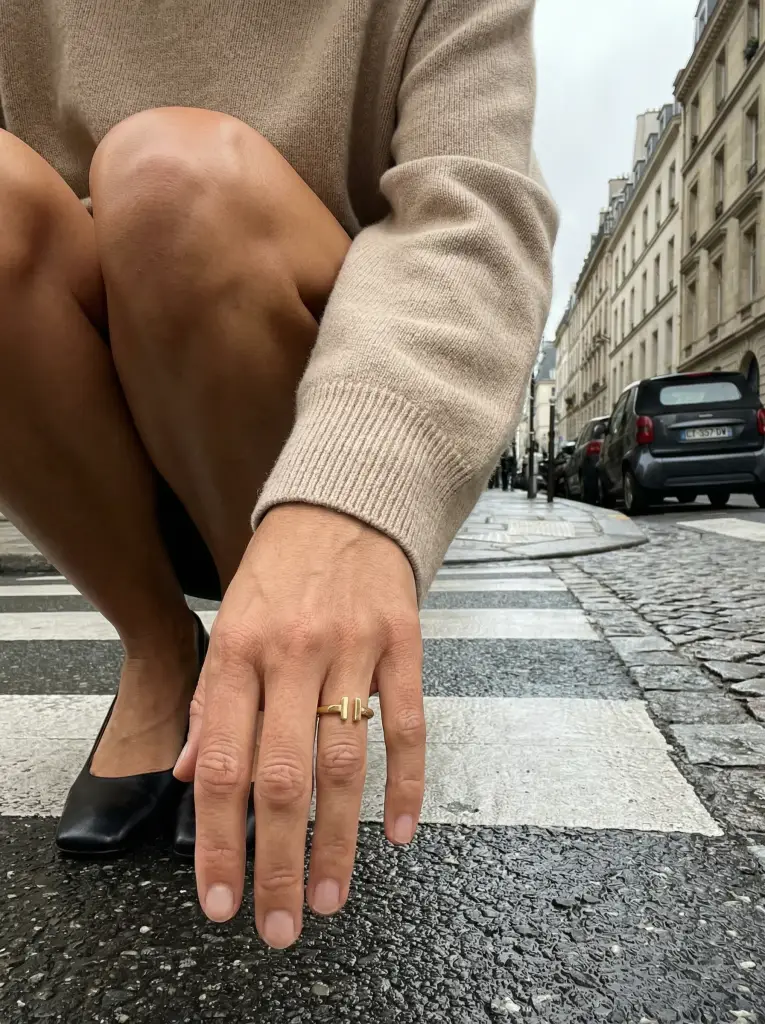
The workflow
Six moves. One product photo.
Every step starts from the previous result. Nothing has to be re-shot.
01 · Create
Drop your product into a scene built by our creators.
A Recipe carries the light, the setting and the framing. You add the product — and, where the Recipe supports it, a model from the cast.

Your photo Generated 02 · Shoot
Then move the camera.
Photoshoot takes the image you kept and shoots it again — closer, lower, from the side. Same product, same light, 12 angles to choose from.

Closer 
Three quarter 
Low 03 · Move
Give it motion.
Your product photo and a video Recipe become a short product video for the product page, the feed or an ad — without a film crew.

Video 04 · Repurpose
One image, every format.
Expand extends the scene to another ratio instead of cropping it. Listing, feed, story, ad — from the one image you already approved.

1:1 4:5 16:9 9:16 05 · Connect
Work from your real catalog.
Connect Shopify, WooCommerce or Wix, import your products, create from a listing and send the image straight back to it.
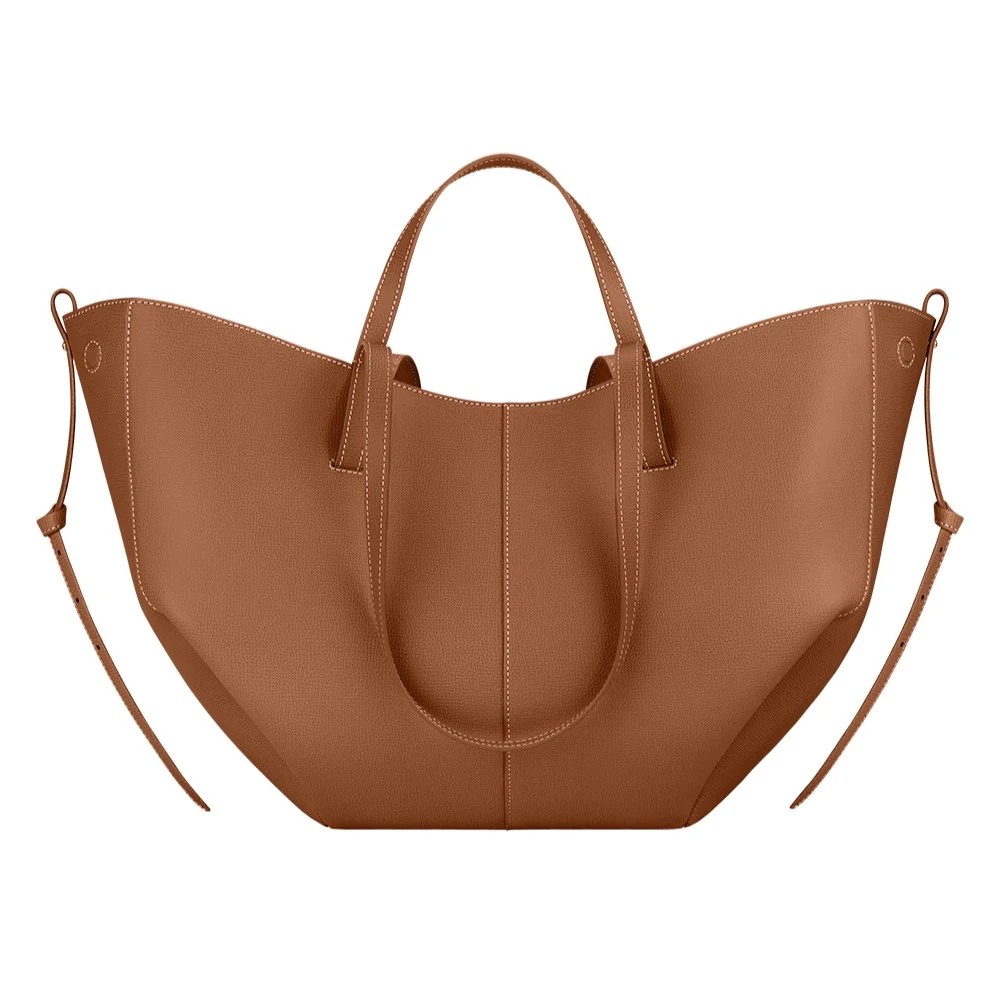
From your listing 
Back to your listing 06 · Scale
Now do it for the rest of the catalog.
Import the products from your store and create each one with the same Recipe — one look across the catalog, built product by product.

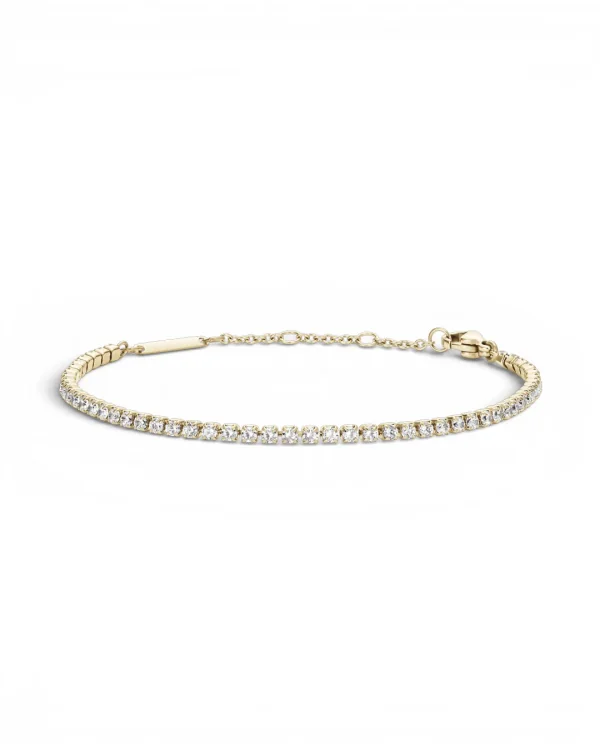




Behind the product
Software, with people behind it.
Custom Recipes
When no Recipe fits, our creators build one around your product. A monthly allowance on every paid plan.
How it works →Reviewed refunds
An unusable image can be reported within seven days; a person reviews it and your credits come back.
A human answers
Support is a message from inside the app, answered by a person — paying customers first.
FAQ
Questions
- What do I need to start?
- One photo of your product — a phone photo on a plain surface is enough. Cheeppy isolates the product and places it in the scene you choose.
- Do I have to write prompts?
- No. You pick a Recipe — a reusable creative setup built by our creators — and add your product. The creative direction is already done.
- Which stores can I connect?
- Shopify, WooCommerce and Wix. Import your catalog, create from a real product page and send the image back to it.
Start with the photo you already have.
Upload a product, pick a Recipe, and see the first result in about a minute.