From your Shopify catalog to the product page, and back.
Connect your Shopify store once. Your products come into Cheeppy with their photos; you pick one, choose a Recipe, generate — and the finished image goes back into that product’s gallery, where you want it. No download, no re-upload.
Enter your myshopify.com address and approve Cheeppy on Shopify’s screen — or install from the Shopify App Store and sign in.
Your Shopify products, imported
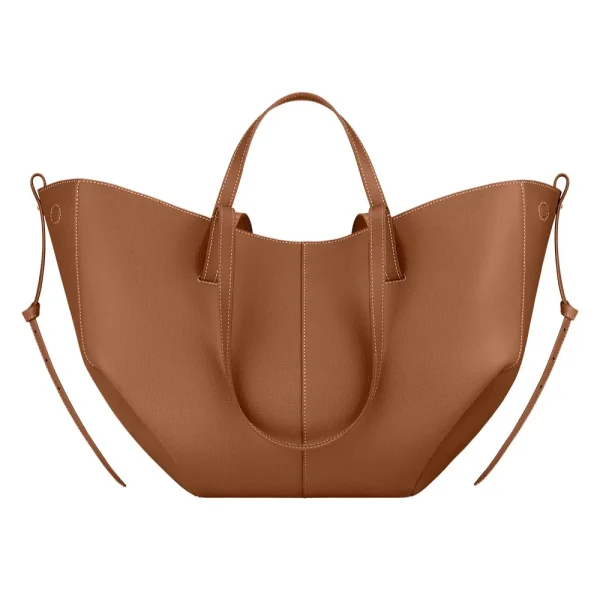
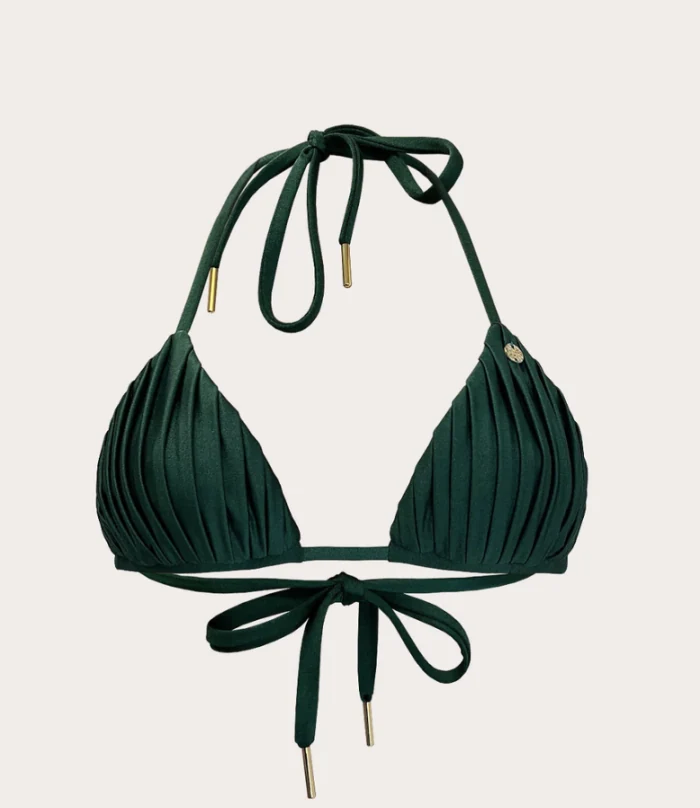
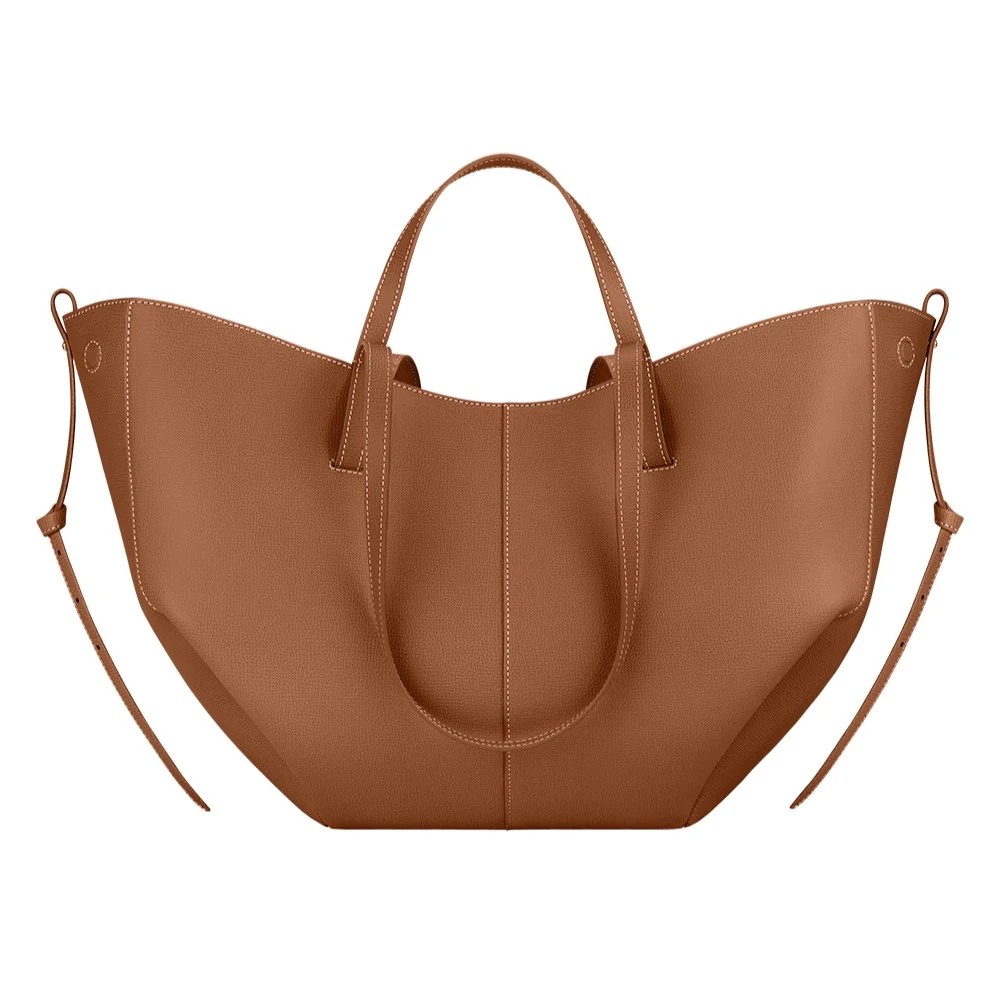
BAG-052
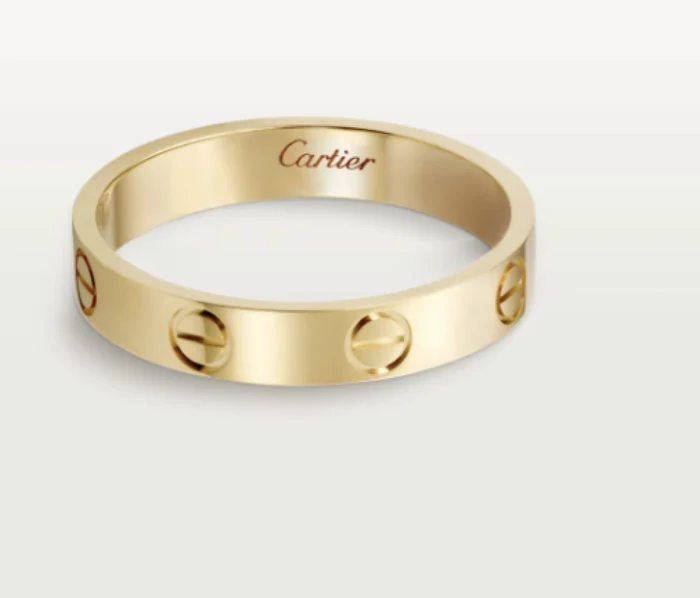
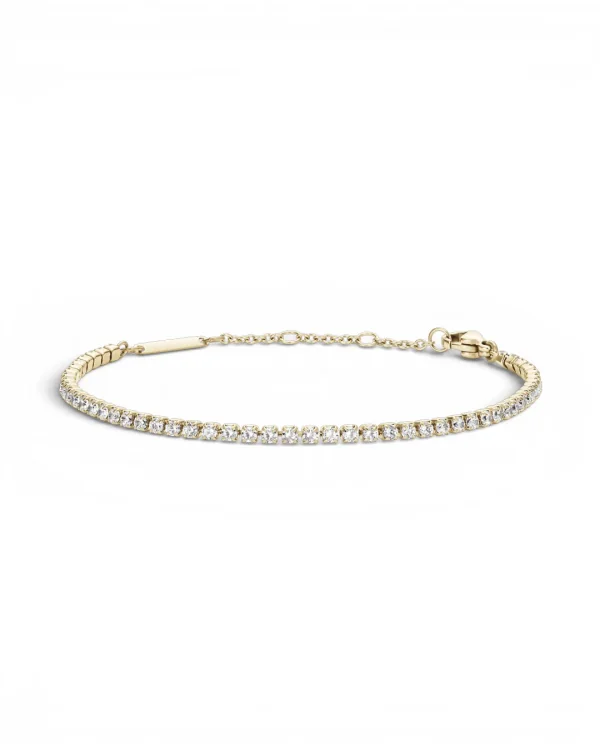
JWL-221
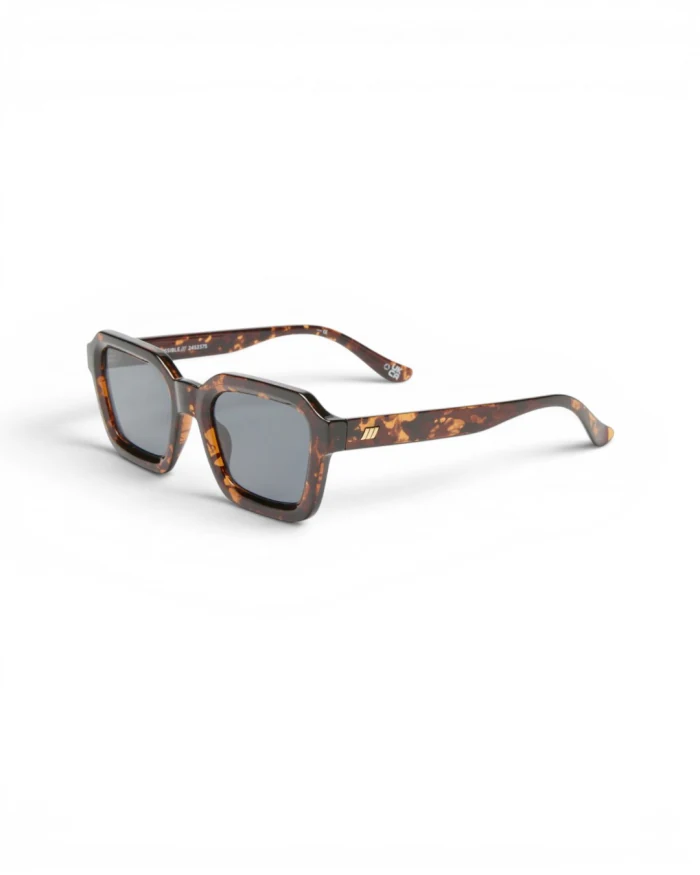
EYE-006
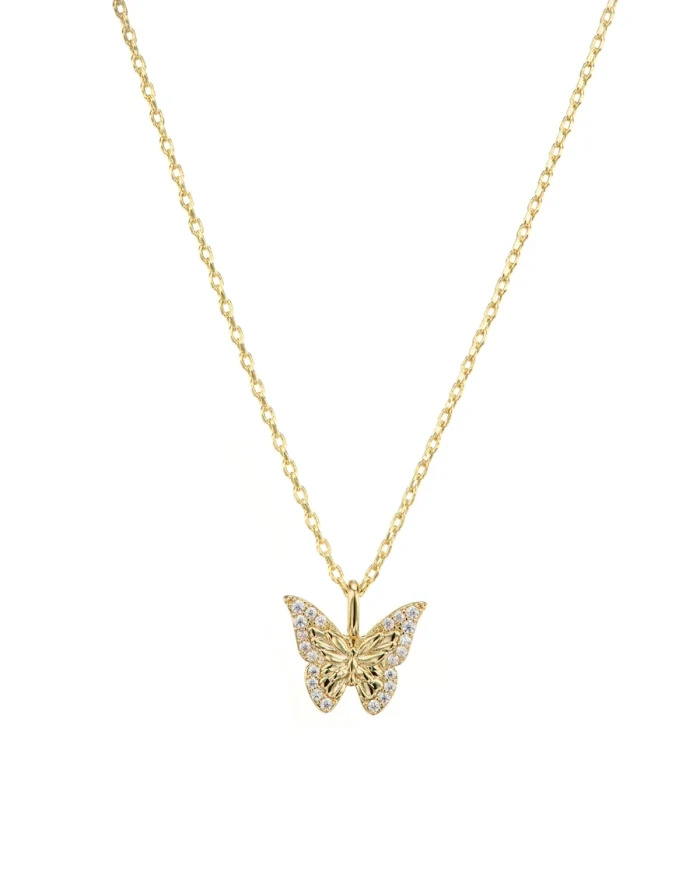
JWL-118
SWM-014
JWL-088
Cheeppy
Import
Products, photos, titles, variants and tags — up to 5,000 products per store. Press Sync whenever the catalog changes.
Cheeppy
Create
Open the Store library in Generate, pick the product and one of its photos, choose a Recipe, generate.
Added to the gallery
Shopify
Send back
The image is added to the product’s gallery at the position you choose. Nothing is replaced.
Connection
Two ways in, one account.
01
From Cheeppy
Integrations → Shopify → your myshopify.com address. Shopify shows its authorization screen; approve, and you are back in Cheeppy with the store connected and the first import running.
02
From the Shopify App Store
Install Cheeppy from the App Store, sign in or create your account, and the store links to it. A store installed this way is billed through Shopify.
Inside Cheeppy
Work from the shelf, not from files.
01
The Store library
Your products, with search, status and collection filters, loading as you scroll. Pick a product, then the photo you want as the source.
02
Generate, then keep going
The result is linked to that product. Shoot new angles with Photoshoot, expand to other formats, make a video from the same photo.
03
The product page in Cheeppy
Every product has a page: its gallery in Shopify’s order, the images Cheeppy added, reorder or make one the main photo, and a link to the Shopify admin.
Facts
What the connection does — and does not.
Import
Sync runs when you ask for it; up to 5,000 products per store.
Send back
One image per action.
Added, never replaced
A pushed image joins the gallery at the position you pick; your existing photos stay. Reorder from the product page in Cheeppy.
On demand, not on a schedule
The import runs when you connect, when you press Sync and after each push. Cheeppy does not poll your store.
Plans
Any plan connects a store and works from the catalog. Sending images back is part of the paid plans, or included when the store installed Cheeppy from the App Store.
One product at a time
Store works product by product. For a collection, reuse the same Recipe on each product to keep one look, then send back the images you keep.
Not part of the connection
Cheeppy does not write alt text or SEO fields, does not publish to every product in one go, and does not sync continuously. What it does, it does one product and one image at a time — on purpose.
From Integrations in Cheeppy, enter your myshopify.com address and approve Cheeppy on Shopify’s authorization screen. You can also install Cheeppy from the Shopify App Store and sign in — the store links to your account.
What gets imported?
Your products with their images, titles, variants, tags and status — up to 5,000 products per store. The import runs when you connect and whenever you press Sync; it never changes anything in Shopify.
Can I send the image back to the listing?
Yes. One image per action, added to the product’s gallery at the position you choose — it never replaces an existing photo. Reorder the gallery or make it the main photo from the product page in Cheeppy.
Which plans can push to Shopify?
Any plan can connect a store and work from the catalog. Sending images back to Shopify is part of the paid plans; a store that installed Cheeppy from the Shopify App Store is billed through Shopify.
Does it work with Shopify Plus?
Yes. Cheeppy connects to any Shopify plan through the same authorization.