Integrations

Connect Cheeppy to the store you already use.

Your products already live somewhere. Cheeppy connects to that store, imports the catalog, lets you create from a real listing and sends the finished image back to the product page — one loop, three platforms.

  • Shopify
  • WooCommerce
  • Wix
    • Shopify
    • WooCommerce
    • Wix

    Your store

    Connect

    A Shopify address, a WooCommerce URL, or the Wix App Market.

  1. Your products, imported
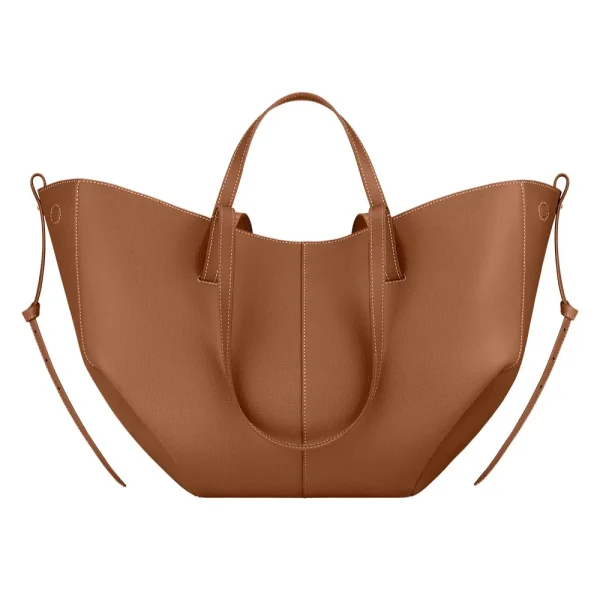
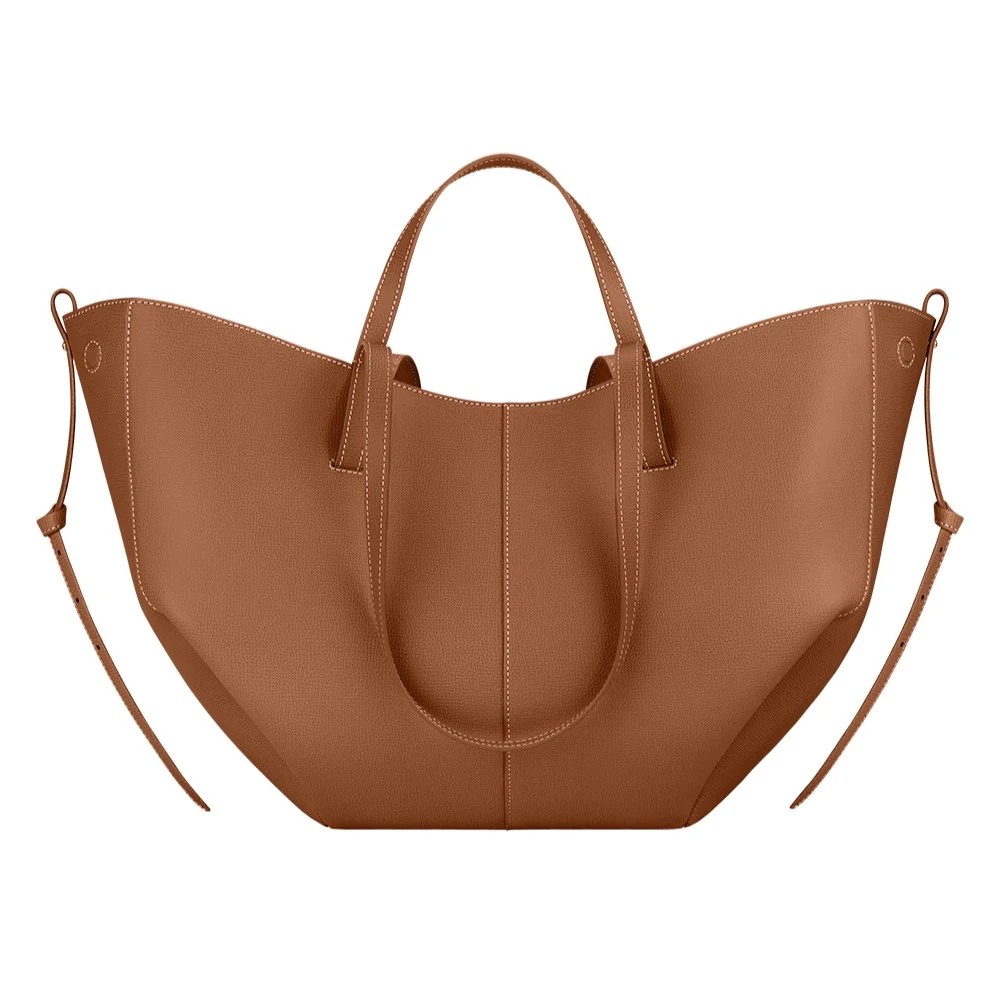
    • Imported product BAG-052
      BAG-052
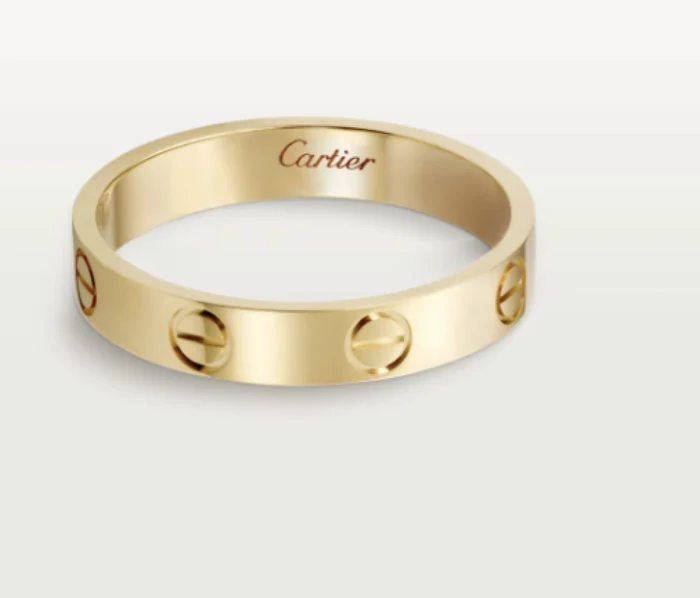
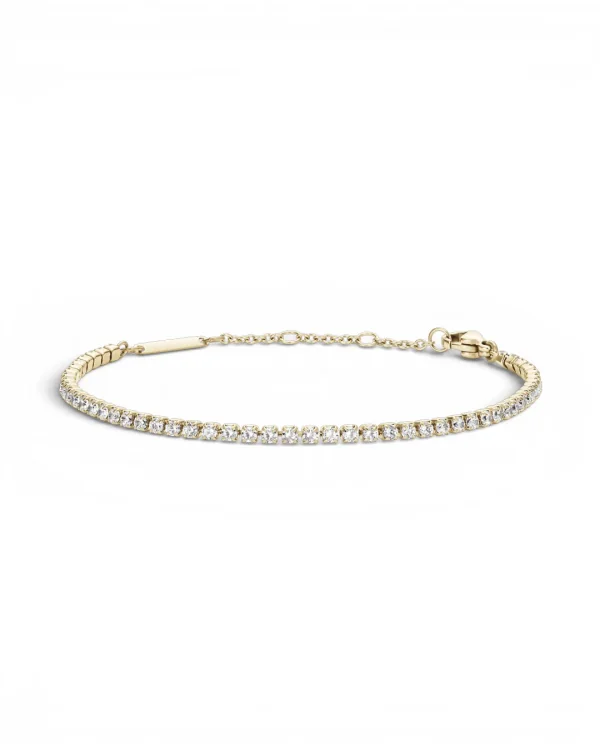
    • Imported product JWL-221
      JWL-221
    • Imported product EYE-006
      EYE-006
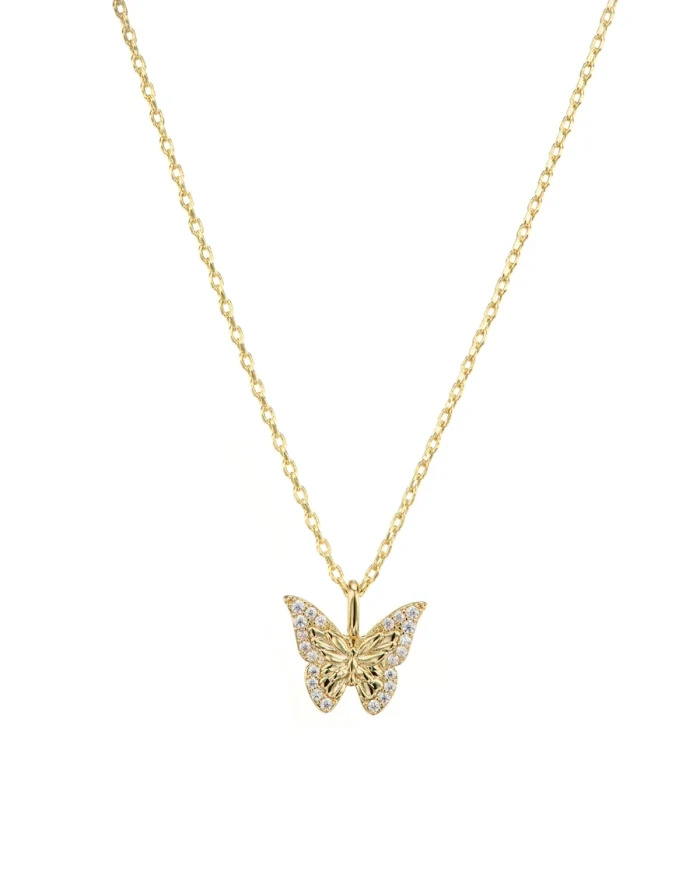
    • Imported product JWL-118
      JWL-118
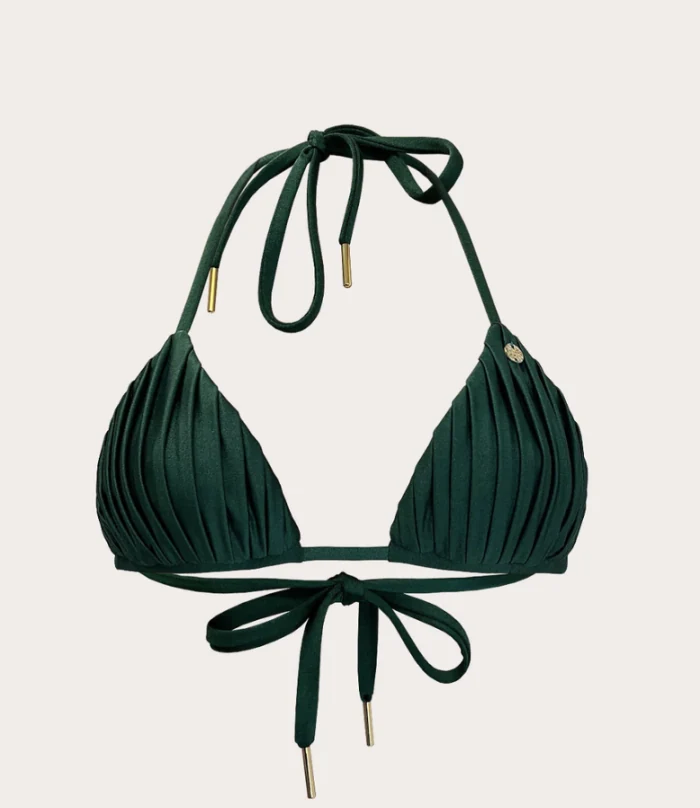
    • Imported product SWM-014
      SWM-014
    • Imported product JWL-088
      JWL-088

    Cheeppy

    Import

    Products, images, titles — up to 5,000 products per store, whenever you press Sync.

  2. The tote from the catalog, carried in a generated scene

    Cheeppy

    Create

    Pick a product and one of its photos as the source, choose a Recipe, generate.

  3. The product page, with its listing photo
    On the listing

    Your store

    Send back

    The image is added to that product’s gallery — one image per action, nothing replaced.

What every connection shares

The same rules on every platform.

  • Import

    Sync runs when you ask for it; up to 5,000 products per store.

  • Send back

    One image per action.

  • Read, then one write

    Connecting reads your products. The only thing Cheeppy writes is the image you decide to send, to the product you choose.

  • One product at a time

    Store works product by product: pick one, create, send the image you keep. Reusing the same Recipe keeps the look consistent across products.

Marketplaces

Not connected yet. Every image downloads in the ratio a marketplace asks for, so you upload the file yourself — and two of them are on the way.

Coming soon

  • AmazonComing soon
  • EtsyComing soon

FAQ

Questions

Which stores can I connect?
Shopify, WooCommerce and Wix. Each has its own page with the exact connection steps and what to expect.
I sell on Amazon, Etsy or another marketplace. Can I still use Cheeppy?
Yes — every image you generate downloads in the format the marketplace asks for. There is no direct connection to those marketplaces, so you upload the file yourself.
Does connecting a store change anything in it?
No. Cheeppy reads your products to work from them. The only write is the image you decide to send to a product page, one image at a time.


Connect the store. Work from the shelf.