Industries · Jewelry
Jewelry, kept true to the piece.
Jewelry is the hardest product to photograph and the easiest to get wrong: a piece a few millimetres wide, metal that reflects the room, a stone that needs light. Cheeppy reproduces the piece from your photo and places it worn or on its own — and this page says where it works and what stays hard.
The problems
What jewelry asks of a photo.
Five things a jewelry image has to get right, what Cheeppy does about each, and the honest limit.
The problem
True scale
What Cheeppy does
The scale comes from your source photo. A worn shot — hand, wrist, ear, neck — tells the piece’s real size; the Recipes then keep it.
From a macro close-up the size is guessed. Huggies and tiny studs remain the hardest pieces.
What a good source isThe problem
Small details
What Cheeppy does
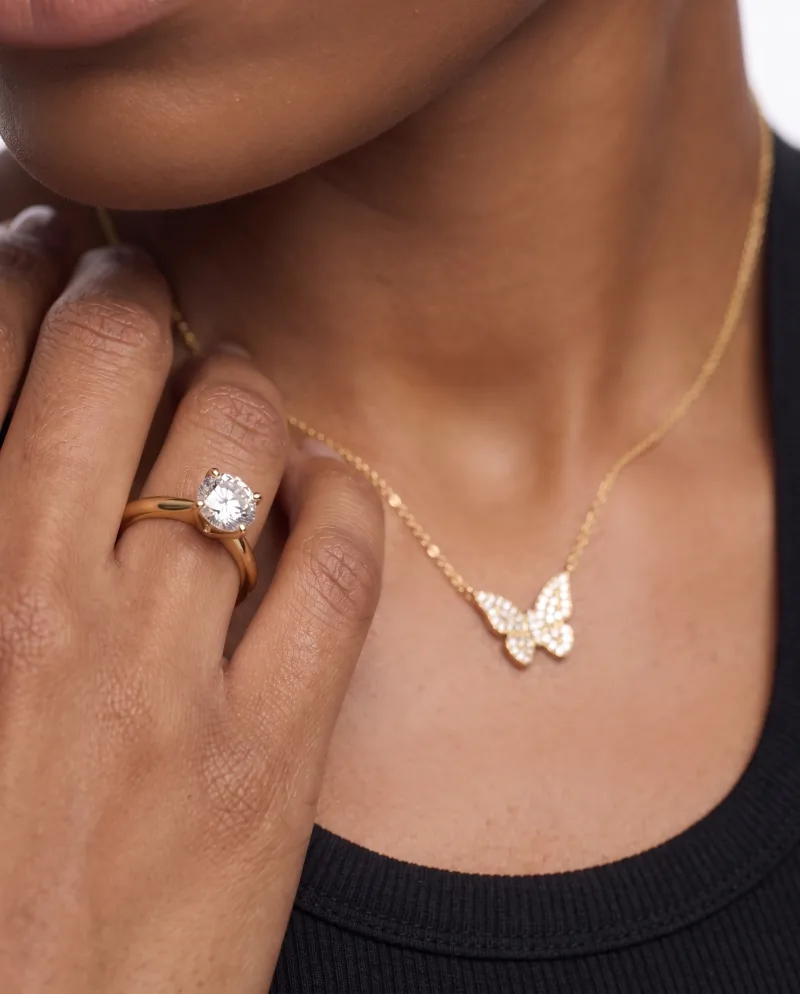
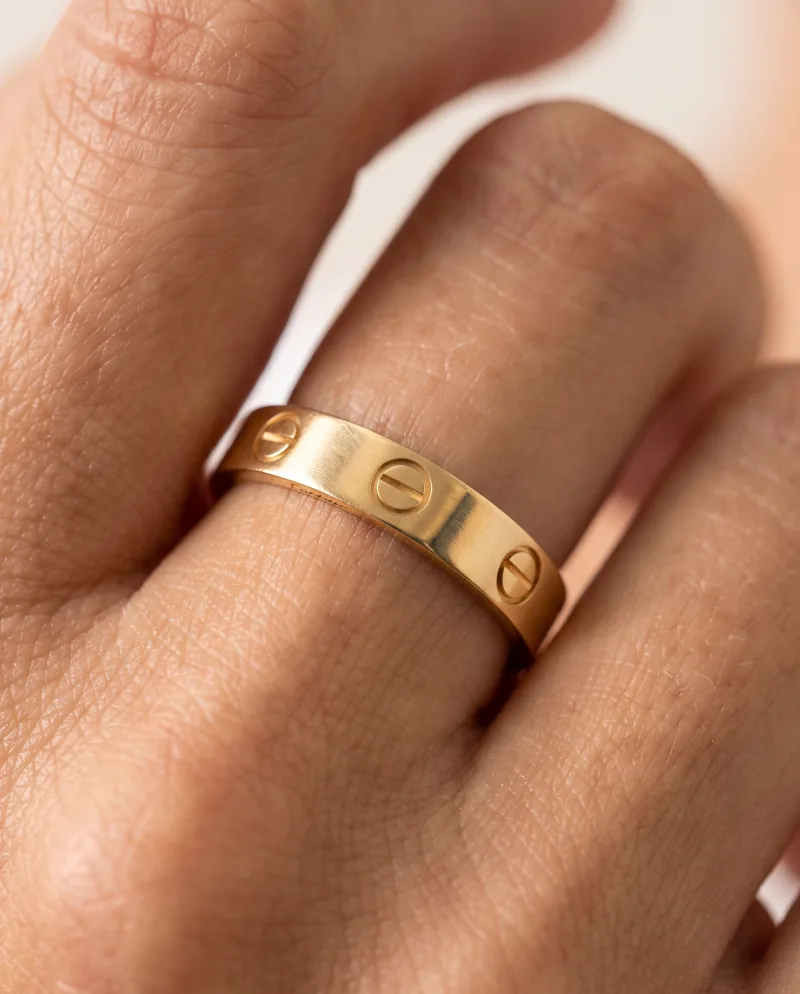
Prongs, pavé, engraving and links are reproduced from the photo and generated at full size — 2K on every plan, 4K where the plan includes it.
A blurry or dark source cannot come back sharp.
Product ImagesThe problem
Metal and stones
What Cheeppy does
Gold stays gold, silver stays silver; reflections follow the scene’s light instead of your room. Stones keep their count and cut.
Recipes built for jewelryThe problem
Worn or product-only
What Cheeppy does
Both exist for the same piece: Recipes built around a person for worn shots, still-life Recipes for the listing. Same source photo.
Models on compatible RecipesThe problem
One look across a collection
What Cheeppy does
One Recipe, one cast model where the Recipe supports it, one backdrop colour — run every piece through the same choices.
The problem
A scene you like, from other angles
What Cheeppy does
When a result nails the scale and the light, do not start over: Photoshoot re-shoots that exact image closer, from the side, top-down, macro.
Photoshoot
Proof
Four types, from the cut-out to the result.
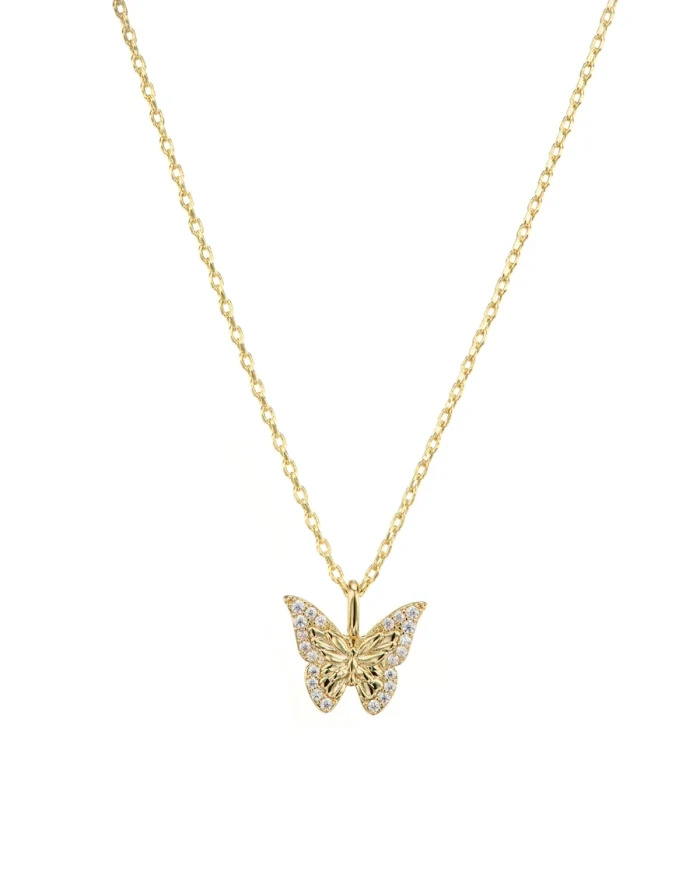
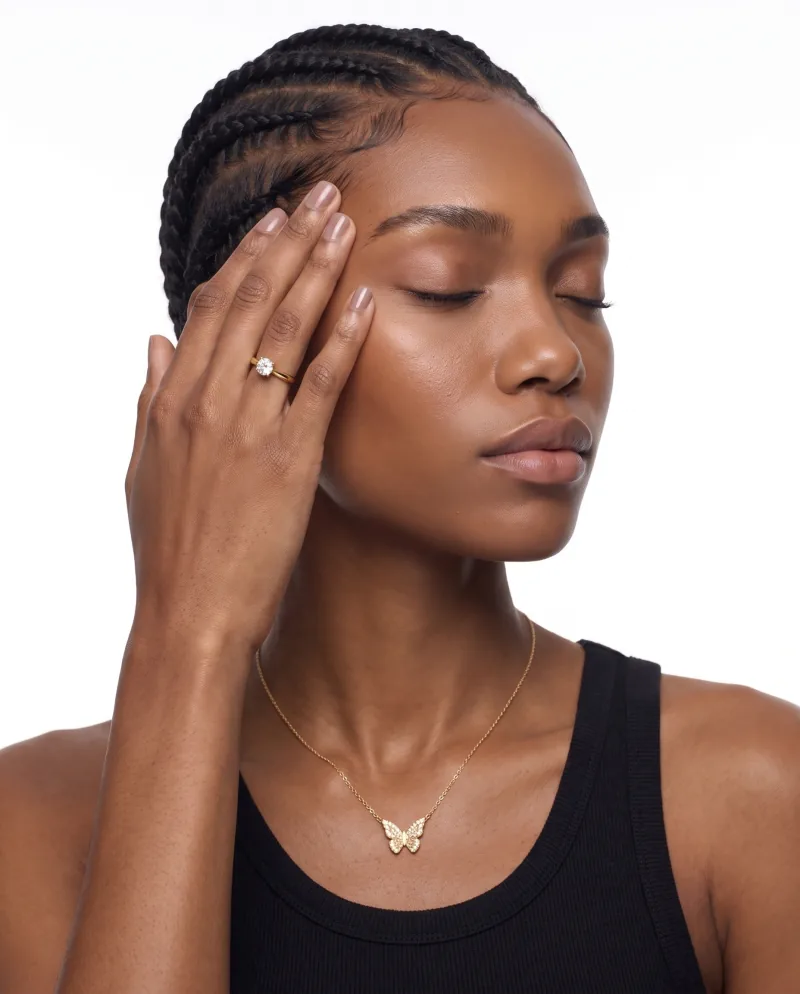
Real generations: ring, necklace, earrings, bracelet — each from one product photo, worn and product-only.
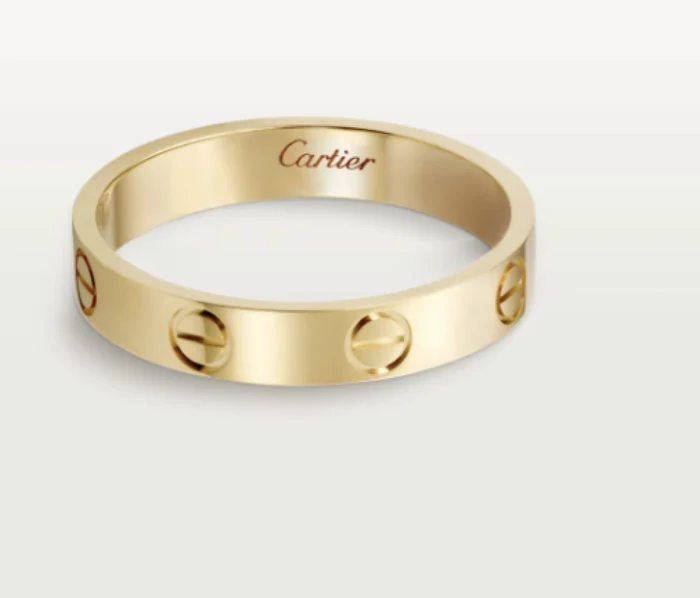
Ring · source 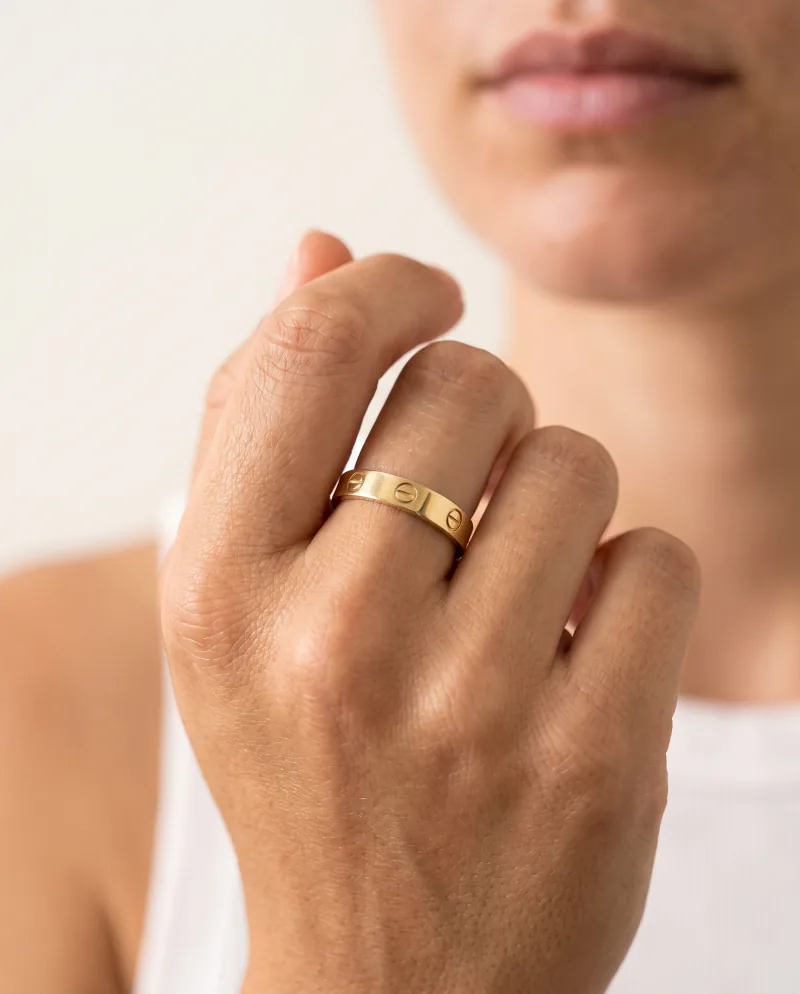
Worn 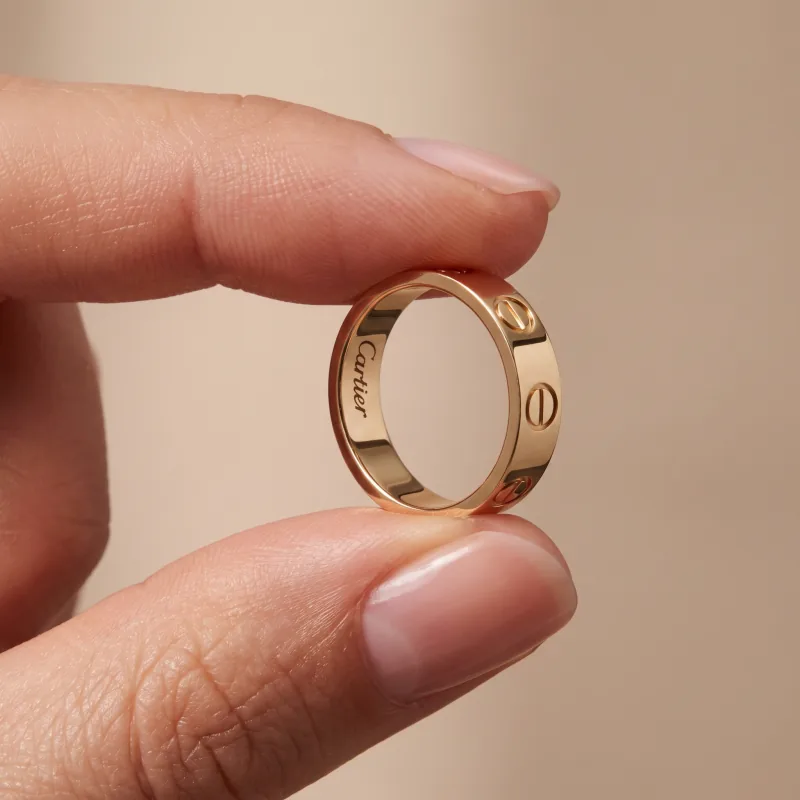
Held Necklace · source 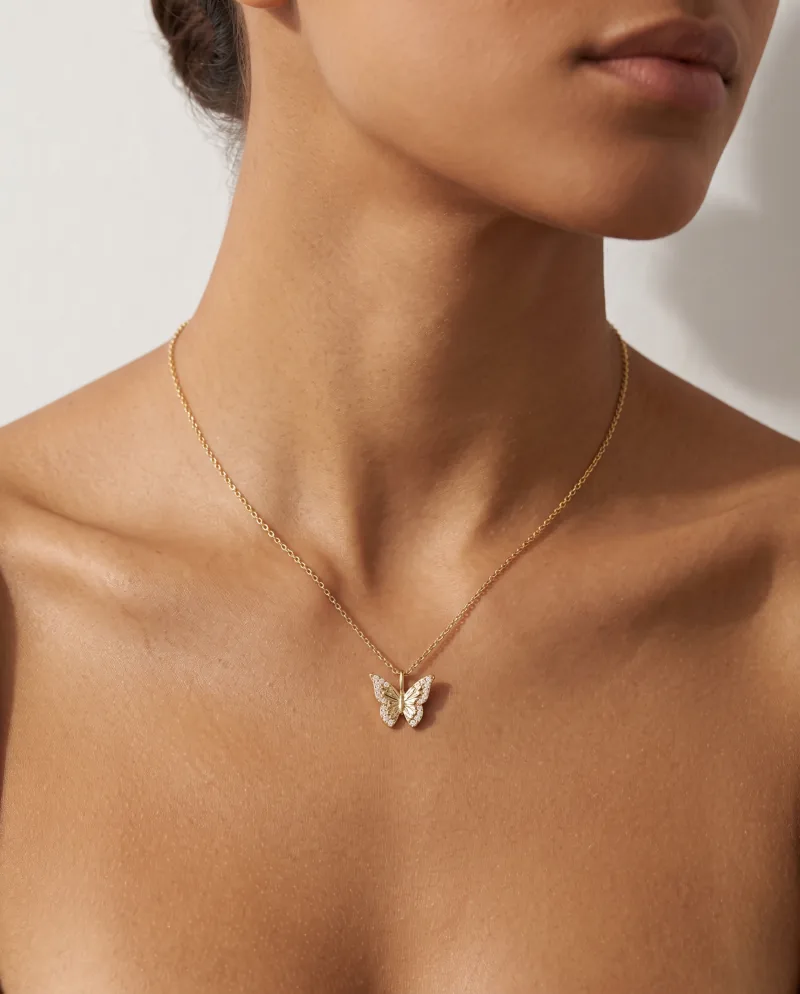
Worn 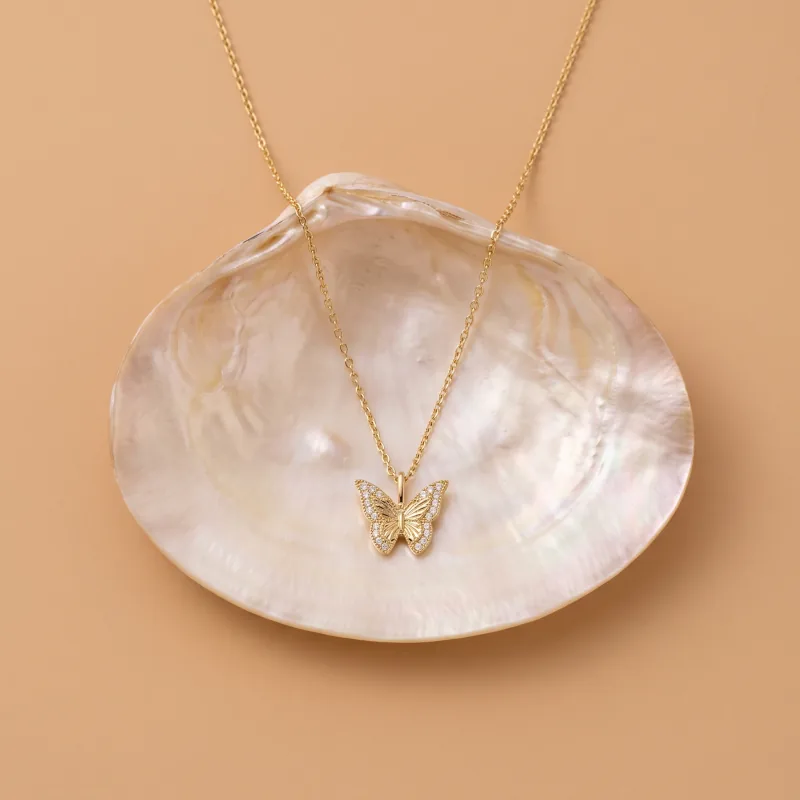
Product-only 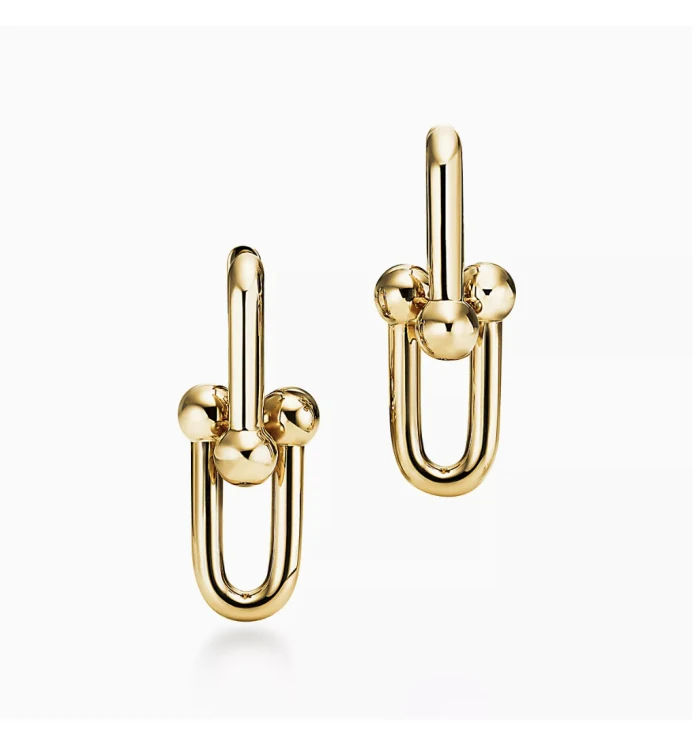
Earrings · source 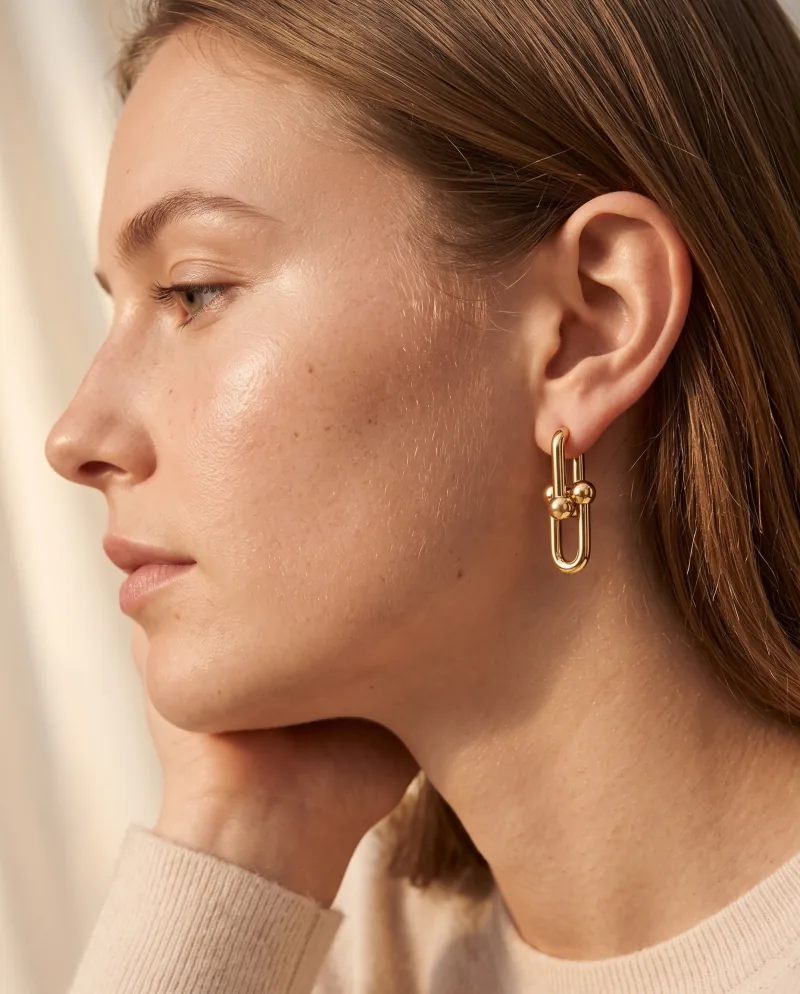
Worn 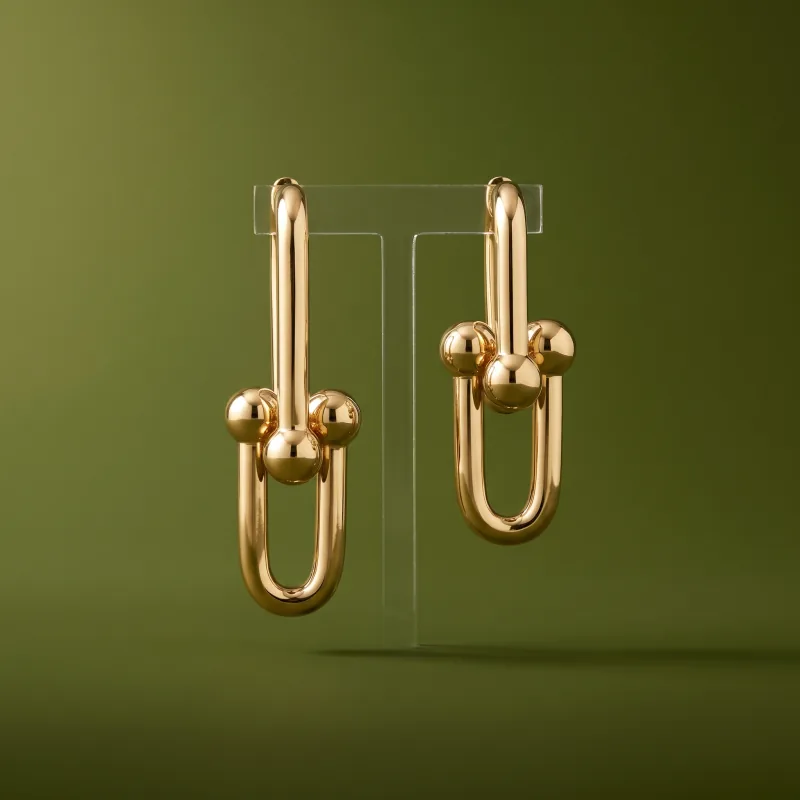
Product-only 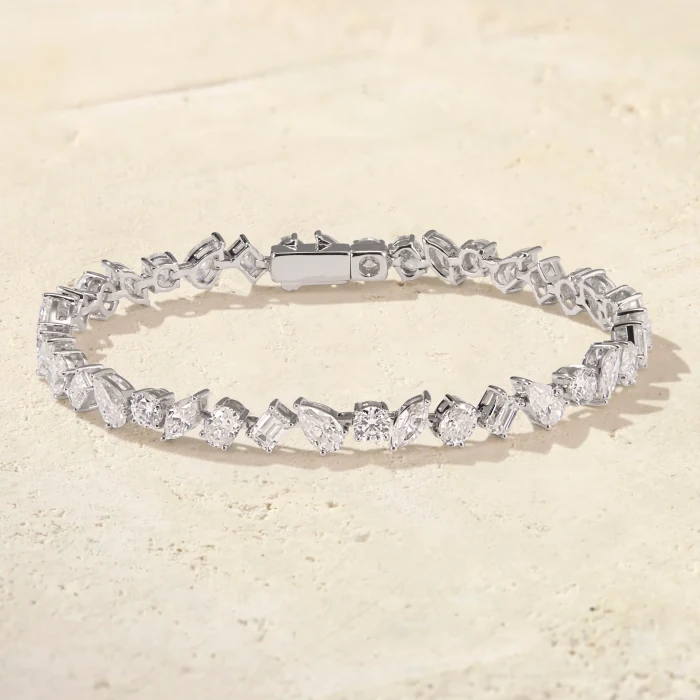
Bracelet · source 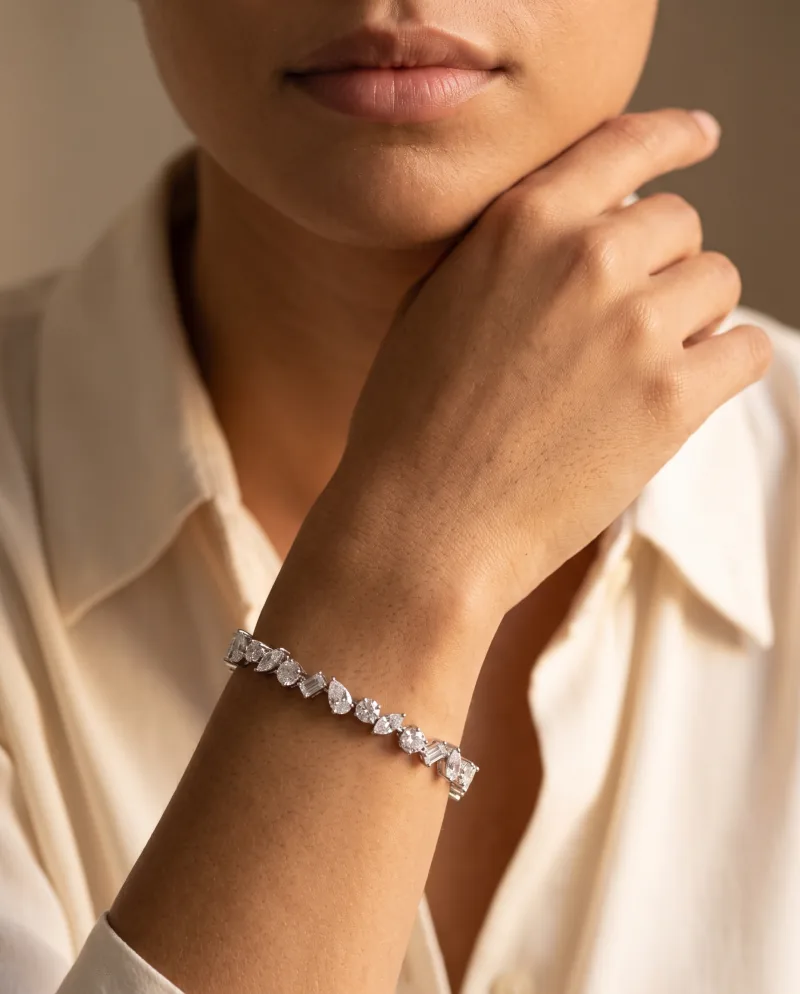
Worn 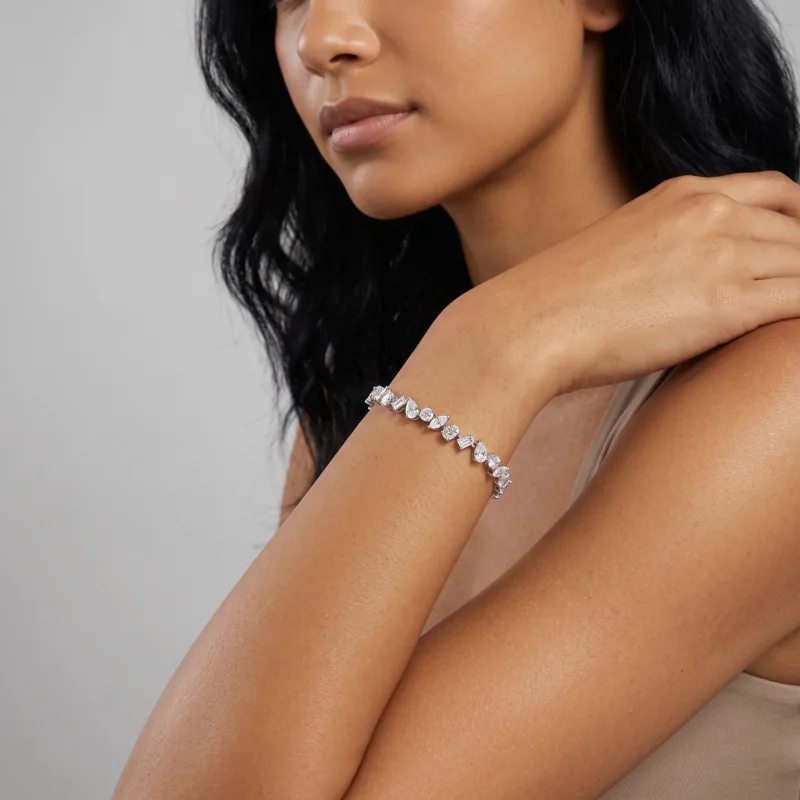
Worn
The workflow
Source right, then build on what works.
01
Get the source right
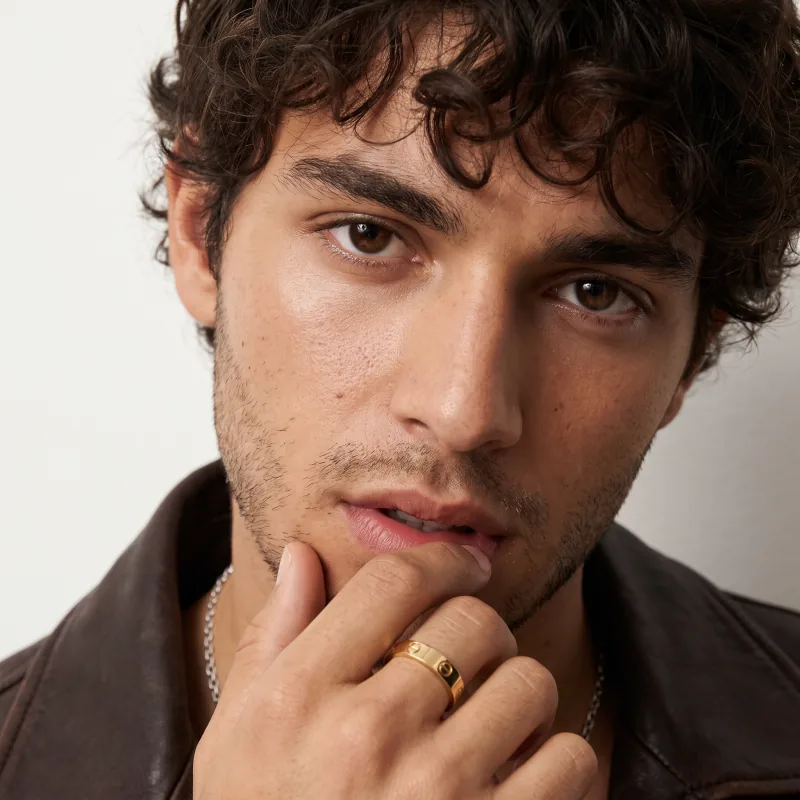
A sharp, well-lit photo of the piece alone. For scale, a worn shot — no face — beats a macro.
02
Generate
Pick a jewelry Recipe — worn, held, still life — and run the piece. Try a few: one photo can power many scenes.
03
Re-shoot the one that works
Keep the result where scale and detail hold, then Photoshoot it: side, held, flat, top-down, macro — same piece, same light.
04
Then video and formats
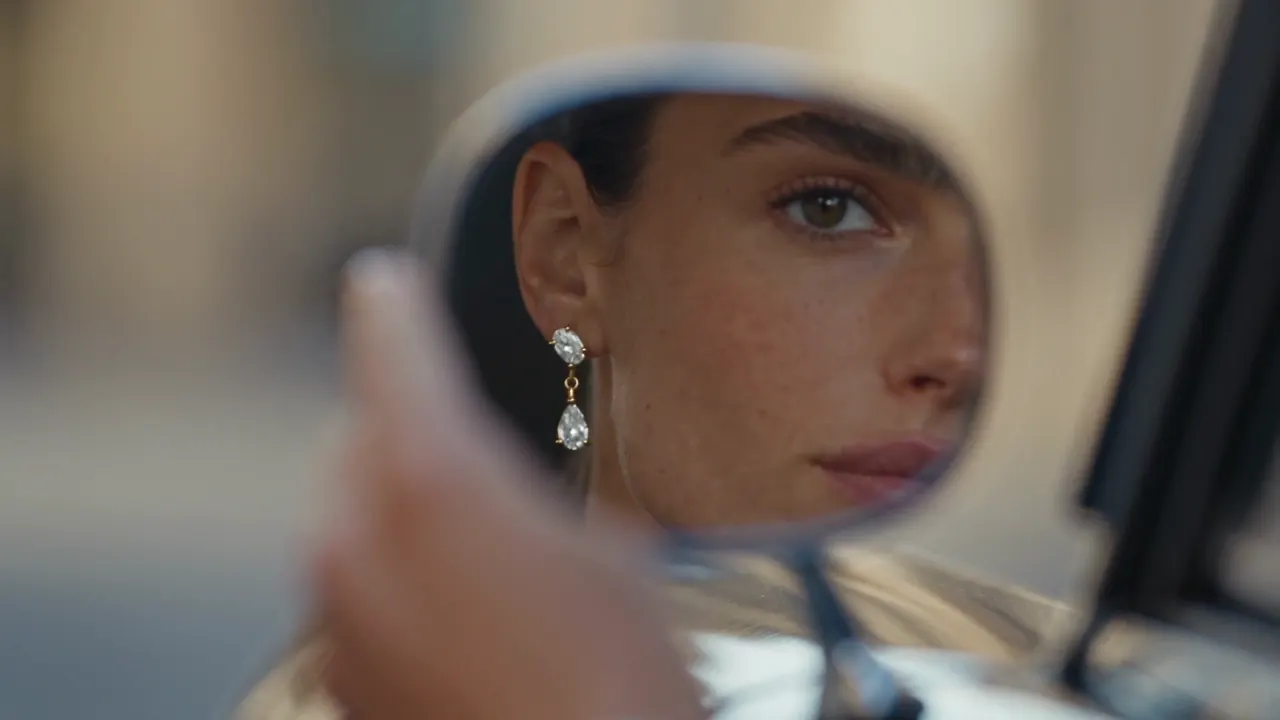
A short film from the same product photo; every ratio with Expand for listings, feeds and stories.
Source tips
What the app tells you before you upload.
Jewelry tips shown in the app
- A worn shot cropped on the hand locks the true ring size
- A worn photo shows the real chain length
- Worn on the wrist gives the right scale
- On the ear works — never include the face
- Macro close-ups lose the scale — step back a little
- White background works — keep some distance, extreme zoom loses the scale
Backdrop in your colour
On compatible Recipes, one solid colour behind the piece — your brand hex, or white for the marketplace.
A person on the other side
Custom Recipes built by our creators for a look nobody has built yet; refund requests reviewed by a human.
From your catalog
Connect Shopify, WooCommerce or Wix, pick the piece from the store, send the image back to the listing.
FAQ
Questions
- Does it keep the true size of a ring or a pendant?
- Best when the source photo already shows the scale: a worn shot cropped on the hand for a ring, on the wrist for a bracelet, the real chain length for a necklace. From a macro close-up, the scale has to be guessed — and small pieces such as huggies and tiny studs remain the hardest to get right. When a result nails it, re-shoot that image with Photoshoot instead of starting over.
- Can I show earrings on an ear without a face?
- Yes. On-ear source photos work well as long as no face is visible; the Recipes built around a person then place the earring on the model. Product-only Recipes exist for the same pair.
- Will gold stay gold and the stones stay sharp?
- The product is reproduced from your photo — metal colour, stone count, pavé, engraving — and generated at full size, up to 4K on the plans that include it. Send a sharp, well-lit photo: what is blurry going in cannot come back sharp.
- How do I keep one look across a collection?
- Choose one Recipe and, on compatible Recipes, one cast model, and run every piece through them. A solid backdrop in your brand colour works the same way for product-only shots.
One photo of the piece. Start there.
Worn, held or on its own — the piece stays the piece.