Models
One cast. Your whole catalog.
Cast a model once and keep them across every compatible Recipe. Your product pages stop looking like ten different shoots and start looking like one campaign.
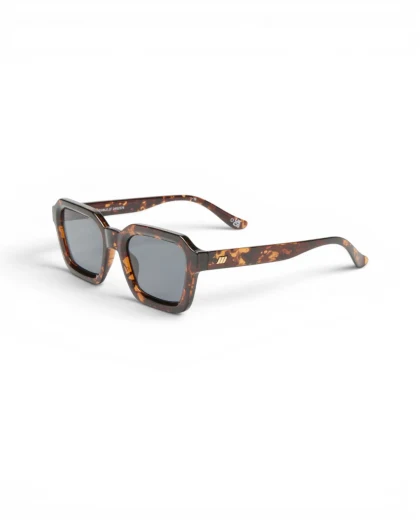
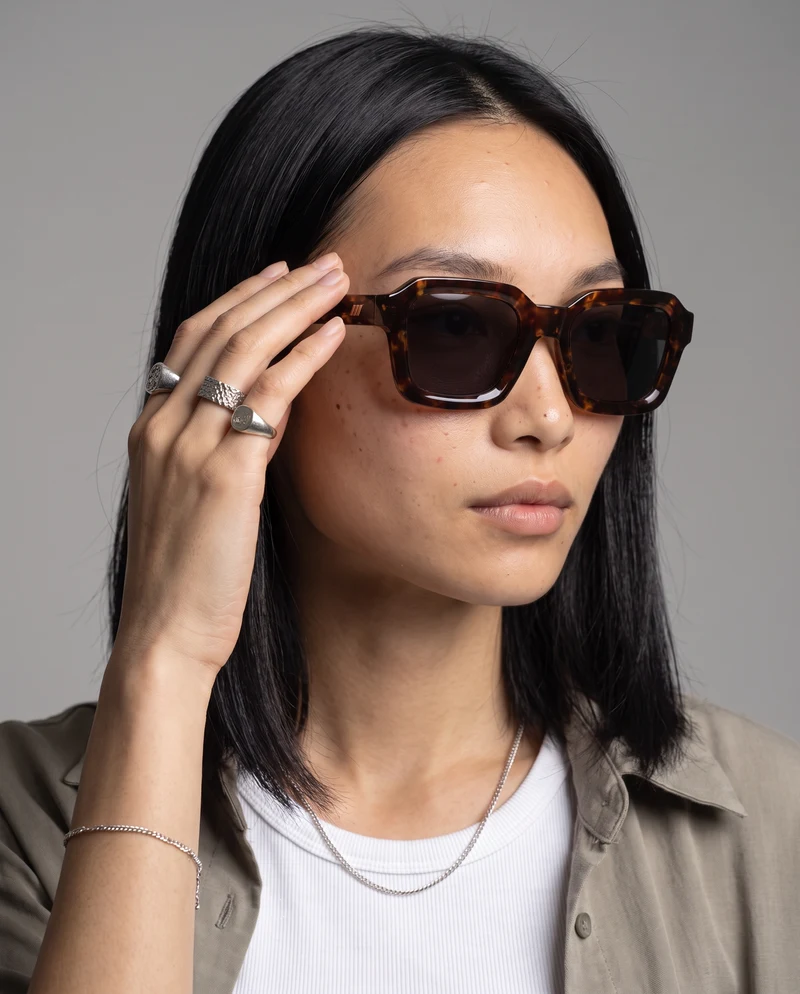
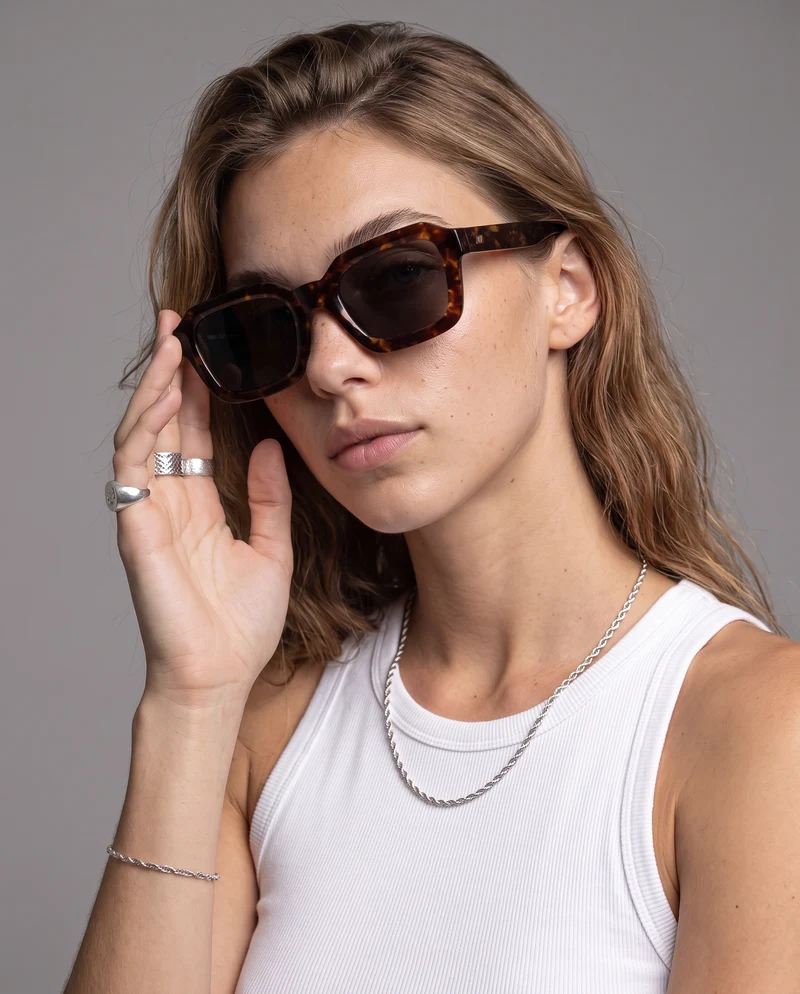
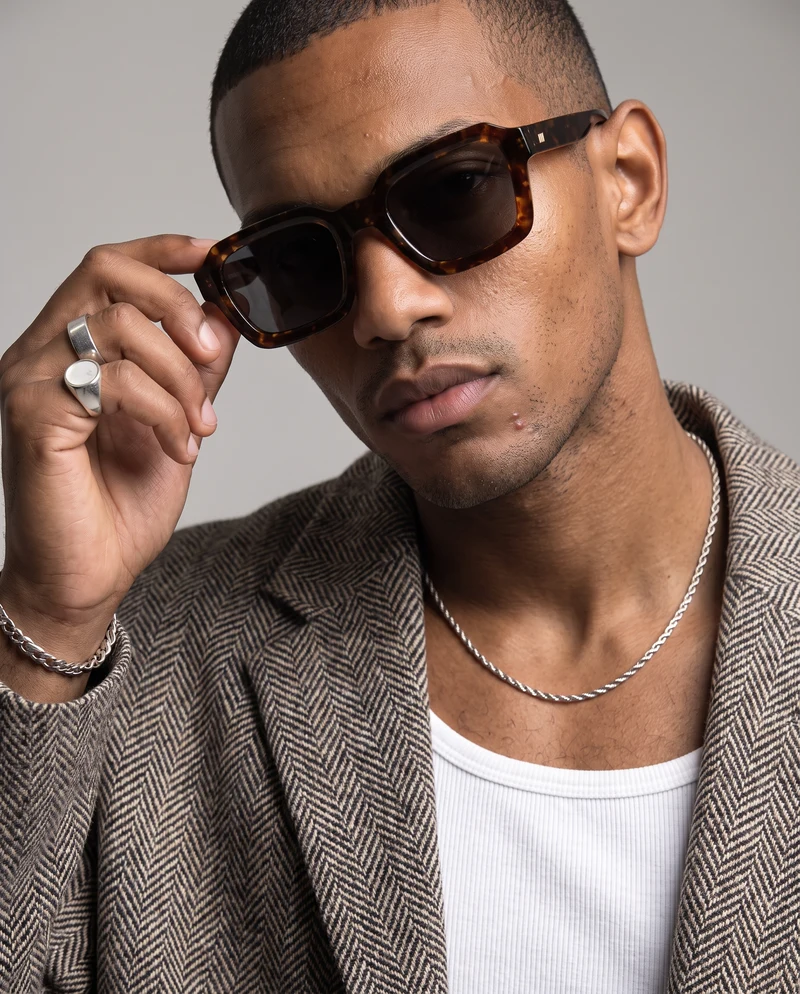
The cast
The same faces, every time.
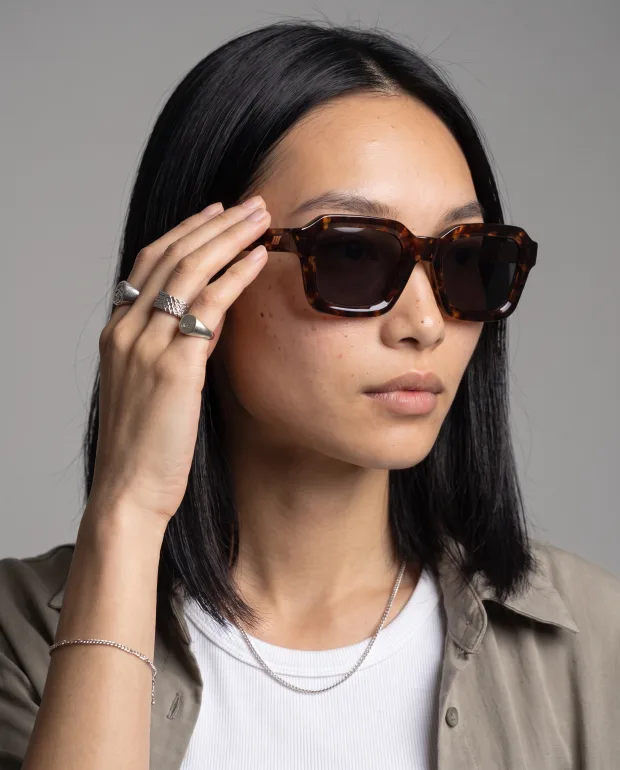
A model is a person you can reuse — not a random face per image. Pick one, and the same face carries the whole catalog.
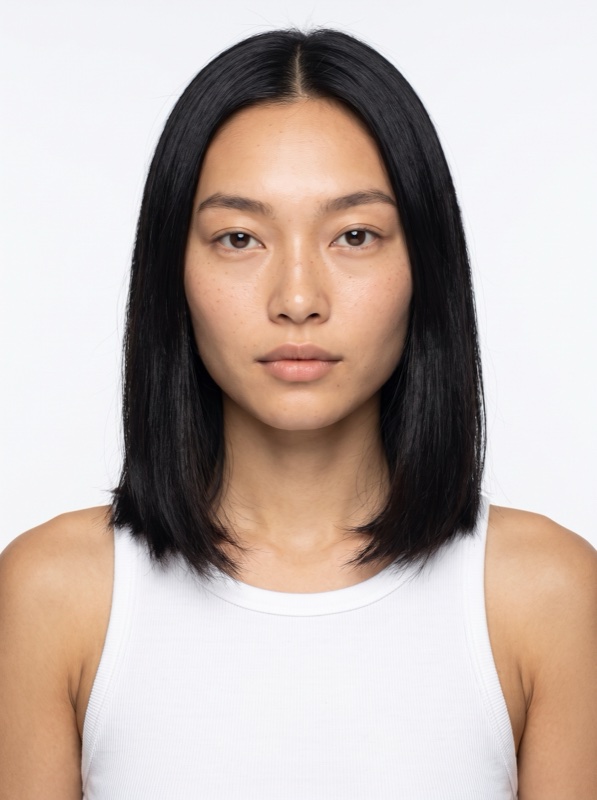
Mei 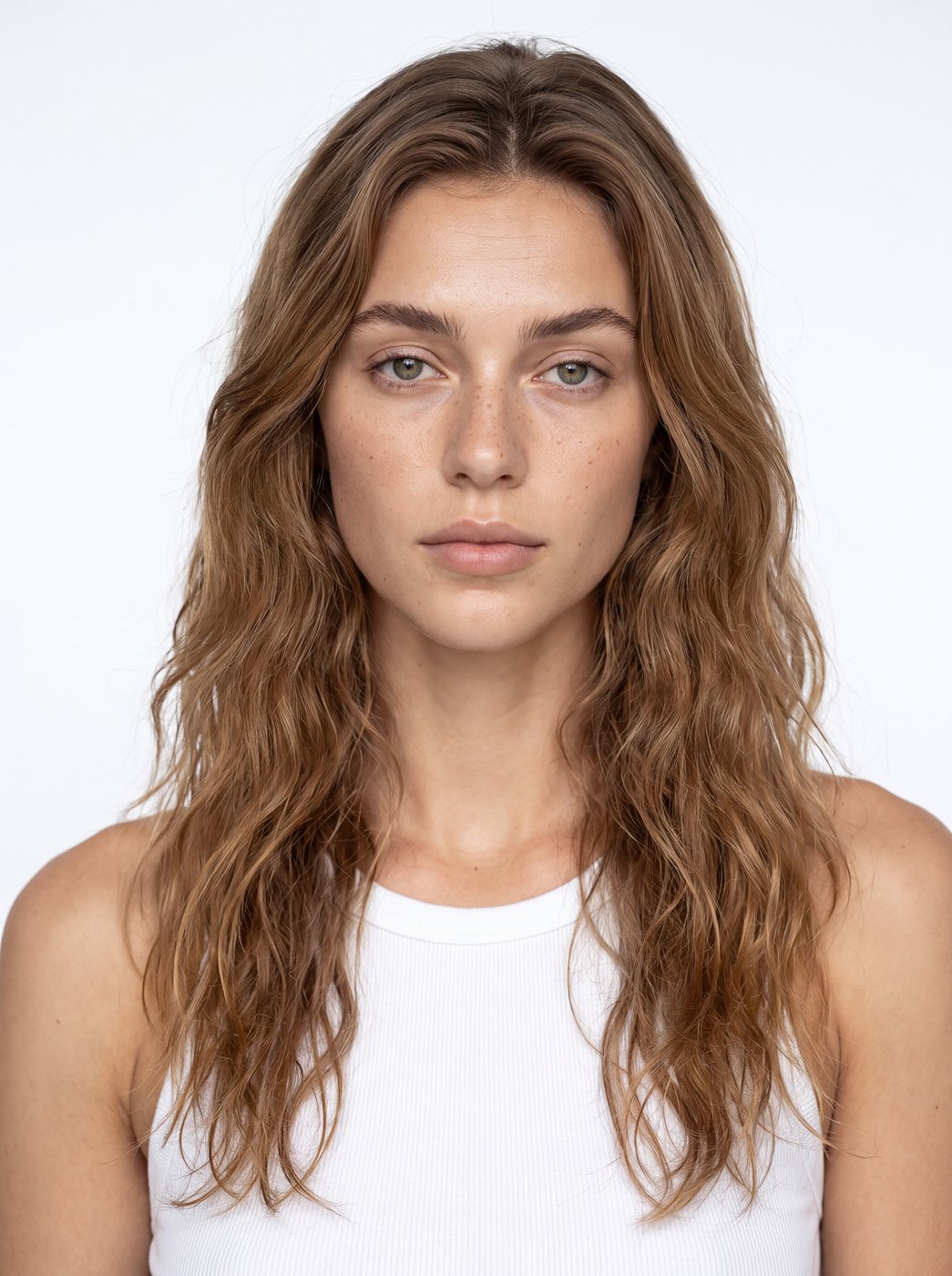
Mila 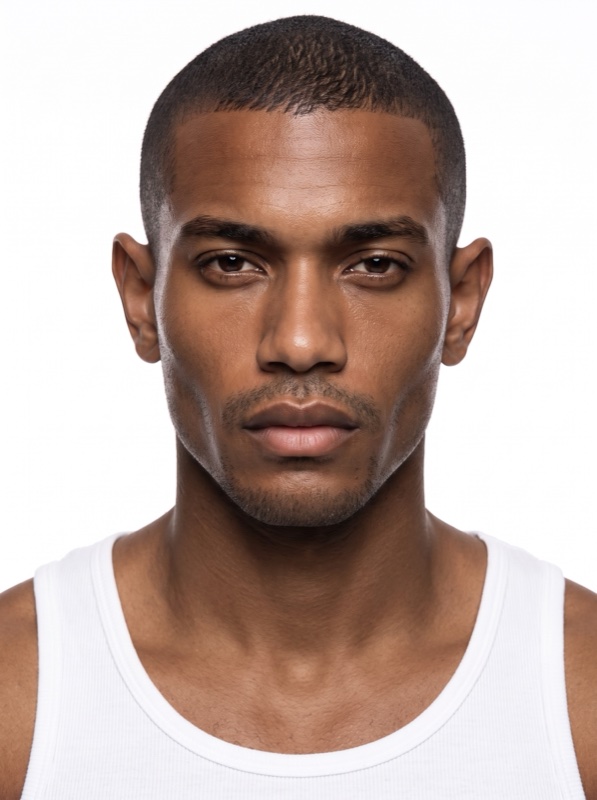
Malik 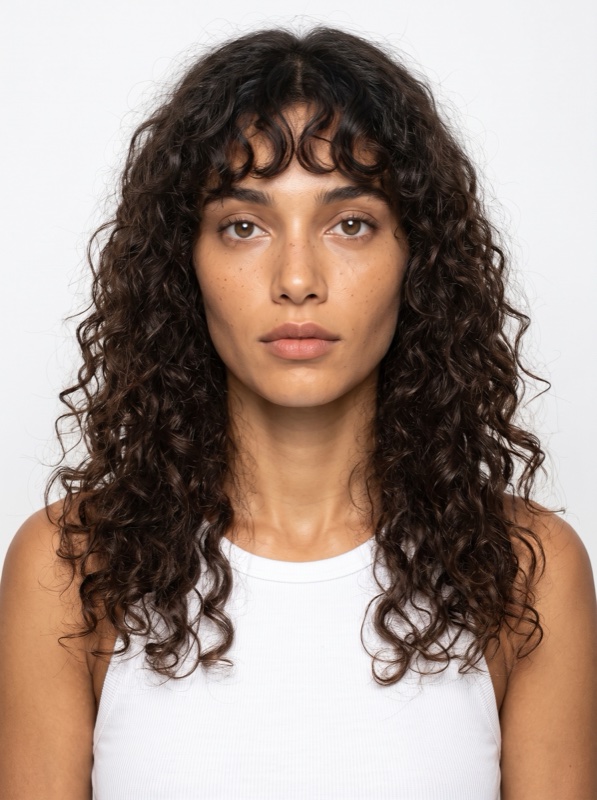
Romy 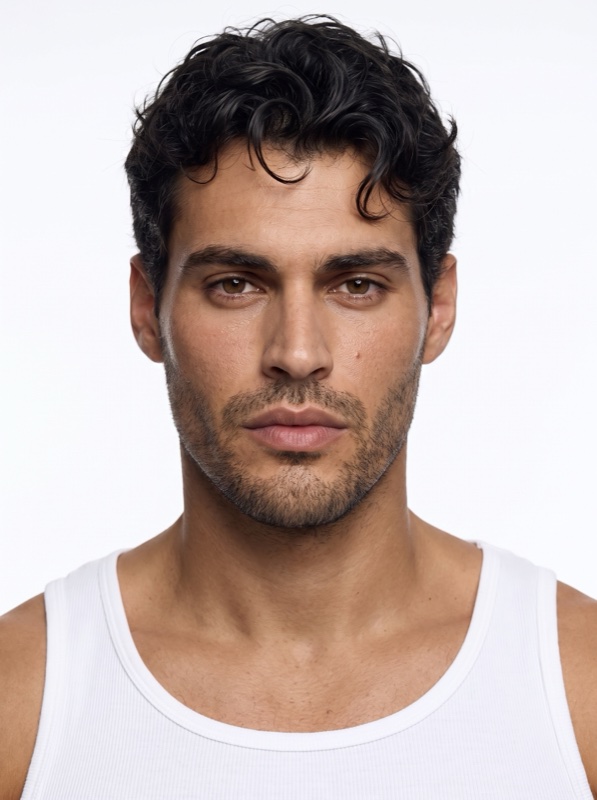
Enzo 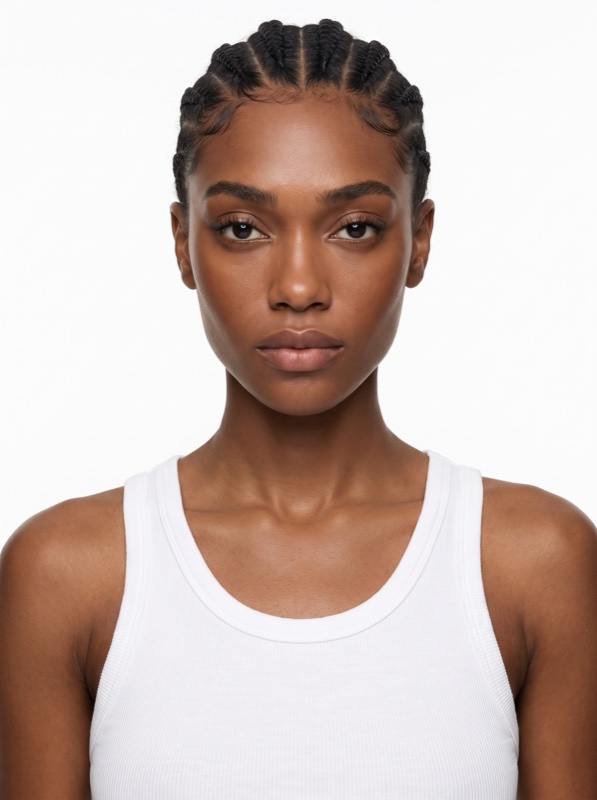
Imani 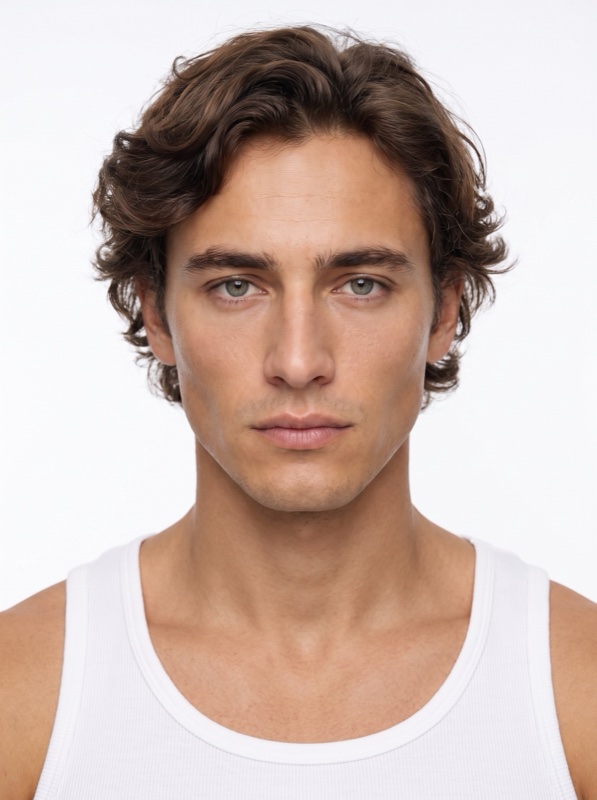
Hugo 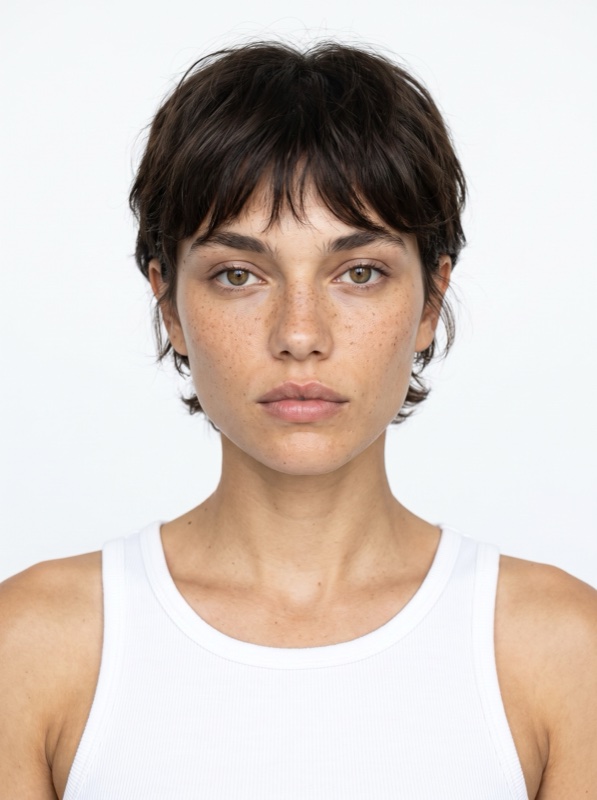
Billie
Where it applies
On Recipes built around a person.
Not every scene has a person in it. A Recipe built around a model — a portrait, a worn product, a lifestyle shot — accepts one from the cast. A still-life Recipe does not. Each Recipe says which.
- Available on compatible Recipes.
- One model per image; Starter has a selection, Pro and above the full cast.

Facts
Plans and limits.
One model per image
A shot casts one person. For a second model, generate a second image.
Starter: a selection
Starter plans pick from part of the cast; Pro and above have the full cast.
The model stays in Photoshoot
Shooting new angles keeps the model of the source image — casting happens when you generate, not when you re-shoot.
FAQ
Questions
- Can I use Models on any Recipe?
- No — Models are available on compatible Recipes, the ones built around a person. Each Recipe says whether it supports a model.
- Can I reuse the same model?
- Yes. Cast a model once and reuse them across every compatible Recipe, so your product pages look like one campaign. One model per image.
- Which plans include Models?
- Paid plans. Starter has a selection of the cast; Pro and above have the full cast.