Industries · Swimwear
Swimwear, shot in every scene but the pool.
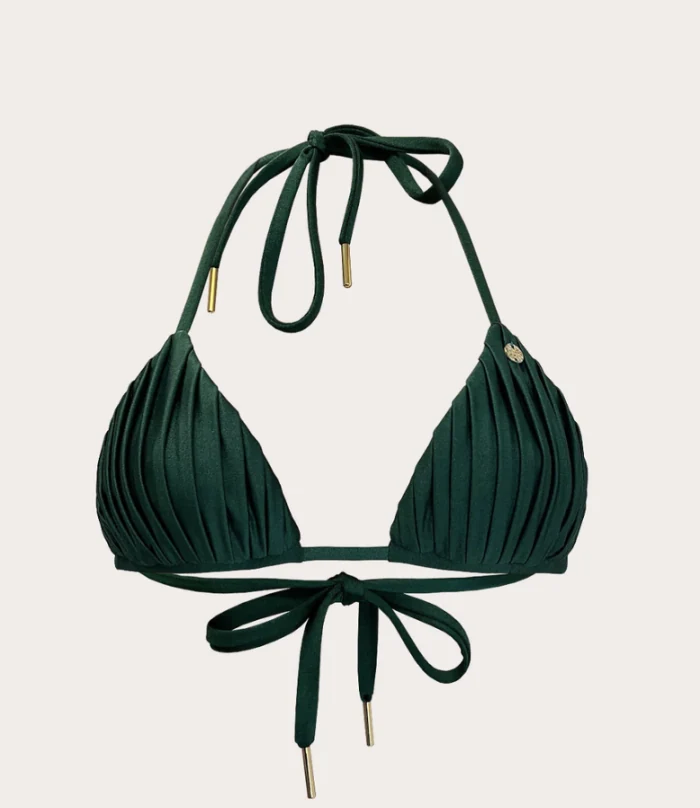
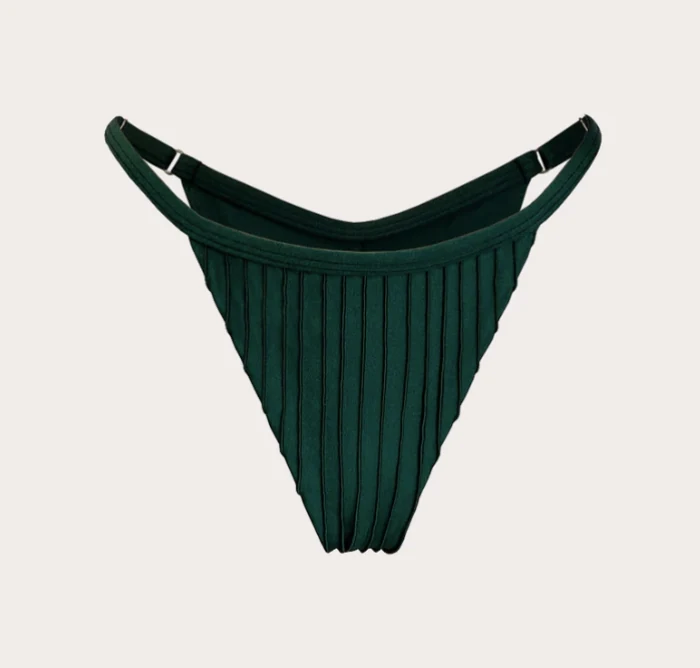
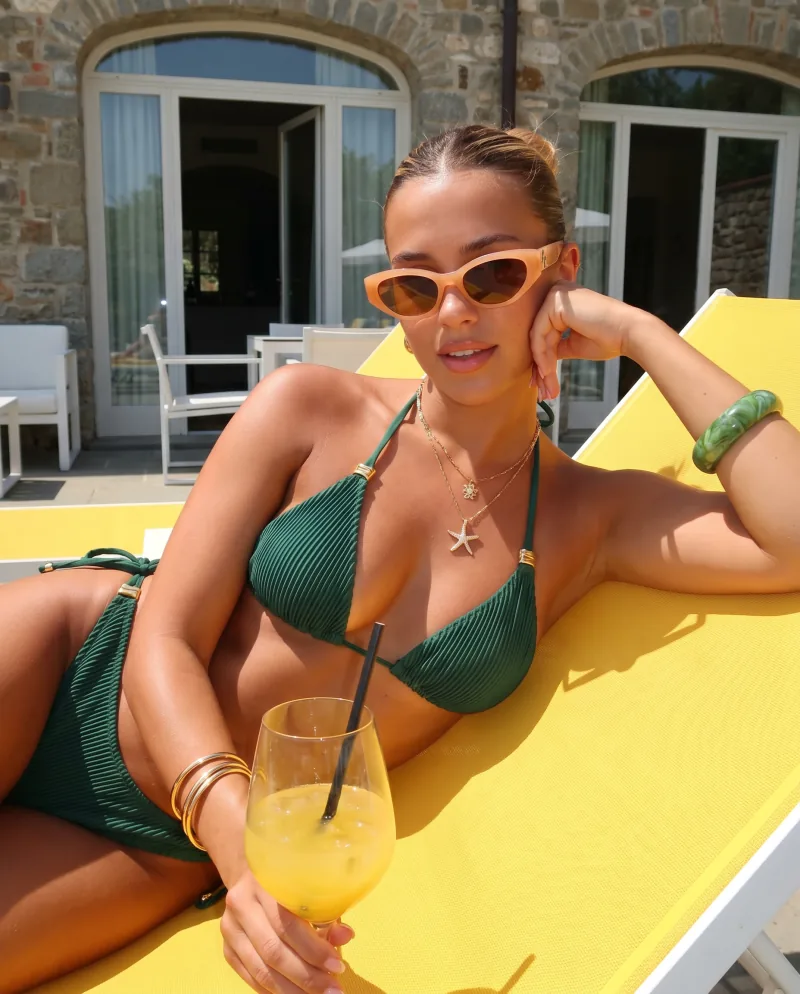
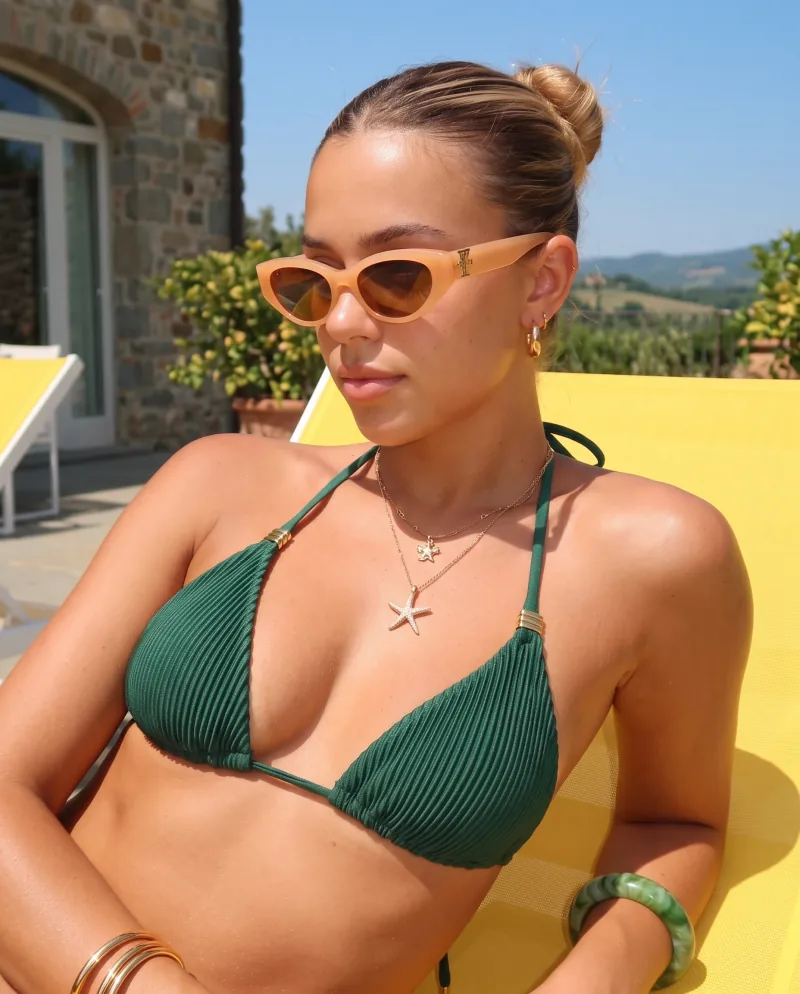
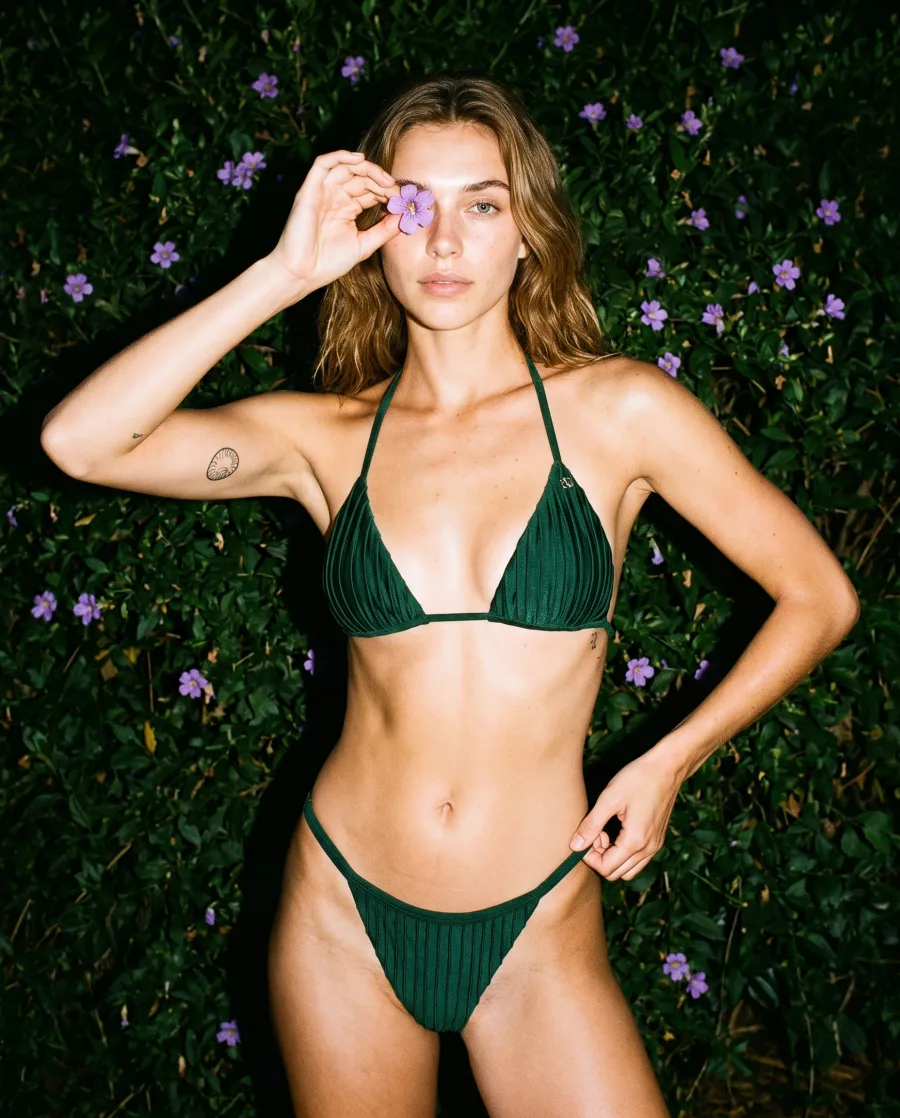
Swimwear sells on location — and location is the expensive part. Cheeppy takes the two cut-outs you already have and puts the suit on a cast model poolside, on a terrace, on the shore, in a studio. New collection, new scenes, no flight.
Six scenes
One suit. Every scene but the pool.
Six real generations of the same two cut-outs through six Recipes.
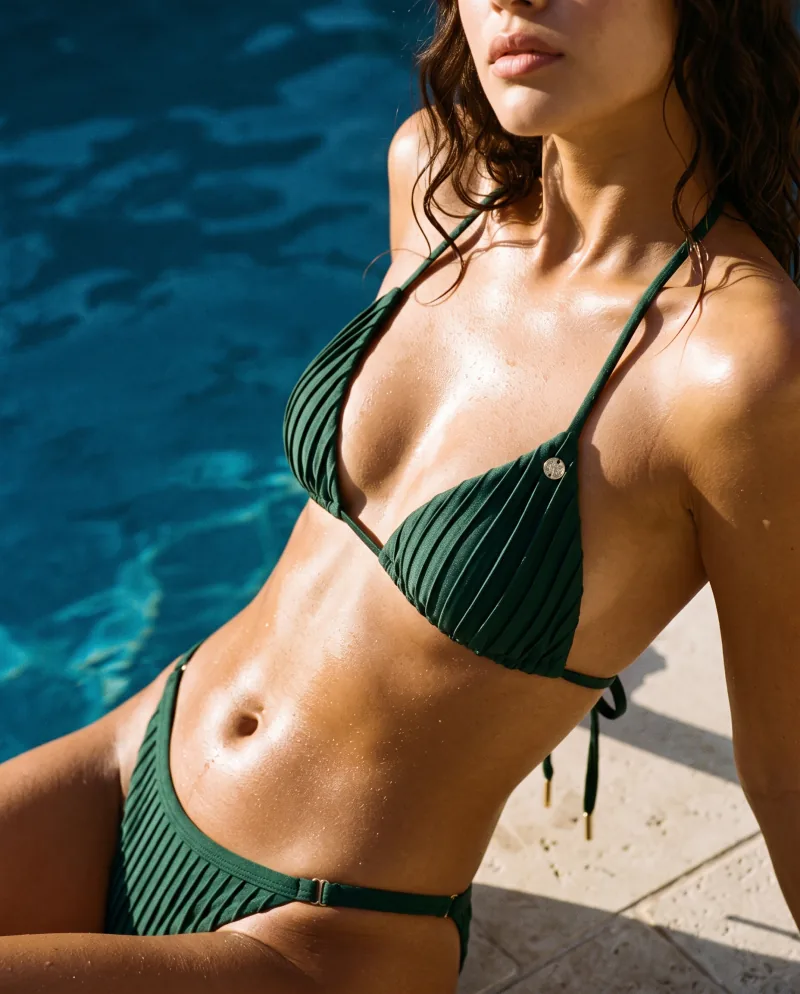
Poolside Editorial 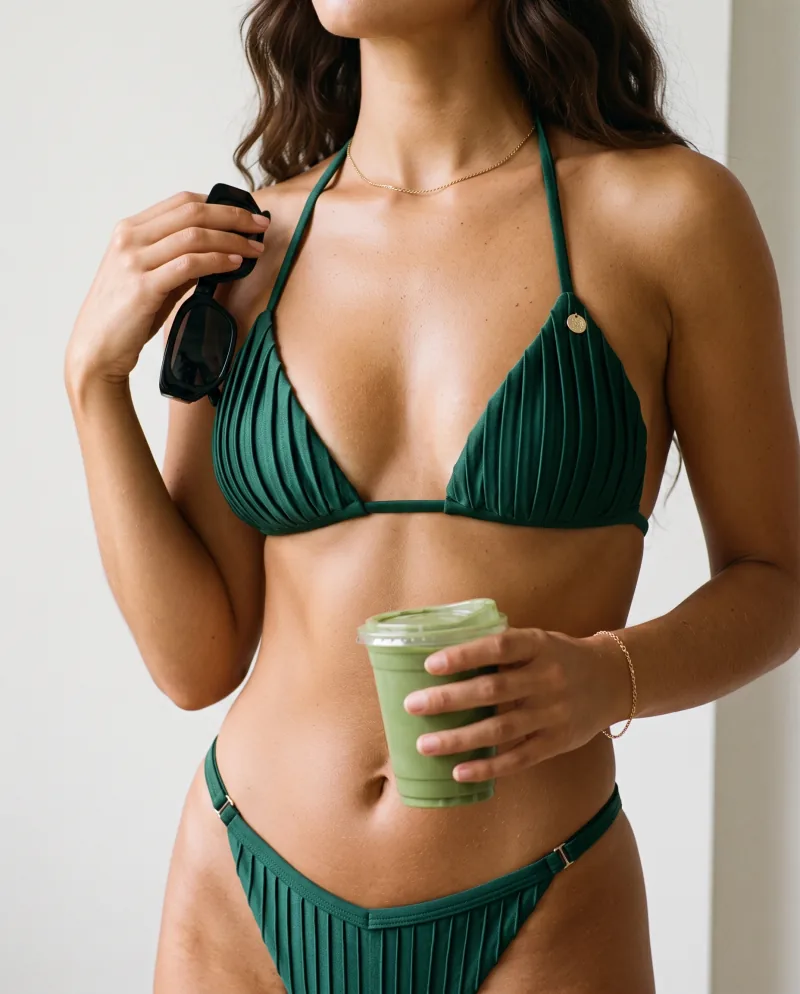
Matcha Vibe 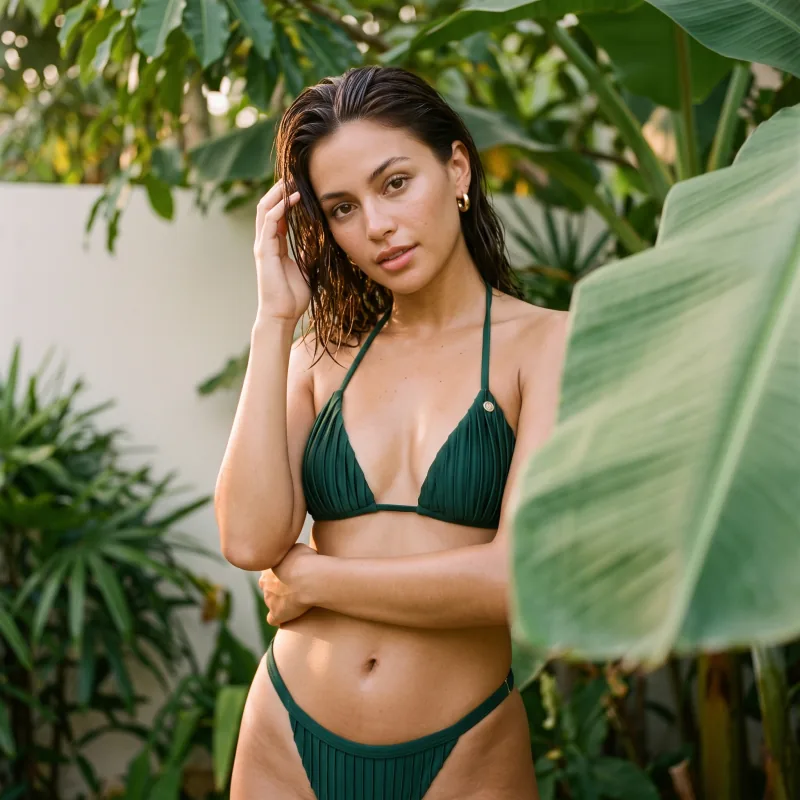
Tropical Resort 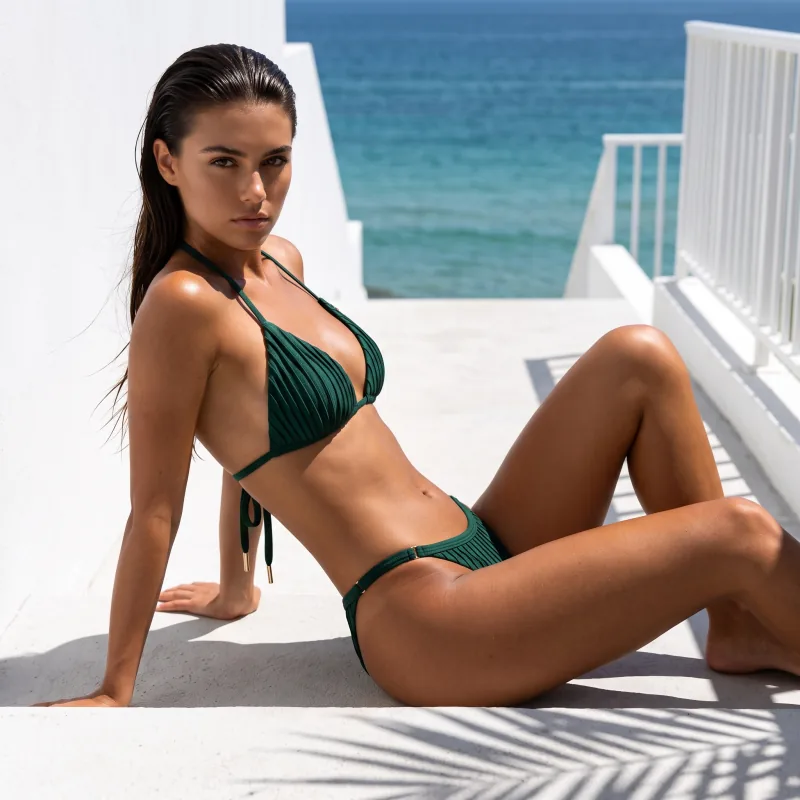
Mediterranean Luxe 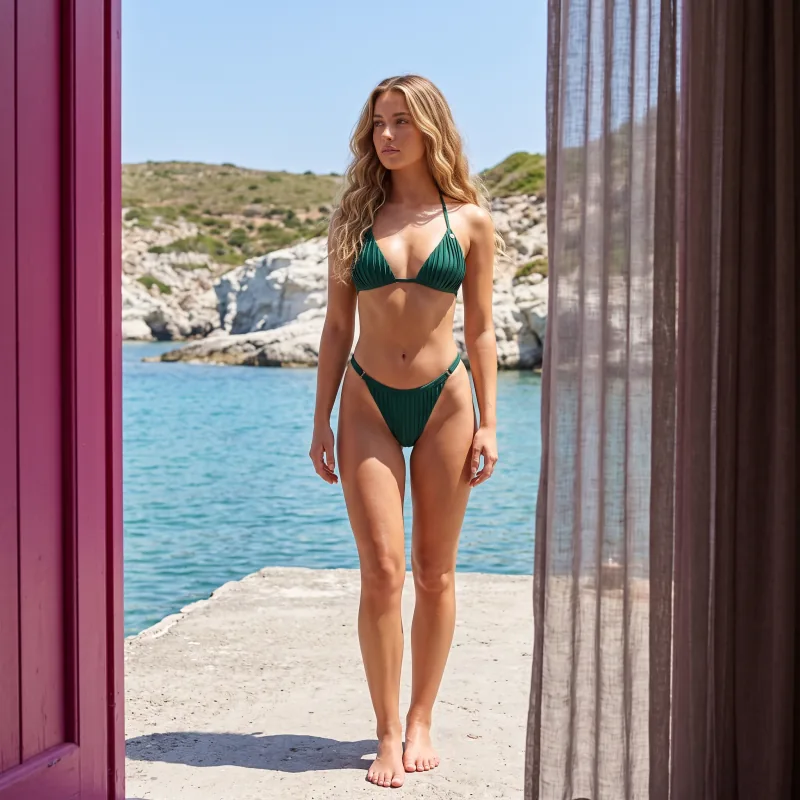
Shore 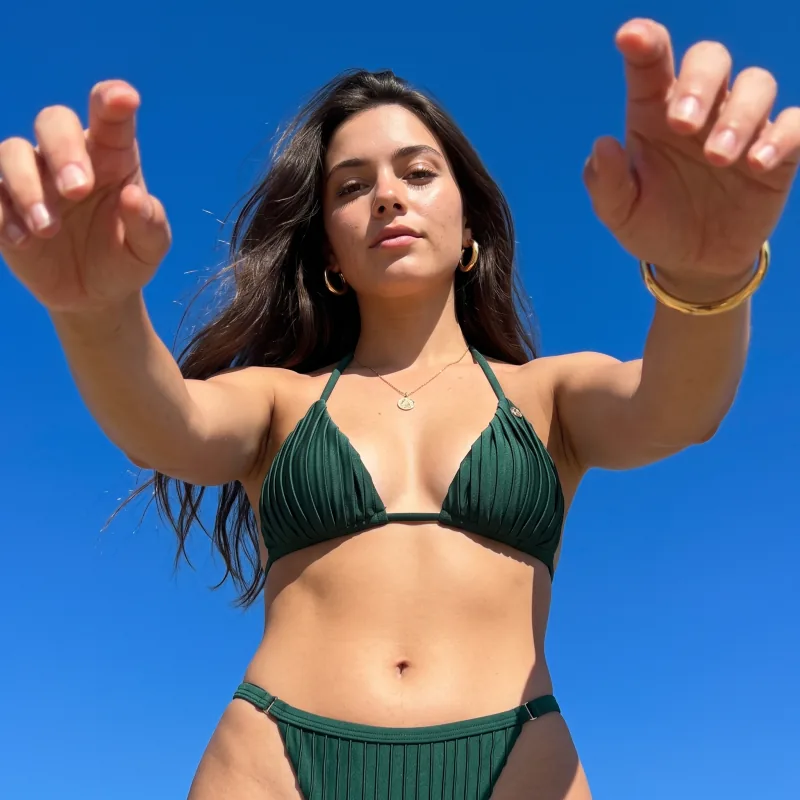
Open sky
The problems
What swimwear asks for.
The problem
A shoot per collection
What Cheeppy does
The location is in the Recipe. One source photo runs through as many scenes as the collection needs, the day the samples arrive.
Browse RecipesThe problem
On-model, from a flat photo
What Cheeppy does
A two-piece takes two slots, a one-piece takes one; the suit is placed on a cast model with its colour, cut and texture.
How the images workThe problem
One model across the range
What Cheeppy does
On compatible Recipes, cast a model once and keep her on every suit, so the collection reads as one campaign.
Each Recipe says whether it supports a model.
ModelsThe problem
More of a scene you like
What Cheeppy does
Photoshoot re-shoots the kept frame closer, three-quarter, wider, low, as a detail — same suit, same model, same light.
PhotoshootThe problem
Feed, story, listing
What Cheeppy does
Expand a finished image to 4:5, 9:16 or 1:1 without cropping the model; make a short film from the same product photo.
ExpandThe problem
One look across the collection
What Cheeppy does
Create each suit with the same Recipe and, where the Recipe supports it, the same cast model — the collection keeps one look, suit by suit.
Recipes
Angles
The kept frame, five more ways.
Kept frame Closer 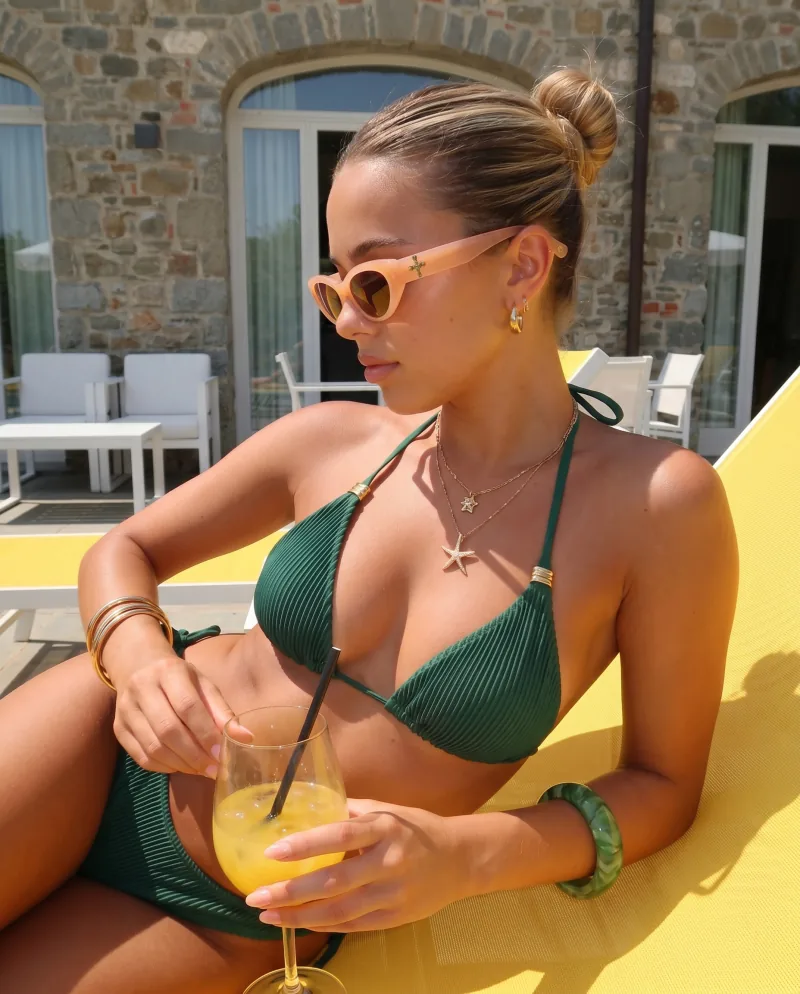
Three quarter 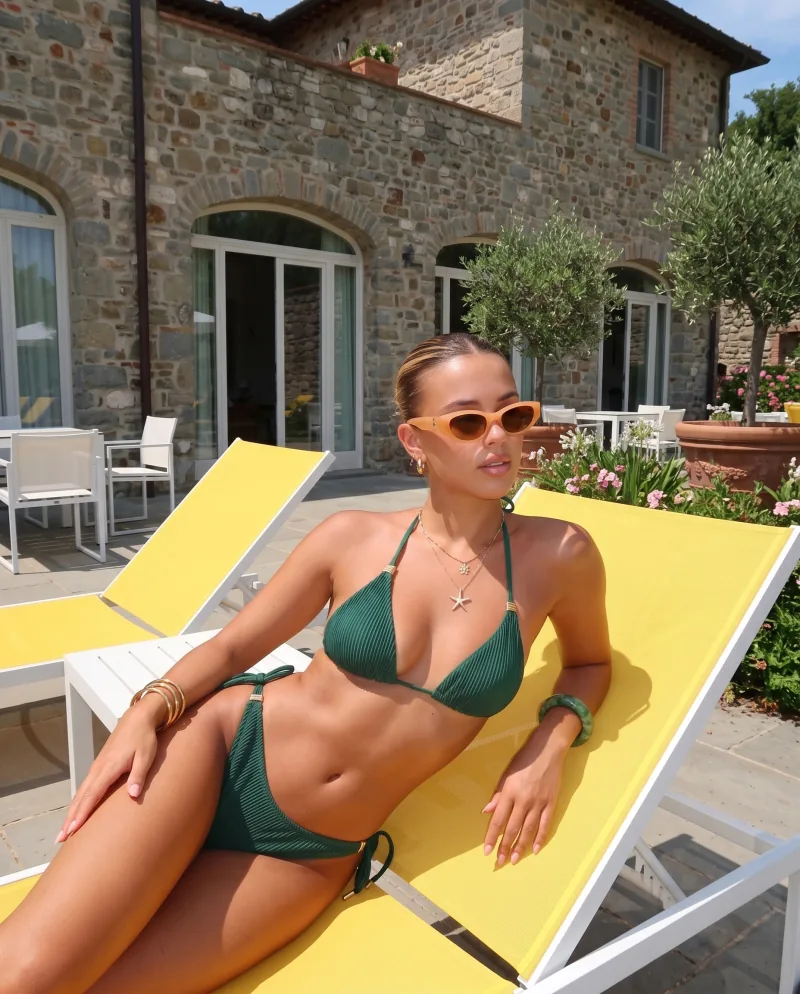
Wider 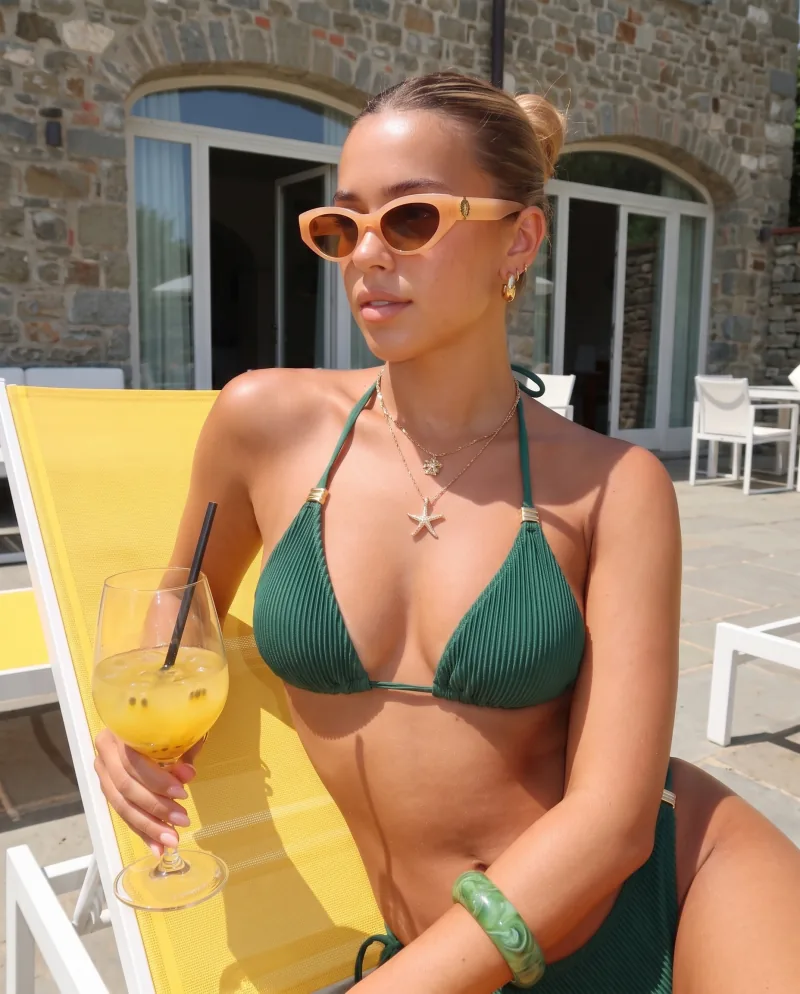
Low 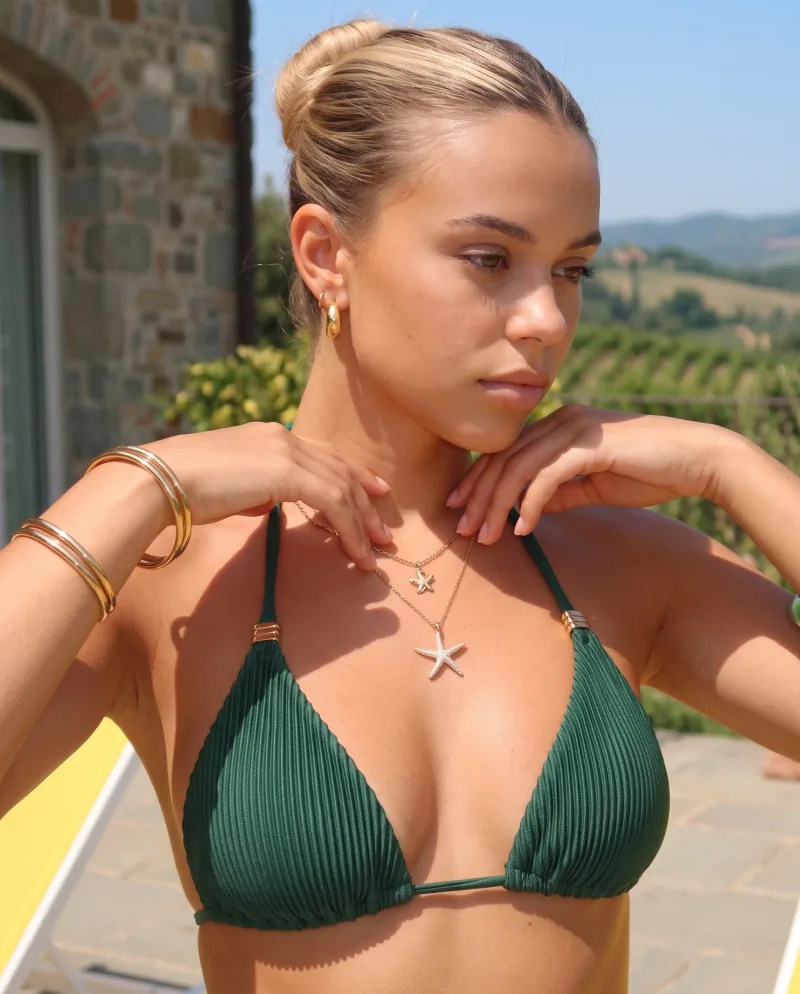
Detail
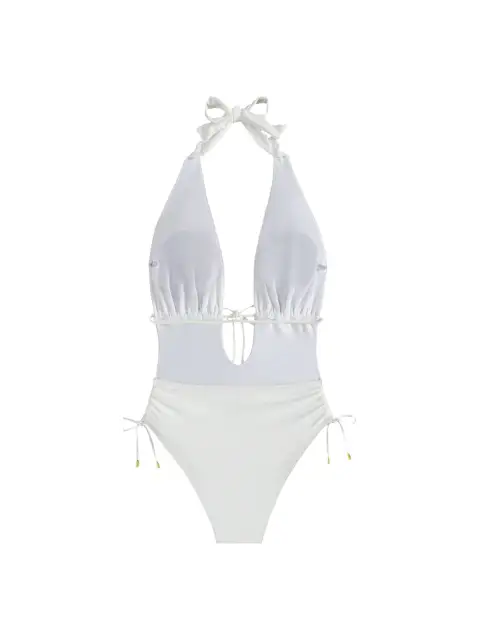
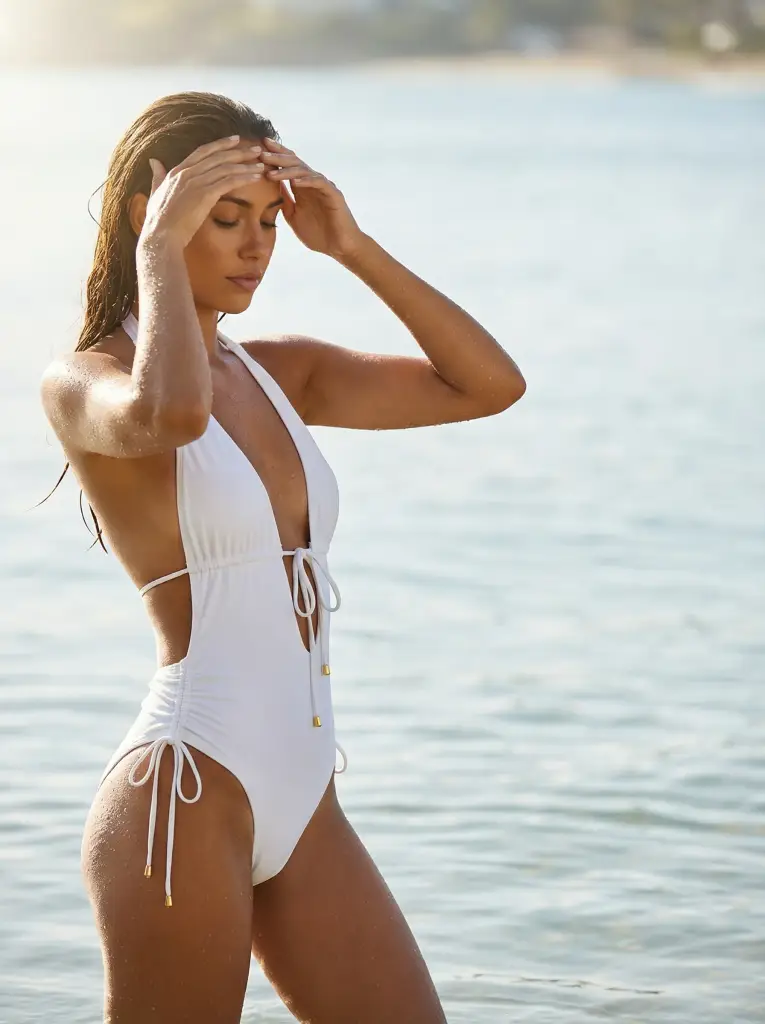
Another suit
A one-piece, one slot.
Where it goes
FAQ
Questions
- What photo do I need?
- A cut-out of the top and one of the bottom on a plain background — the same photos you already use on the listing. A two-piece takes two slots; a one-piece takes one.
- Can I get the same suit in several scenes?
- Yes. One source photo runs through as many Recipes as you like: poolside, terrace, beach, studio. That is what replaces the location shoot.
- Can I get more angles of a scene I like?
- Yes. Photoshoot re-shoots the same image from new angles — closer, three-quarter, wider, low, a detail — with the same model, suit and light.
- Will the model’s body and skin look realistic?
- The scene, the light and the pose come from a Recipe built by our creators; the suit is reproduced from your photo. On compatible Recipes, choose a cast model to keep one face across the collection.