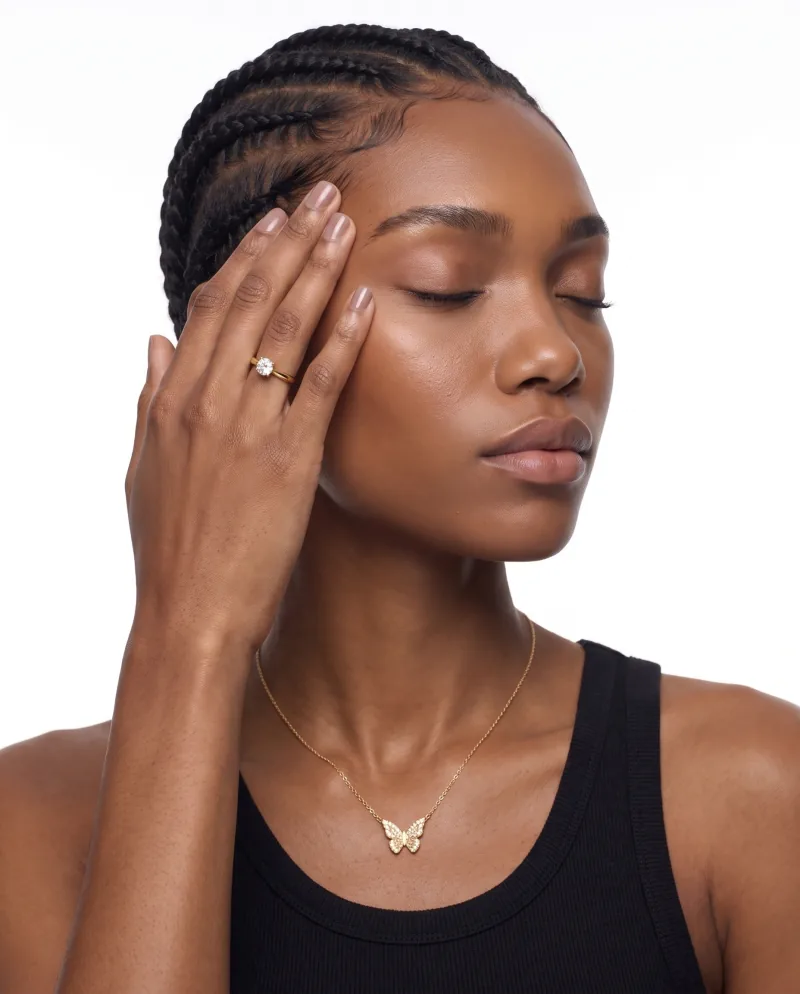
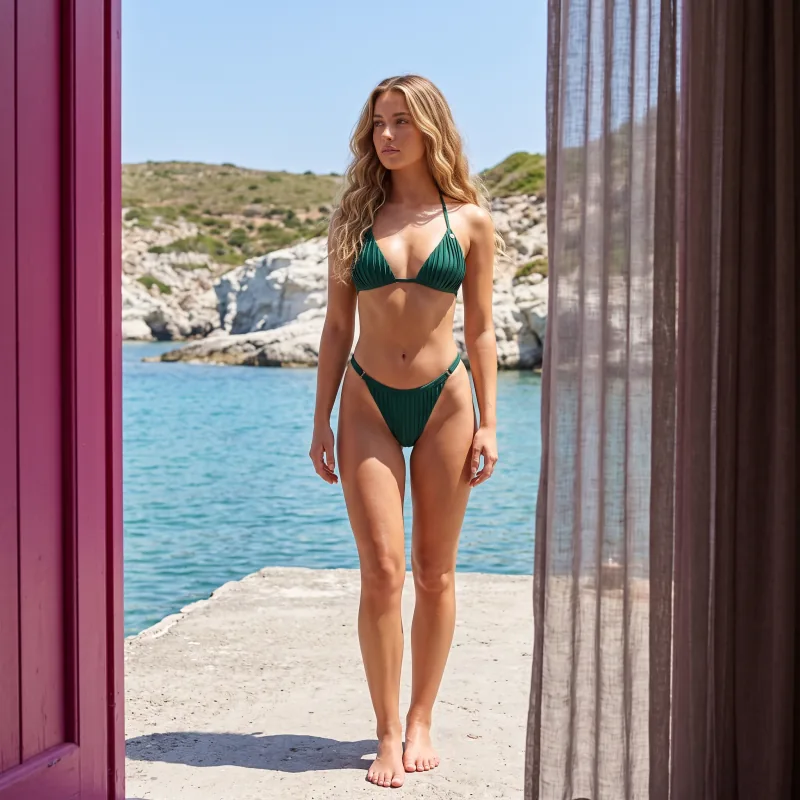
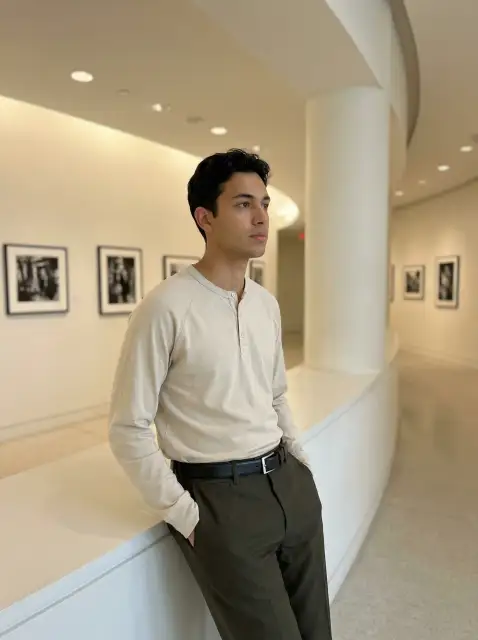
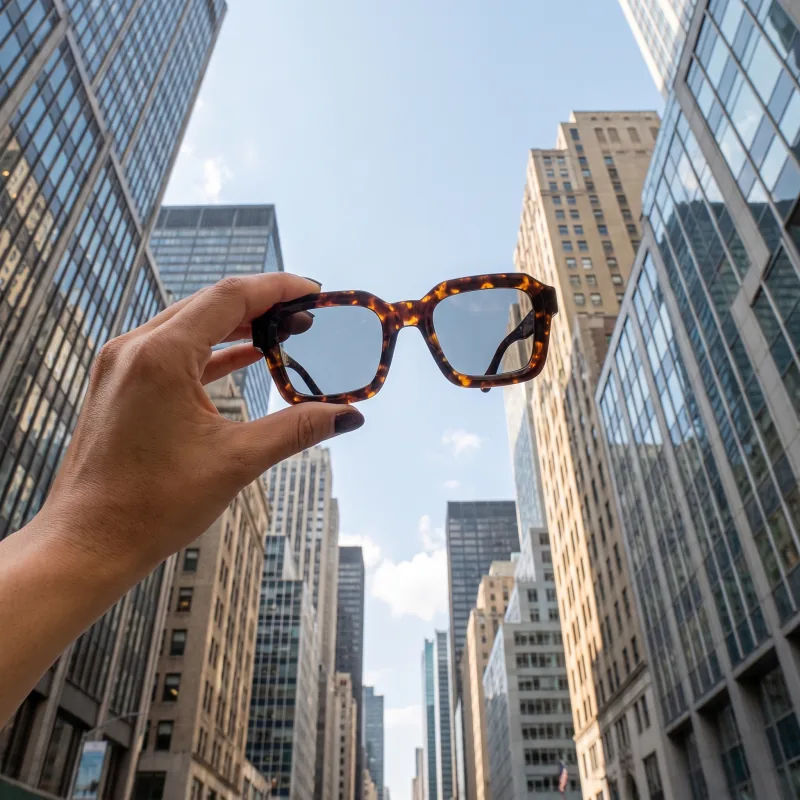
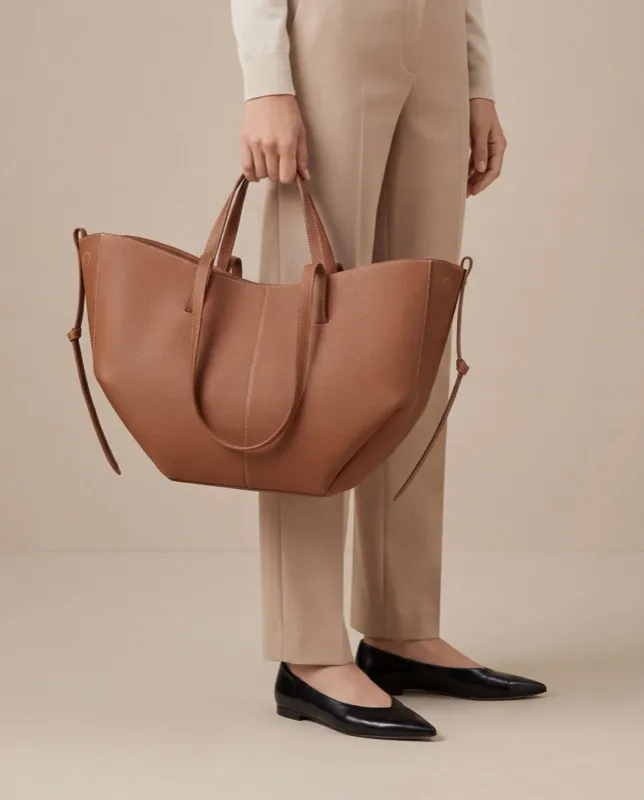
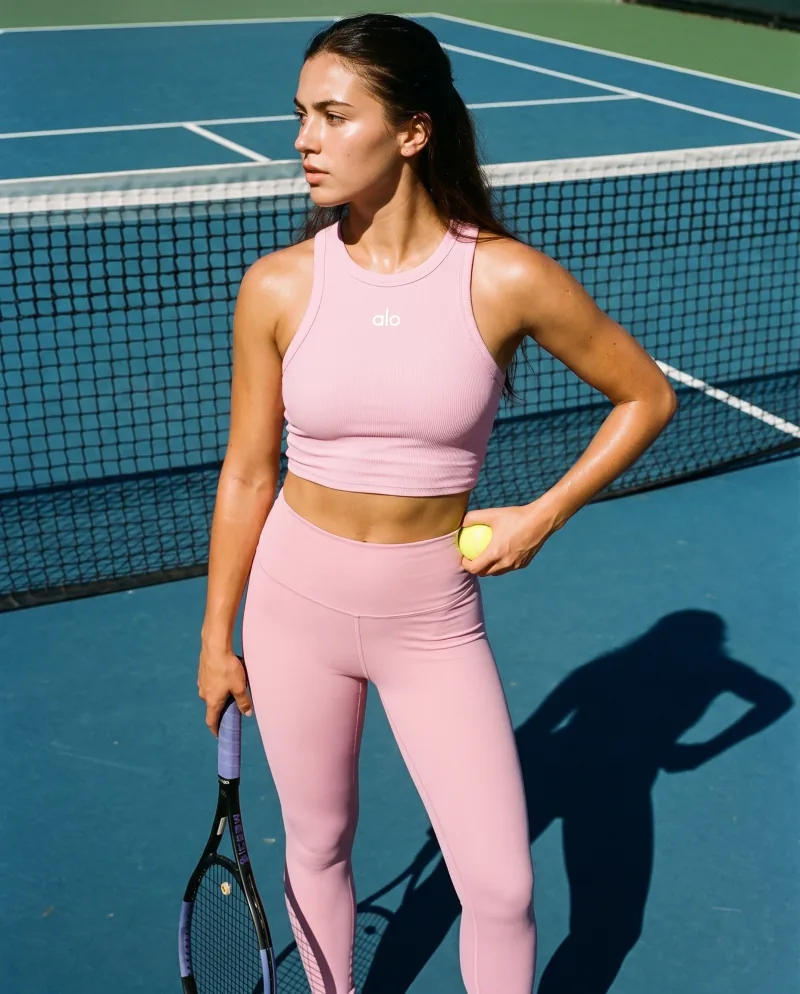
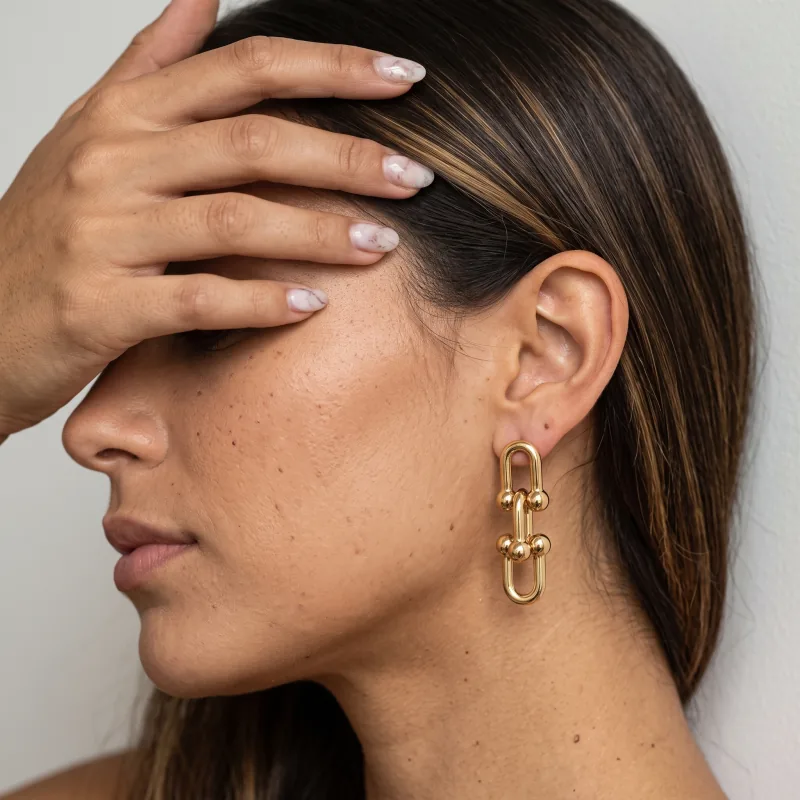
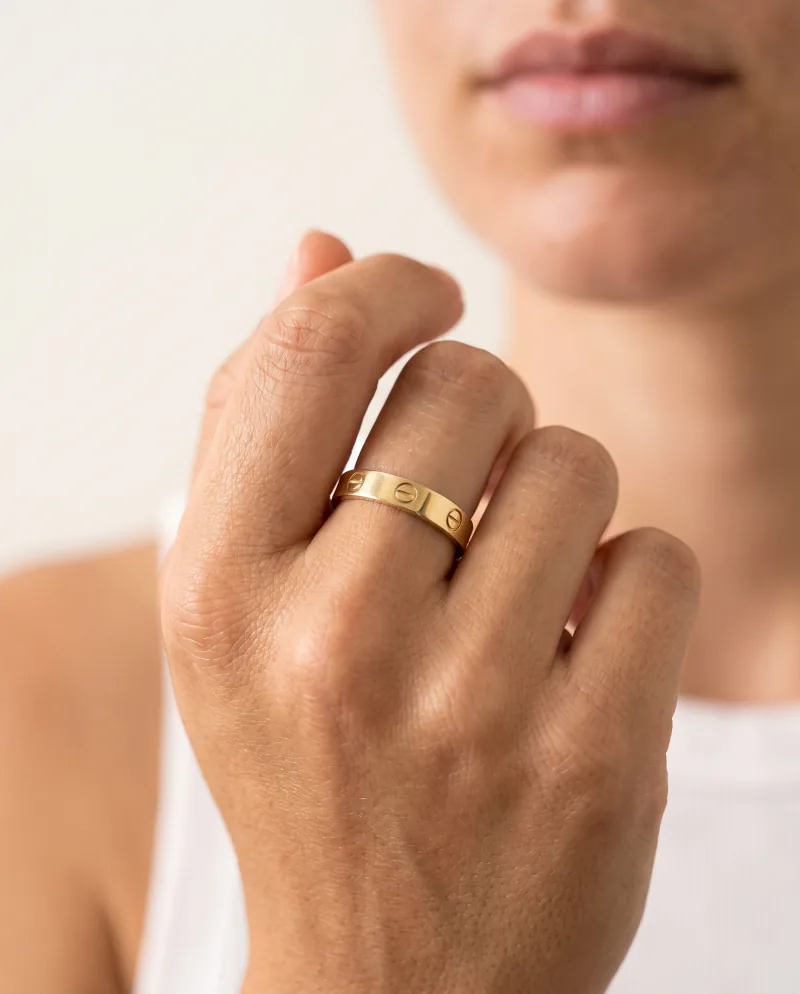
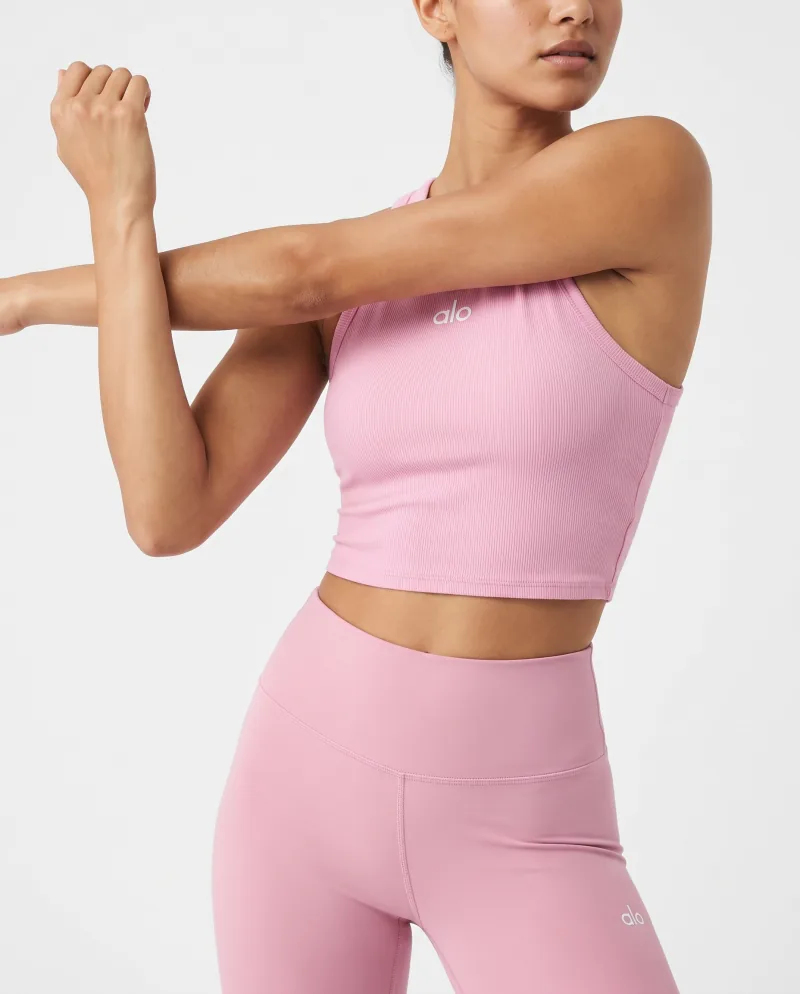
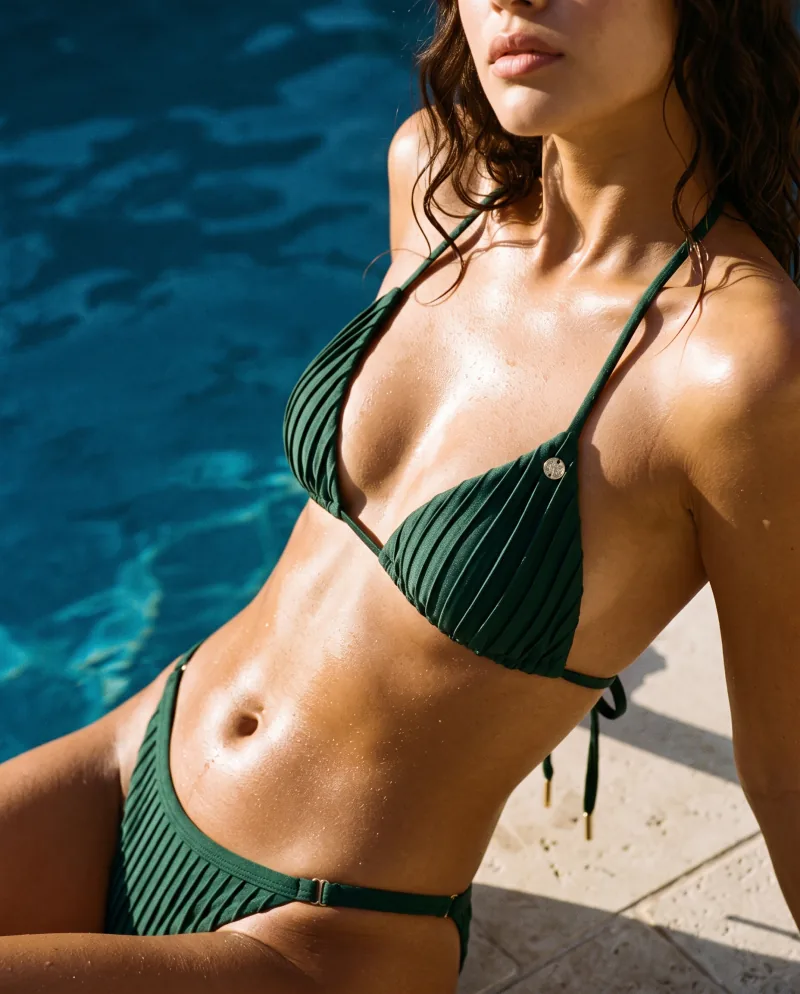
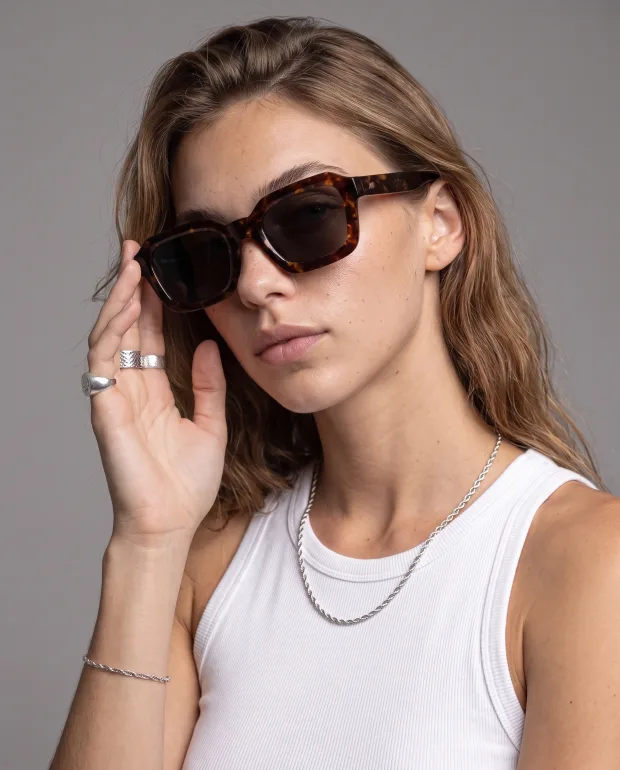
The workflow is the same for every product: one photo, a Recipe, a faithful result, then angles, models, video and formats. What changes is which Recipes fit, what the source photo should show, and what stays hard. Six categories, each with its own page.
Your product is reproduced from your photo — shape, colour, details — and placed in the scene. Nothing is redrawn from a description.
Recipes, not prompts
A Recipe is a reusable creative setup built by our creators: light, framing, mood, pose. Pick one, add the product. Hundreds exist; custom ones on request.
Models, where compatible
On Recipes built around a person, cast a model once and reuse them across the range. Each Recipe says whether it supports one.
Photoshoot
Re-shoot a result you like from new angles — closer, three-quarter, wider, low, a detail — same product, same light.
Video
A short product film from the same product photo and a video Recipe, in the format and quality you choose.
Every format
Expand a finished image to another ratio without cropping the product out: listing, feed, story, banner.
My category is not listed. Does Cheeppy still work?
Usually, yes. The Recipes are built around product types — worn, held, placed, flat — more than around a market. Shoes, kids, home and many other products already run through the same workflow; the six pages here are the categories with the most Recipes and the clearest examples.
What is the same for every category?
One product photo in, a Recipe chosen instead of a prompt, the product kept faithful, then the same next steps: new angles with Photoshoot, a cast model on compatible Recipes, a video, every format with Expand.
What differs?
The Recipes that fit, the source photo that works best, and the things that stay hard — each page says so for its category.