Compare
Looking for a Vmake AI alternative?
Vmake turns a product into a short social video — script, voice and music generated together. Cheeppy makes the photograph first, and a short silent film from the same product photo when you want motion. If your deliverable is a talking UGC video, Vmake is built for that. If it is the image on your product page, it is not.
Orientation
Two tools, two jobs.
Their focus
Vmake AI
A social video studio: turn products into short-form videos for TikTok, Reels and Shorts.
Cheeppy
Cheeppy
A product studio: you upload one product photo, pick a Recipe — a scene built by our creators, with its light, framing and pose — and the product is placed in it. Then you re-shoot that result from new angles, put it in every format, make a short film of it, and send it to your store. Video exists here too: a video Recipe sets the scene, the camera move and the length, and the film comes from the same product photo.
How they work
Where Vmake AI and Cheeppy differ.
The axes here are about what you are actually shipping.
| Vmake AI | Cheeppy | |
|---|---|---|
| The deliverable | A short social video with visuals, a spoken script and music. | A photograph for the product page and the feed — and a short silent film from the same photo. |
| The starting point | A product image or a product URL, into a structured form. | One product photo, into a scene built by our creators. |
| Who appears | Avatar presenters — unboxing, product in hand, before and after. | Cast models on compatible Recipes, or no person at all on still-life Recipes. |
| Sound | Script and music generated with the video. | Films are silent — you add the sound where you post them. |
| Repairing existing footage | Watermark removal, upscaling, noise reduction. | Not offered. Cheeppy generates; it does not repair footage you already shot. |
The deliverable
- Vmake AI
- A short social video with visuals, a spoken script and music.
- Cheeppy
- A photograph for the product page and the feed — and a short silent film from the same photo.
The starting point
- Vmake AI
- A product image or a product URL, into a structured form.
- Cheeppy
- One product photo, into a scene built by our creators.
Who appears
- Vmake AI
- Avatar presenters — unboxing, product in hand, before and after.
- Cheeppy
- Cast models on compatible Recipes, or no person at all on still-life Recipes.
Sound
- Vmake AI
- Script and music generated with the video.
- Cheeppy
- Films are silent — you add the sound where you post them.
Repairing existing footage
- Vmake AI
- Watermark removal, upscaling, noise reduction.
- Cheeppy
- Not offered. Cheeppy generates; it does not repair footage you already shot.
The difference
What Cheeppy does differently.
The photograph comes first
The product page needs a still before it needs a video. Cheeppy is built for that still, and the film is made from the same photo afterwards.
The product is reproduced, not described
Your item comes from your photo — shape, colour, material — and is placed in the scene.
One photo, many pieces
Several Recipes give several directions of the same product; Expand puts each in 4:5, 1:1 and 9:16.
To the product page
Send a finished image straight back to a connected Shopify, WooCommerce or Wix listing.
Honestly
When Vmake AI is the better fit.
No tool wins every row. Here is where Vmake AI is the sensible choice.
Pick Vmake AI if
the deliverable is a short social video with a spoken script and music
Pick Vmake AI if
you want an avatar presenter without filming anyone
Pick Vmake AI if
you have footage to rescue — watermarks, low resolution, noise
Proof
What Cheeppy produces.
The still first, the film from the same photo.
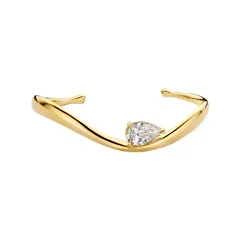
Your photo 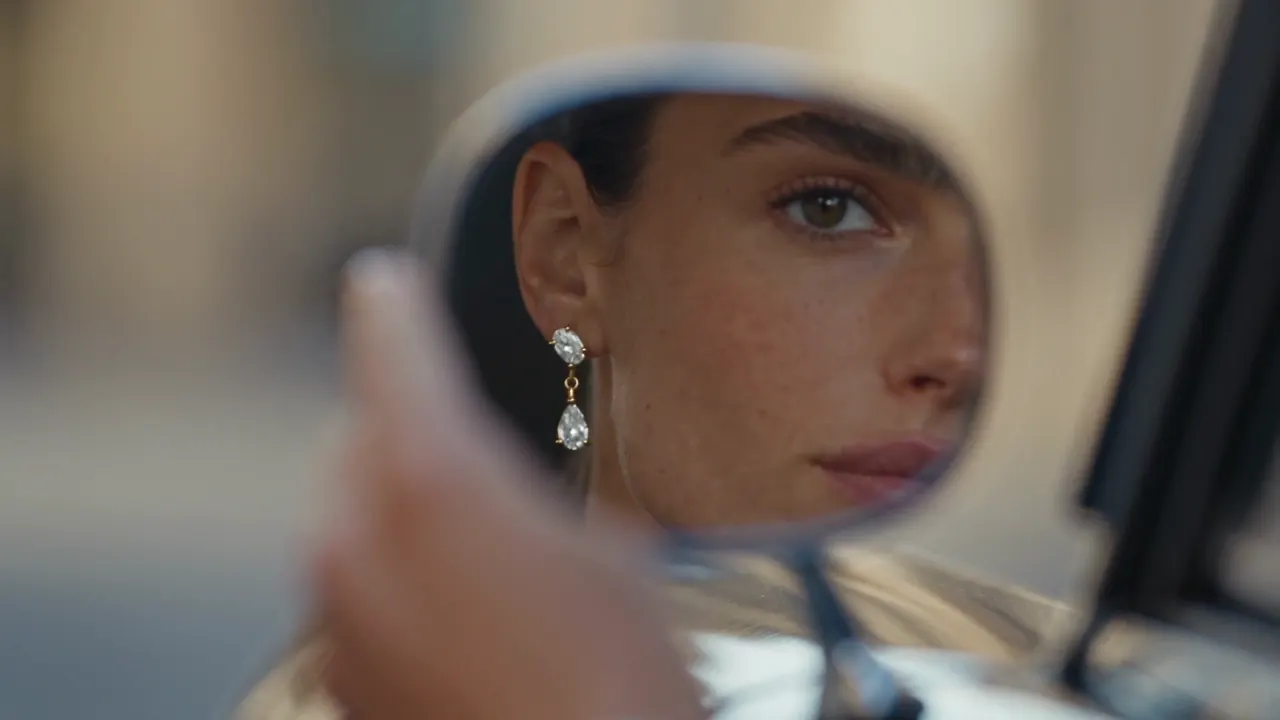
A short film 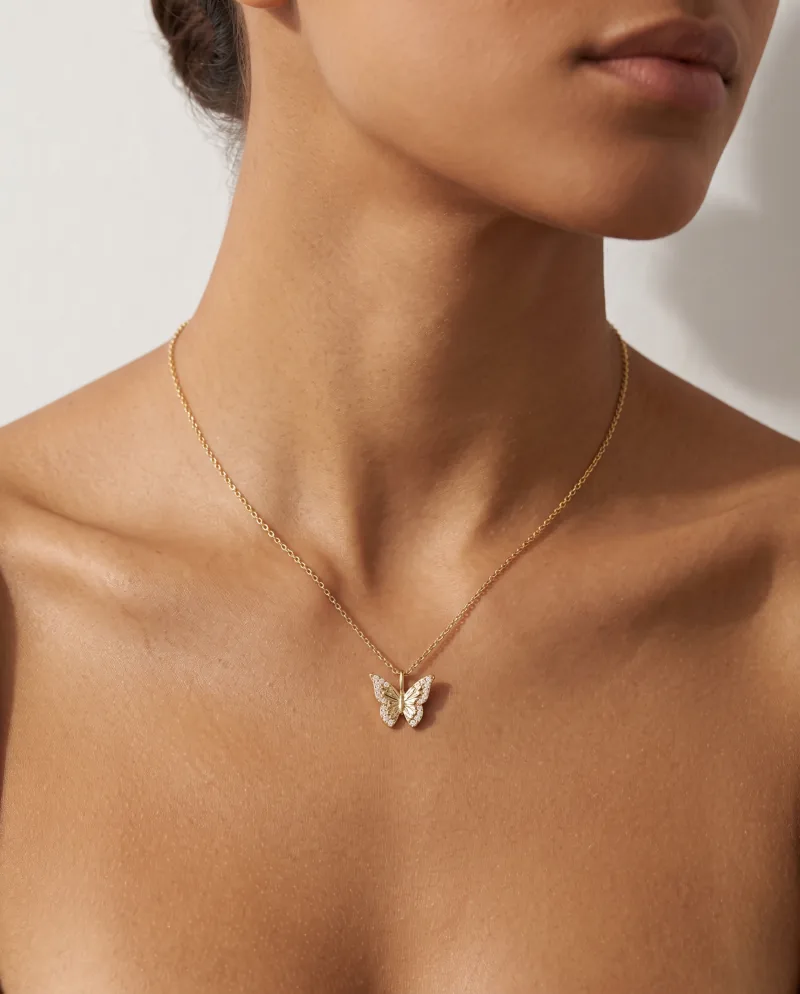
Stills too 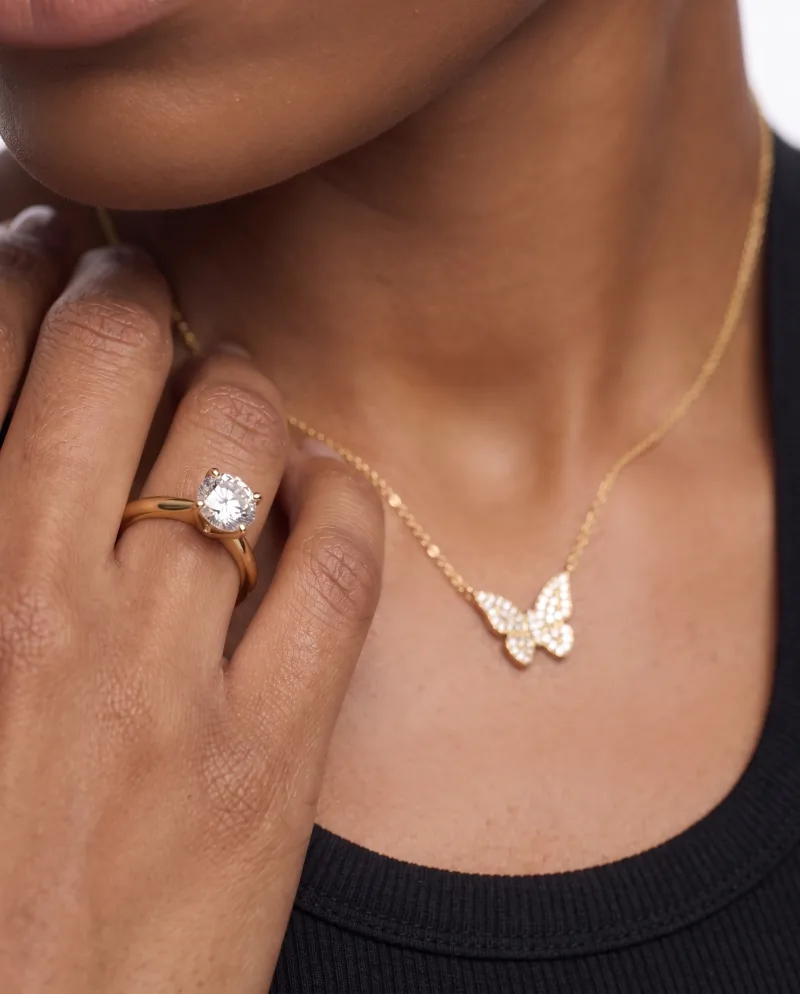
New angles
Pricing
What each one costs.
Vmake AI
Their entry paid plan is Plus at $9.99/month on a credit system, with a free tier limited to watermarked output. Checked 2026-09-22 — check theirs.
Cheeppy
Paid plans from $20/mo, and up to 100 free credits to try first — no card. You own what you generate, on every plan.
FAQ
Questions
- Does Cheeppy make videos?
- Yes: a short film from your product photo and a video Recipe, in the format and quality you pick. The Recipe sets the scene, the camera move and the length, and films are silent.
- Can I get a talking presenter?
- No. There is no avatar, no script and no voice generation.
- Can Cheeppy fix a video I already have?
- No. It generates from a product photo; it does not upscale or clean existing footage.
- What about the stills?
- That is the main job — the product page image, the feed post, the ad still, in every ratio.
Sources
What this page says about Vmake AI comes from their own site, checked on : vmake.ai · vmake.ai/ugc-video · vmake.ai/pricing. Products change — check theirs before you decide.
Start with the image your product page needs.
Up to 100 free credits, no card. Try it with your own product and compare the result, not the feature list.