Compare
Looking for a Pebblely alternative?
Pebblely and Cheeppy both take one product photo and give back something you can sell with. Pebblely keeps it to a theme and a prompt; Cheeppy adds the parts that come after the first image — angles, models, formats, video, and the store.
Orientation
Two tools, two jobs.
Their focus
Pebblely
AI product photos aimed at sellers with no design skills.
Cheeppy
Cheeppy
A product studio: you upload one product photo, pick a Recipe — a scene built by our creators, with its light, framing and pose — and the product is placed in it. Then you re-shoot that result from new angles, put it in every format, make a short film of it, and send it to your store. And then it keeps going: the same result re-shot, re-framed, and sent to the product page.
How they work
Where Pebblely and Cheeppy differ.
Both start from one upload. The difference is what happens after the first image.
| Pebblely | Cheeppy | |
|---|---|---|
| Picking the look | A background theme, or a prompt you write. | A Recipe: a full photographic scene, with no prompt to write. |
| People in the image | Backgrounds and themes. | Cast models on the Recipes built around a person, reusable across products. |
| After the first image | Generate again, or resize. | Re-shoot the kept image from new camera angles, expand it to other ratios, make a short film from it. |
| Volume | Bulk generation across a catalog. | Product by product in the app: import the catalog from your store and reuse the same Recipes for one look. |
| Store workflow | Output sized for marketplaces and social. | Connect Shopify, WooCommerce or Wix, create from a real listing and send the image back. |
Picking the look
- Pebblely
- A background theme, or a prompt you write.
- Cheeppy
- A Recipe: a full photographic scene, with no prompt to write.
People in the image
- Pebblely
- Backgrounds and themes.
- Cheeppy
- Cast models on the Recipes built around a person, reusable across products.
After the first image
- Pebblely
- Generate again, or resize.
- Cheeppy
- Re-shoot the kept image from new camera angles, expand it to other ratios, make a short film from it.
Volume
- Pebblely
- Bulk generation across a catalog.
- Cheeppy
- Product by product in the app: import the catalog from your store and reuse the same Recipes for one look.
Store workflow
- Pebblely
- Output sized for marketplaces and social.
- Cheeppy
- Connect Shopify, WooCommerce or Wix, create from a real listing and send the image back.
The difference
What Cheeppy does differently.
A scene, not a background
A Recipe carries light, surface, framing and pose together — the difference between a backdrop and a photograph.
The result is a starting point
Angles, formats and video all come from the image you kept.
Models where the Recipe has a person
Cast once, reuse across the range, so a catalog reads as one campaign.
Back to the product page
One image per action, into the gallery of a connected store.
Honestly
When Pebblely is the better fit.
No tool wins every row. Here is where Pebblely is the sensible choice.
Pick Pebblely if
you want the shortest possible path from one upload to a usable photo
Pick Pebblely if
you would rather write a prompt to steer the background yourself
Pick Pebblely if
you only need output already sized for marketplaces and social
Proof
What Cheeppy produces.
The first image, and everything that comes after it.
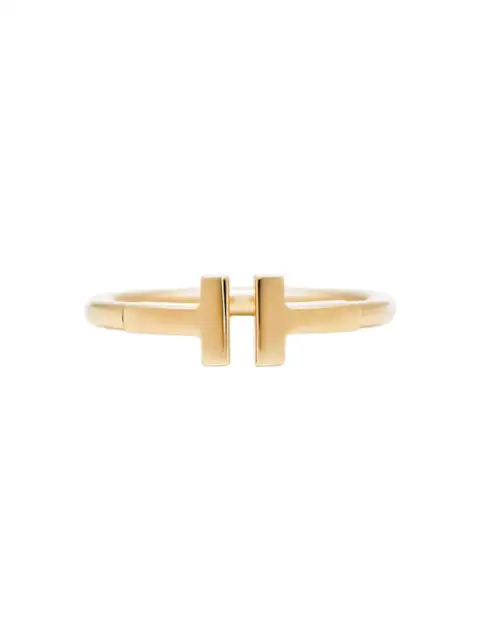
Your photo 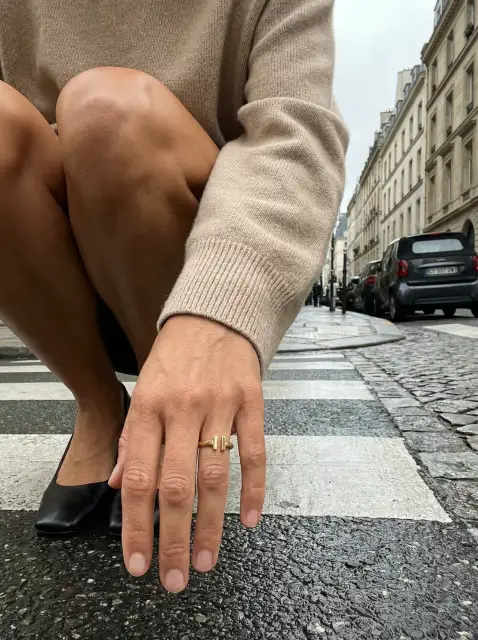
Generated 
Re-shot 
Every ratio
Pricing
What each one costs.
Pebblely
Their pricing is not quoted here — check Pebblely’s current pricing on their site, it changes more often than a comparison page does.
Cheeppy
Paid plans from $20/mo, and up to 100 free credits to try first — no card. You own what you generate, on every plan.
Next
See it for yourself
FAQ
Questions
- Do I write prompts in Cheeppy?
- No. You pick a Recipe. Custom Recipes are briefed in words, but our creators build them.
- Can I get more than one angle?
- Yes — Photoshoot re-shoots a result you kept from up to twelve camera angles.
- Can I do a whole catalog?
- Yes, product by product: import it from your store and reuse the same Recipes, so the look stays consistent across products.
Sources
What this page says about Pebblely comes from their own site, checked on : pebblely.com · pebblely.com/pricing. Products change — check theirs before you decide.
Try one product and see the whole set.
Up to 100 free credits, no card. Try it with your own product and compare the result, not the feature list.