Compare
Looking for a Topaz Photo alternative?
Topaz improves a photograph you already took: denoise, sharpen, recover focus, upscale. Cheeppy creates the photograph you do not have. They sit at opposite ends of the same pipeline, and plenty of people use both — Topaz on a real shot, Cheeppy when there is no shot to rescue.
Orientation
Two tools, two jobs.
Their focus
Topaz Photo
Image enhancement software, formerly called Topaz Photo AI: sharpen, denoise, restore focus and upscale photographs you already shot.
Cheeppy
Cheeppy
A product studio: you upload one product photo, pick a Recipe — a scene built by our creators, with its light, framing and pose — and the product is placed in it. Then you re-shoot that result from new angles, put it in every format, make a short film of it, and send it to your store. It cannot rescue a bad photograph; it can make one you never took.
How they work
Where Topaz Photo and Cheeppy differ.
The axis is whether the photograph exists yet.
| Topaz Photo | Cheeppy | |
|---|---|---|
| Starting point | A photograph you already shot, including RAW. | A plain product photo — a phone shot on a table is enough. |
| What it does | Improves that photograph: denoise, sharpen, super focus, upscale. | Creates a new photograph: your product in a built scene. |
| Where it runs | A desktop app for Windows and macOS, plus Lightroom, Photoshop, Affinity and Capture One plugins. | The web app and an iPhone app. |
| Scenes and people | None — it never changes what is in the frame. | Recipes with their own light and framing; cast models on compatible Recipes. |
| How you pay | A subscription (it is no longer a one-time licence). | A subscription, with free credits to try first. |
Starting point
- Topaz Photo
- A photograph you already shot, including RAW.
- Cheeppy
- A plain product photo — a phone shot on a table is enough.
What it does
- Topaz Photo
- Improves that photograph: denoise, sharpen, super focus, upscale.
- Cheeppy
- Creates a new photograph: your product in a built scene.
Where it runs
- Topaz Photo
- A desktop app for Windows and macOS, plus Lightroom, Photoshop, Affinity and Capture One plugins.
- Cheeppy
- The web app and an iPhone app.
Scenes and people
- Topaz Photo
- None — it never changes what is in the frame.
- Cheeppy
- Recipes with their own light and framing; cast models on compatible Recipes.
How you pay
- Topaz Photo
- A subscription (it is no longer a one-time licence).
- Cheeppy
- A subscription, with free credits to try first.
The difference
What Cheeppy does differently.
It makes the image that does not exist
Not a better version of the one you have.
No photography required
No studio, no lighting, no set — a Recipe carries all of it.
Angles and formats
Re-shoot the kept result from a new camera angle, and expand it to any ratio.
Into the listing
Send the finished image back to a connected store product page.
Honestly
When Topaz Photo is the better fit.
No tool wins every row. Here is where Topaz Photo is the sensible choice.
Pick Topaz Photo if
you have a real photograph that needs rescuing — noise, soft focus, low resolution
Pick Topaz Photo if
you want the work done locally on your machine rather than in a browser
Pick Topaz Photo if
you already work in Lightroom, Photoshop or Capture One and want a plugin in that workflow
Proof
What Cheeppy produces.
The image you never took.
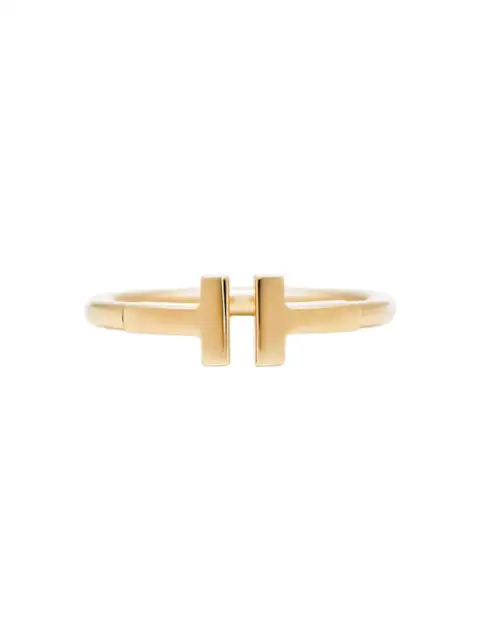
Your photo 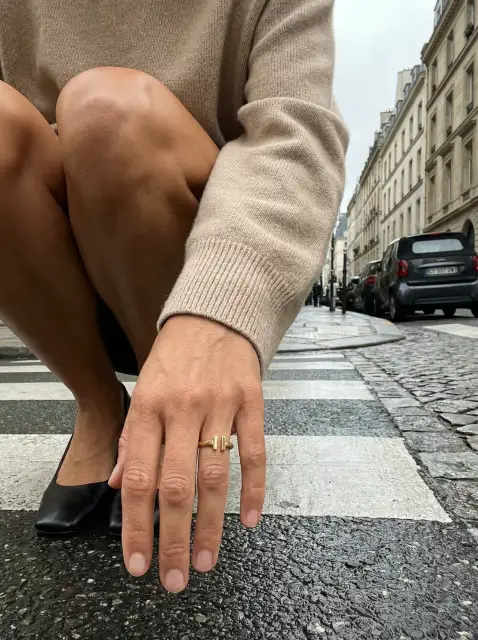
Generated 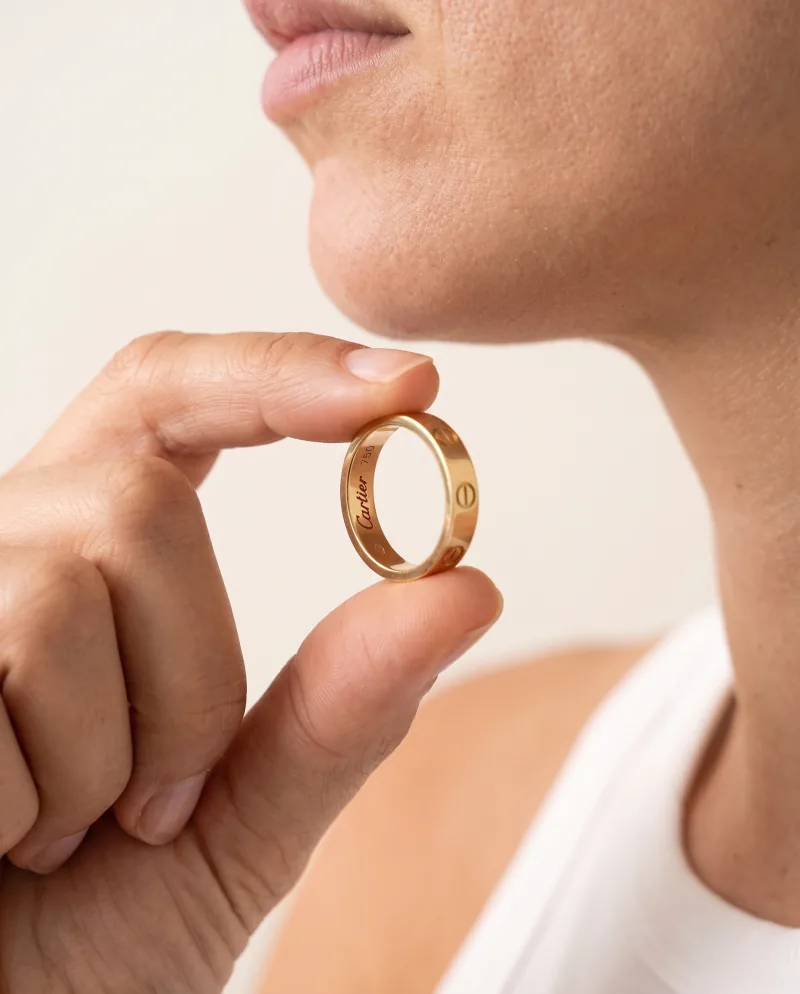
Re-shot 
Every ratio
Pricing
What each one costs.
Topaz Photo
It is now a subscription, not a one-time licence: Topaz Photo Personal is $199/year, or $25/month on an annual commitment, or $39 month to month (checked 2026-09-22). Their older documentation still describes the previous perpetual model — check their pricing page.
Cheeppy
Paid plans from $20/mo, and up to 100 free credits to try first — no card. You own what you generate, on every plan.
FAQ
Questions
- Can Cheeppy upscale my photo?
- No. It generates at full size — 2K on every plan, 4K where the plan includes it — but it does not enhance an existing file.
- Is Topaz still a one-time purchase?
- Not as their pricing page stands today: Topaz Photo is sold as a subscription. Some of their older documentation still describes the previous perpetual model, so check their pricing page.
- Would I use both?
- Often, yes — Topaz on photographs you actually shot, Cheeppy for the images you never shot.
Sources
What this page says about Topaz Photo comes from their own site, checked on : www.topazlabs.com/topaz-photo-ai · www.topazlabs.com/pricing. Products change — check theirs before you decide.
Make the photo you do not have.
Up to 100 free credits, no card. Try it with your own product and compare the result, not the feature list.