Blog
Increase Shopify Conversion with Better Product Images
The image-side levers that move the conversion needle on Shopify — what to test first, what to ignore, and how to measure the lift.
By CheeppyPublished 10 min read
Why Images Are Shopify's Highest-Leverage Conversion Factor
Shopify operators have hundreds of variables to tune — pricing, copy, navigation, checkout flow, abandoned-cart sequences. Yet survey after survey puts product imagery at the top of the conversion stack: roughly 75% of online buyers cite product photos as the deciding factor in a purchase.
The reason is simple. Online, the photo is the product. Customers cannot touch, weigh, or smell what they are buying. Every doubt they have is answered by an image — or compounded by the lack of one.
Image Count — The First and Easiest Win
Shopify product pages with one or two images convert significantly worse than pages with seven or more. The marginal value of each additional image is highest between #2 and #5.
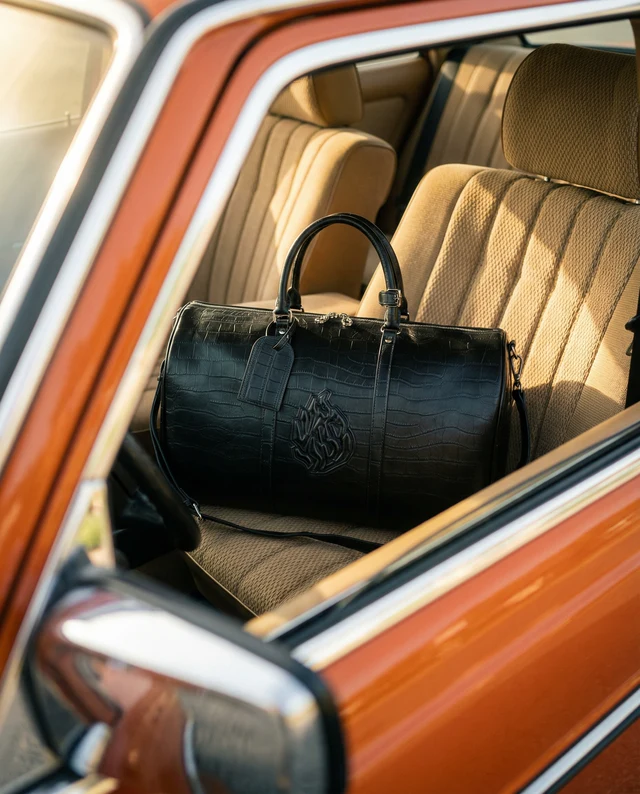
- Image 1 — hero: clean, well-lit, high-resolution. Shows the product clearly with no clutter.
- Image 2 — alternate angle: side, back, or 45° rotation. Buyers want to verify what they cannot see in the hero.
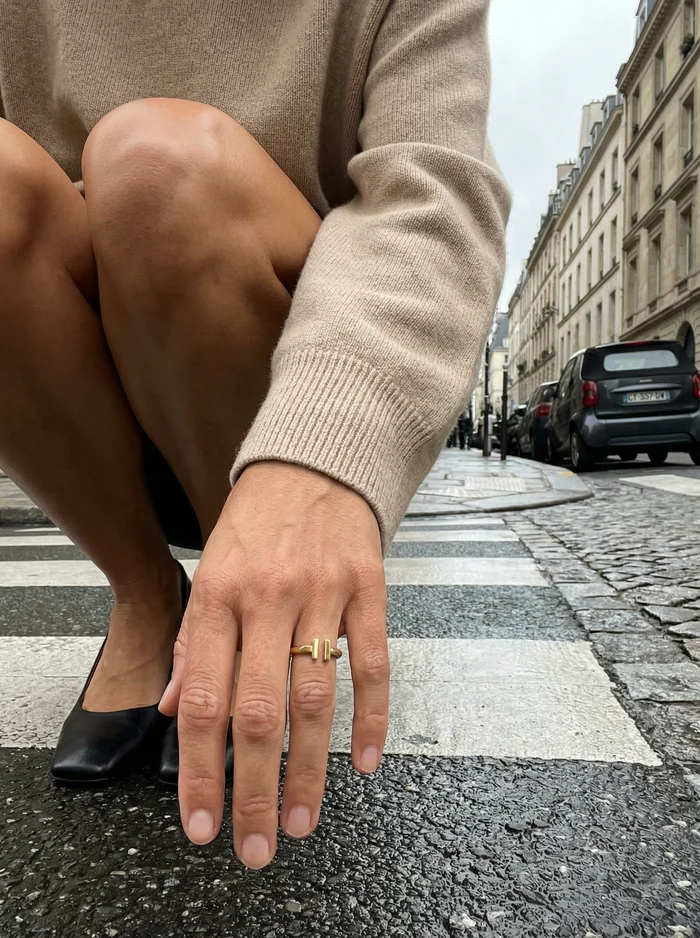
- Image 3 — scale reference: a hand, a coin, or a known object next to the product. Removes "how big is this actually" anxiety.
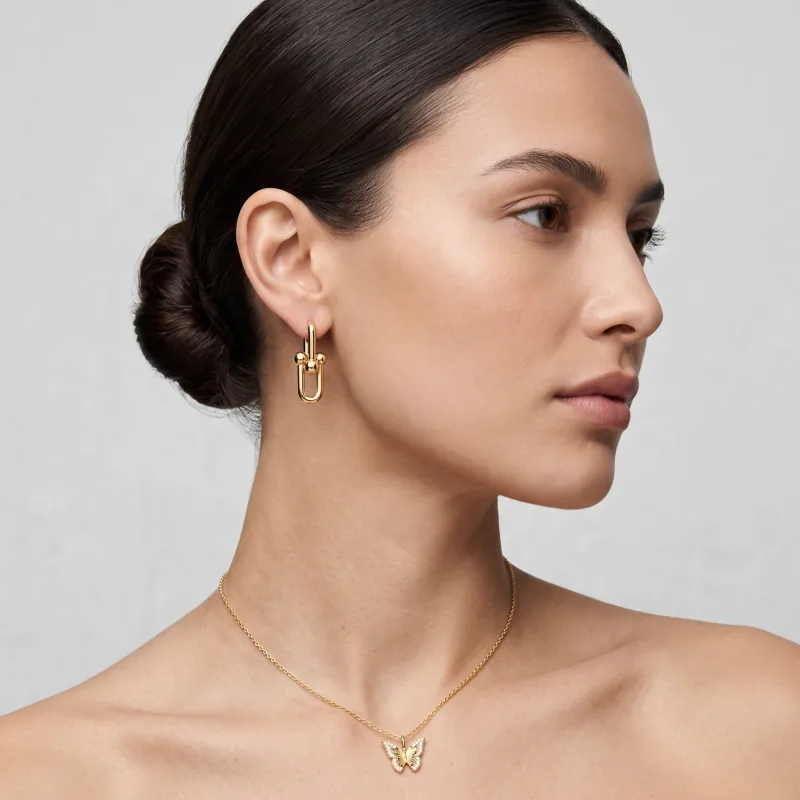
- Image 4 — lifestyle: product in use, in context, in someone's real life. Bridges the imagination gap.
- Image 5 — detail: macro shot of the most important feature (stitching, finish, label, mechanism).
- Image 6-7 — packaging, alternate colors, size chart. Last-mile reassurance.
Lifestyle vs Studio — A False Dichotomy
The "lifestyle vs studio" argument is the wrong frame. Both work. The right answer depends on category and where in the funnel the buyer is.
Studio shots win on the product page where buyers are evaluating fit, color, and finish. Lifestyle shots win on collection pages, social ads, and email — where the job is to spark desire, not validate spec. Most successful Shopify stores use both: clean studio for the hero and detail slots, lifestyle for the secondary slots and creative assets.
Image Specifications That Actually Matter
- Aspect ratio: 4:5 (1080×1350) or 1:1 (1080×1080) — these match Instagram, Pinterest, and most Shopify themes without awkward cropping.
- Resolution: 2000×2500 minimum for hero images so theme zoom features work. 4K (3840+) for premium product categories.
- Format: WebP for modern browsers (30-50% smaller files), JPEG fallback. Avoid PNG except for products requiring transparency.
- Background: white or light neutral for hero. Strong colored backgrounds only when they match the brand and reproduce well across mobile screens.
- Color accuracy: shoot with a calibrated monitor or use a delivery tool that handles color profiles correctly. A red dress that ships looking purple gets returned.
The Core Web Vitals Trap
Better images can hurt conversion if they slow down the page. Google's Core Web Vitals — specifically Largest Contentful Paint (LCP) and Cumulative Layout Shift (CLS) — are direct conversion factors. Pages with poor LCP convert 30-50% less than fast pages.
- Use Shopify's built-in `image_url` filter with explicit `width` and `height` so the browser reserves space (no layout shift).
- Lazy-load all but the first 1-2 images. Below-the-fold images should not block initial render.
- Serve responsive sizes — Shopify's `srcset` utilities handle this automatically when used correctly.
- Compress aggressively. A 4MB hero image is conversion-killing latency. Aim for 200-500KB per image.
- Use a fast CDN. Shopify's default CDN is fine for most stores; premium plans get faster origin caching.
A/B Testing Image Decisions
Stop arguing about which image looks best. Test it. Shopify A/B testing apps (Intelligems, Shoplift, Visually) let you split traffic between image variants and measure conversion rate, not just clicks.
- Test hero image variants first — they have the largest effect on click-through from collection pages.
- One change per test. If you swap the hero AND the lifestyle slot, you cannot attribute the lift.
- Run tests for at least 14 days or 1000 sessions per variant, whichever is longer. Shopify traffic patterns vary by day-of-week.
- Track conversion rate, not click-through rate. A more dramatic image might get more clicks but worse buyers.
- Document winners. Build an internal library of "what works for this category" — every test should compound future testing.
Where AI Generation Fits
For Shopify operators specifically, AI image generation solves the variant explosion problem. Each product needs hero, lifestyle, detail, scale, and seasonal variants. With a 50-product catalog refreshed quarterly, that is 1,000+ images per year.
Tools like Cheeppy generate the full image set from a single source photo, sync directly into Shopify products, and let you A/B test variants without re-shoots. The economics swing decisively at the 30-product mark — beyond that, manual photography becomes the bottleneck on every other improvement you want to make.