Blog
10 Product Photography Tips for Ecommerce
Actionable photography tips used by top-selling brands on Amazon, Shopify, and Etsy. Improve your product images and watch conversions climb.
By CheeppyPublished 8 min read

1. Light from the Side, Not Above
The most common product photography mistake is using overhead room lighting. It creates harsh shadows and uneven illumination that makes products look flat and cheap.
Instead, position two light sources at 45-degree angles to either side of your product. This creates soft, even lighting with gentle shadows that add depth and dimension. If you only have one light, use a white reflector on the opposite side to fill in shadows.
2. Use a Tripod — Always
Hand-holding your camera (or phone) introduces subtle blur and makes it impossible to maintain consistent framing. A $15 phone tripod is the single best investment for product photography.
With a tripod, you can use longer shutter speeds in lower light (sharper images), maintain identical framing across your catalog, and batch-shoot products efficiently without repositioning between every shot.
3. Shoot More Than You Think You Need
Amazon allows 9 images per listing. Shopify stores benefit from 5-8 images per product. Yet many sellers upload just 1-2 photos. More images give buyers more confidence and reduce returns.
For every product, shoot: front view, back view, side angles, close-up details, packaging (if relevant), size comparison, and at least one lifestyle/in-use shot. Having too many options is always better than too few.
4. Master the White Background
White background photography is the standard for ecommerce. Amazon requires it for main images. Google Shopping prefers it. It's clean, professional, and puts focus on the product.
For a perfect white background: use a large white surface that curves against a wall (no visible edge). Light the background separately from the product. In post-processing, check that the background is truly pure white (RGB 255,255,255). Alternatively, use an AI tool like Cheeppy that generates perfect white backgrounds automatically.
5. Show Scale and Context
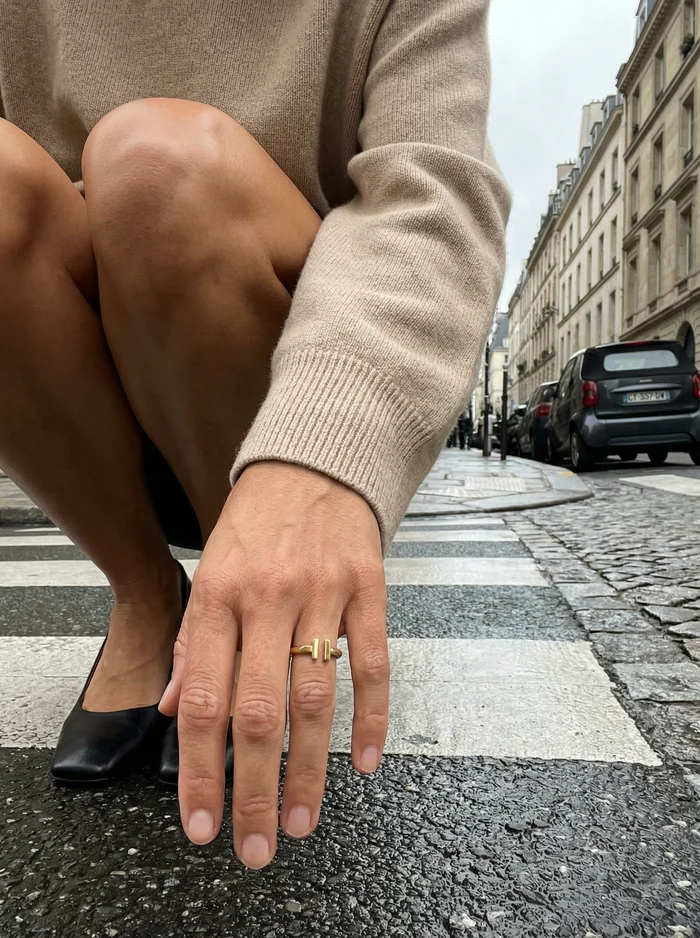
Online shoppers can't pick up and hold your product. They rely on photos to understand size, weight, and proportions. Always include at least one image that shows scale — a hand holding the product, the product next to a common object, or the product in its intended setting.
This is especially critical for products where size is a common question: furniture, bags, electronics, jewelry, and food items.
6. Color Accuracy Is Non-Negotiable
Color inaccuracy is one of the top reasons for product returns. If your red dress looks orange in the listing photo, buyers will be disappointed when it arrives. Use proper white balance settings, shoot under consistent lighting, and check colors on multiple screens.
If you sell products in multiple colors, shoot them all under identical conditions so the color differences are accurate and consistent.
7. Invest in Lifestyle Photography
White background photos sell the product. Lifestyle photos sell the experience. Showing your product in use — a mug on a cozy desk, a jacket on a rainy street, a candle in a warm living room — creates emotional connection that drives purchases.
Lifestyle images are also essential for social media marketing, email campaigns, and advertising. They get 3x more engagement on Instagram compared to plain product shots.
8. Edit Consistently, Not Heavily
Post-processing should enhance, not transform. Heavy filters and unrealistic editing set wrong expectations and lead to returns. Focus on consistent brightness, contrast, and color correction across your entire catalog.
Create a simple editing preset (in Lightroom, Snapseed, or your preferred tool) and apply it to every image. This ensures visual consistency across your store — a key trust signal for buyers.
9. Optimize File Size Without Sacrificing Quality
Large image files slow down your website and hurt your search rankings. Most ecommerce platforms recommend images under 1-2MB. Use formats like WebP or optimized JPEG.
The sweet spot: 2000-4000px on the longest side, compressed to under 500KB. This gives you enough resolution for zoom features while keeping page load times fast. Tools like TinyPNG or Squoosh can compress without visible quality loss.
10. Use AI to Scale Your Photography
AI product photography tools have reached a level where they produce images indistinguishable from traditional studio photography. If you need to generate images for a large catalog, test different styles quickly, or produce consistent imagery without a physical studio, AI is a practical solution.
Tools like Cheeppy let you upload any product photo and generate professional images in dozens of styles — white backgrounds, lifestyle scenes, seasonal themes — in seconds. It's particularly valuable for sellers who launch new products frequently or manage large catalogs.